Skip to content
KG
Geometry Dash: Ultra Mega MOD Playground!

Geometry Dash: Ultra Mega MOD Playground!

20K plays 3.9 out of 5

Overview

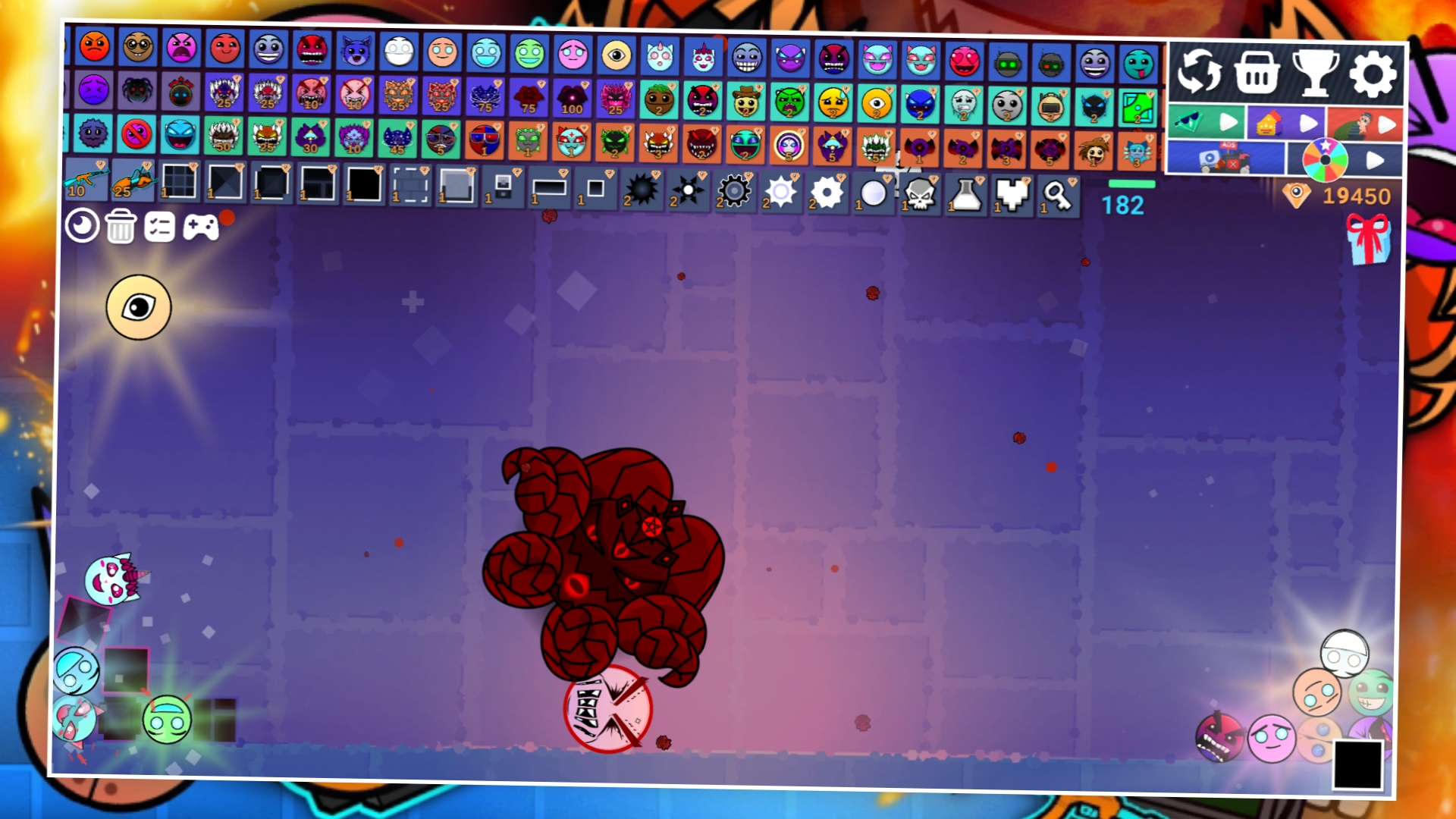
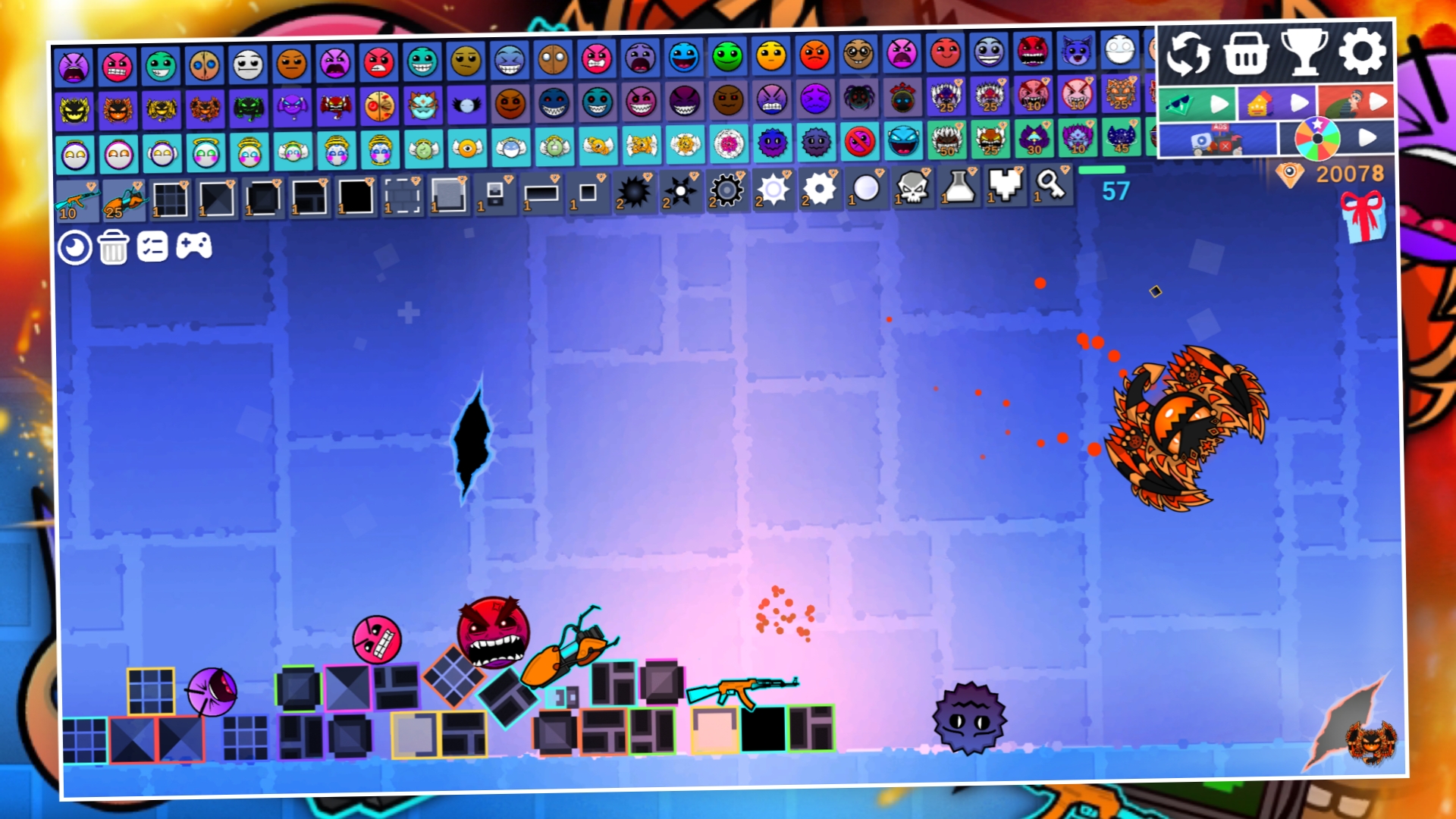
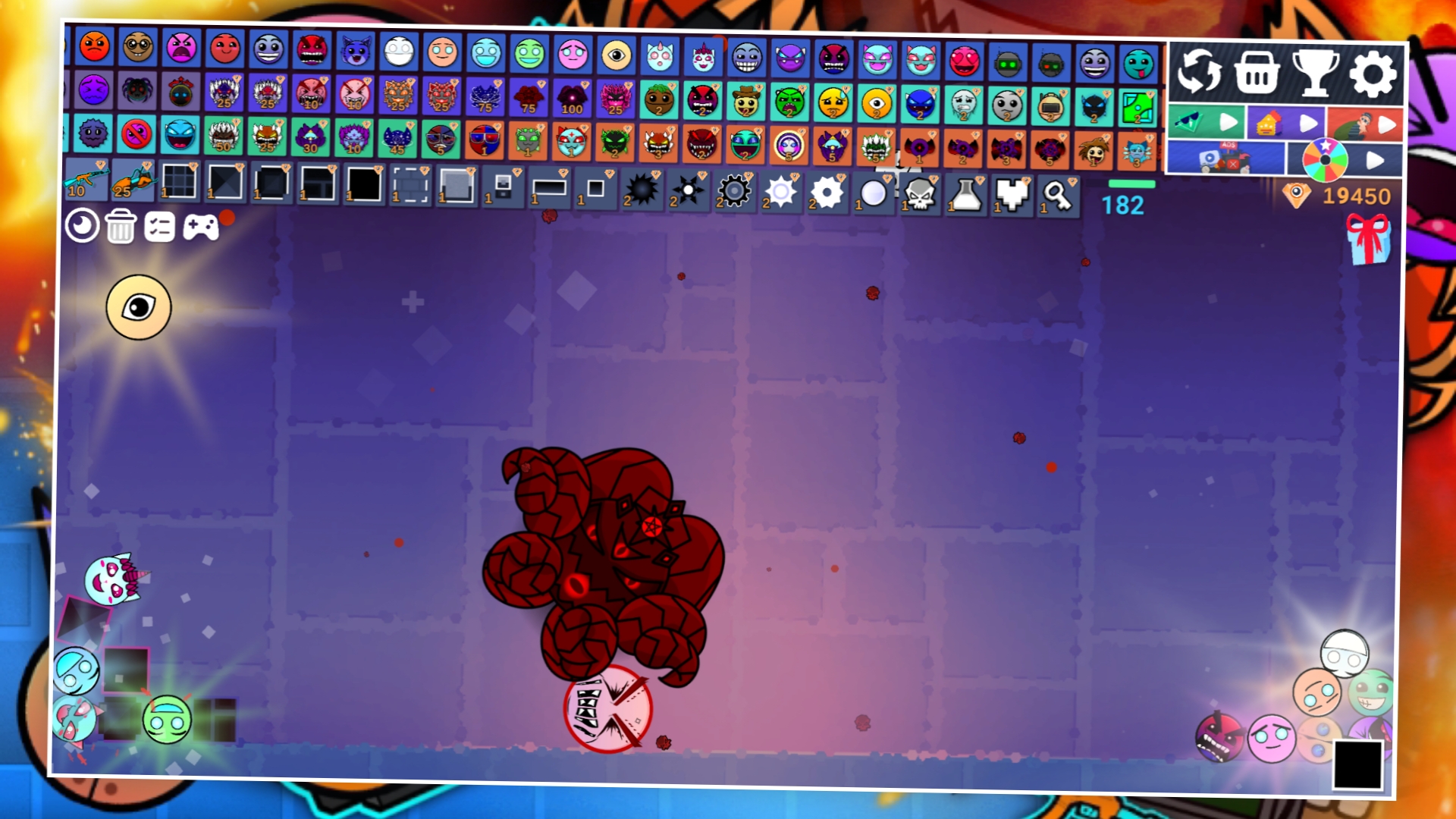
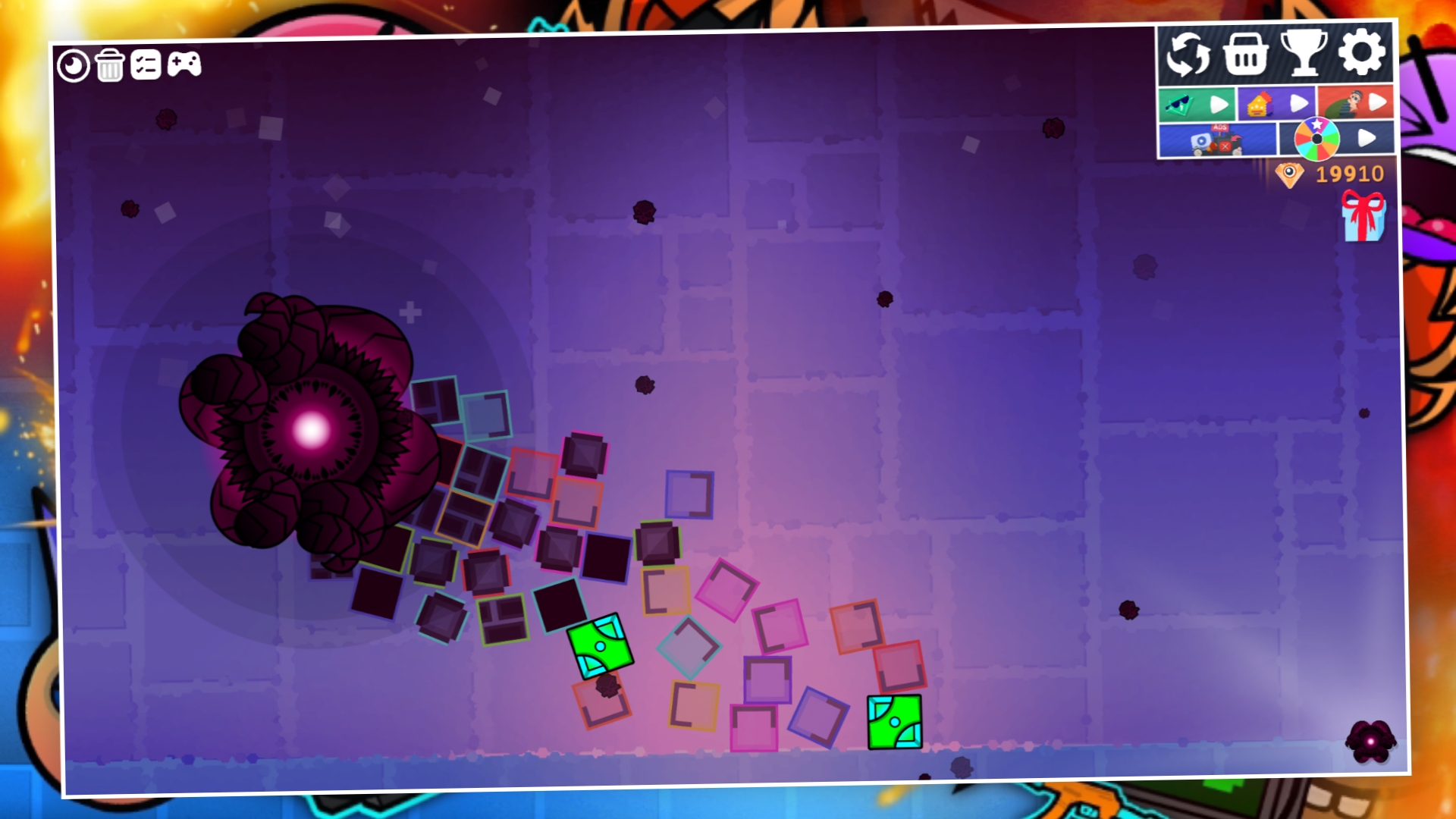
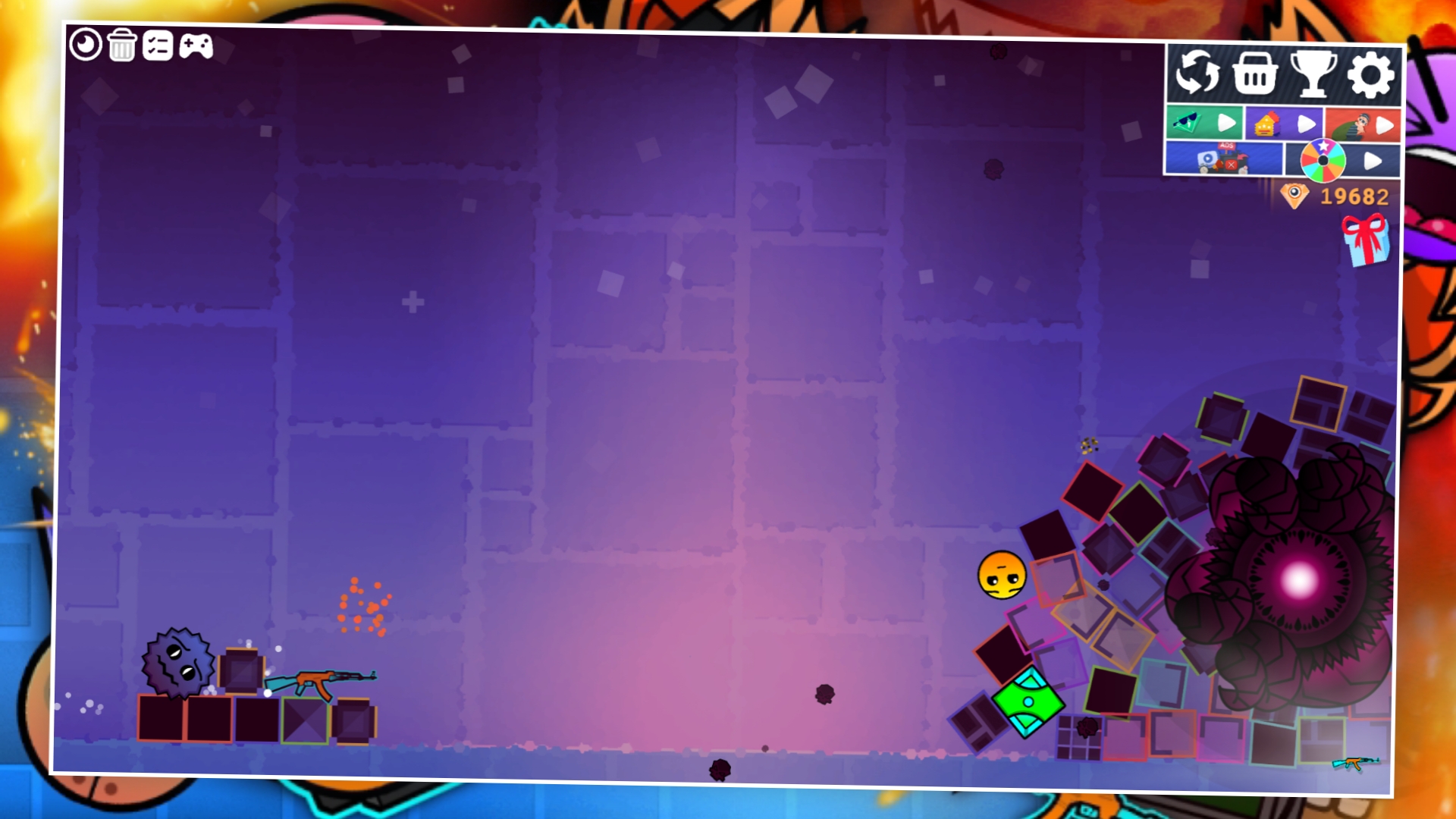
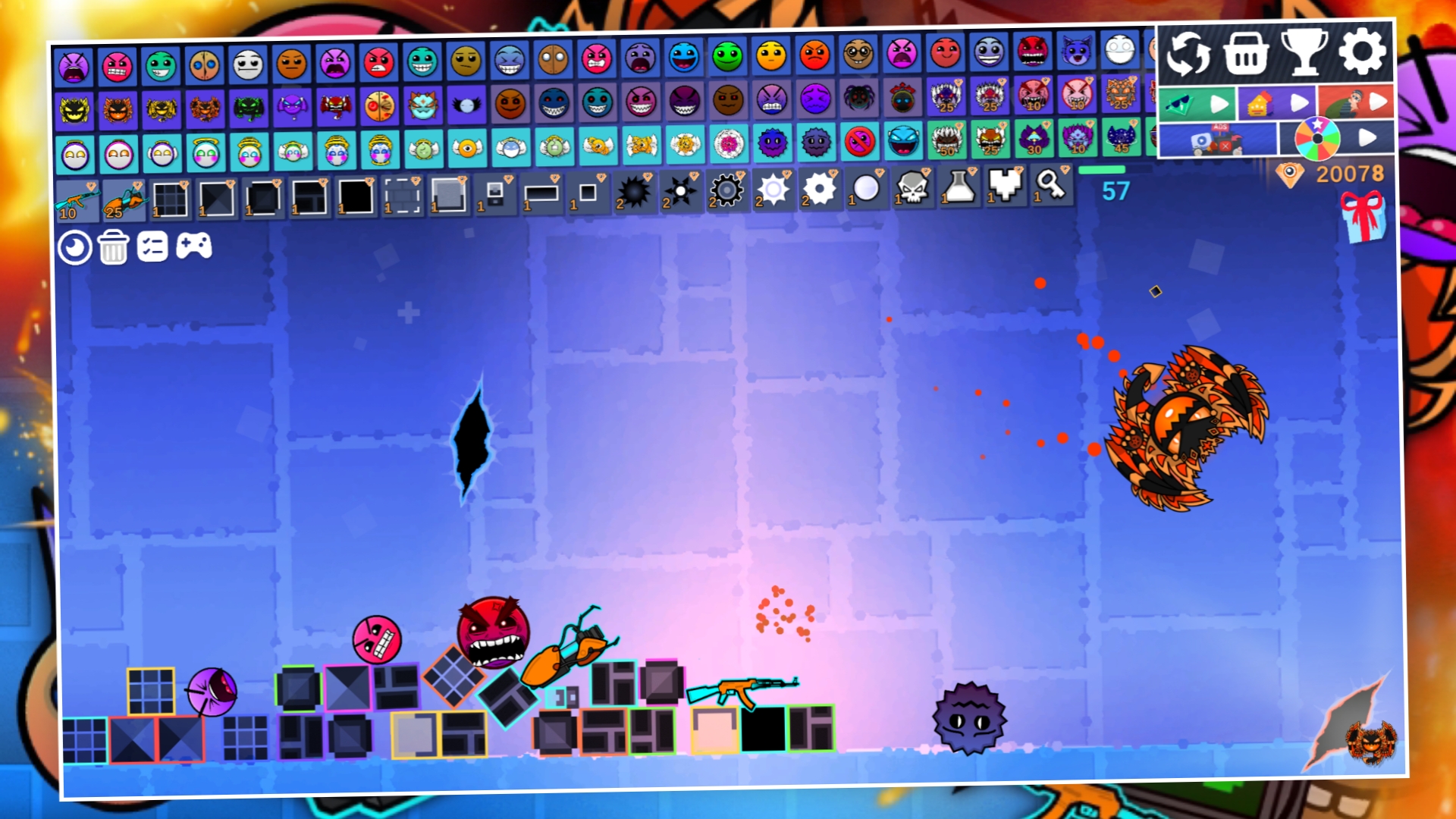
Immerse yourself in the epic world of Ultra Mega Geometry Dash Playground Fashion right now! In the game you will find a huge number of different characters from the world of Dash Geometry, each of which has its own cool abilities and different amounts of health. Discover them all and conduct the craziest experiments! The game also features a machine gun and a portal cannon, which will make your experiments even more exciting! Place characters on the playing field to earn points that increase your level. In turn, the level affects your position in the leaderboard. Try to take the first place and prove to other players that you are the best experimenter in the world of Dash Geometry!

Videos and screenshots
  • Geometry Dash: Ultra Mega MOD Playground! screenshot 1
  • Geometry Dash: Ultra Mega MOD Playground! screenshot 2
  • Geometry Dash: Ultra Mega MOD Playground! screenshot 3
  • Geometry Dash: Ultra Mega MOD Playground! screenshot 4
  • Geometry Dash: Ultra Mega MOD Playground! screenshot 5
  • Geometry Dash: Ultra Mega MOD Playground! screenshot 6
  • Geometry Dash: Ultra Mega MOD Playground! screenshot 7
  • Geometry Dash: Ultra Mega MOD Playground! screenshot 8
Play Now

14,075 players online

How to play

  1. Open the game

    Press Play now and the game opens on its own screen.

  2. Follow the in-game instructions

    The controls and goals are shown inside the game as you play.

  3. Use the game menu

    The floating button over the game reloads it, saves it to your favourites, or takes you back out.
Game instructions

To place a character, weapon, or object on the playing field, just click on the button with its image, and it will appear on the playing field. Some characters, weapons, and objects can only be placed for special diamonds, which can be earned by simply destroying everything, knocking them out at roulette, or completing quests. You can move objects and characters by simply pinching them. Each character has their own amount of health, and some of them have different abilities. Some abilities allow you to prevent other objects or characters from moving, and for such characters, the area for removing them is much larger than for others. To remove an object from the playing field, simply activate the delete function and click on the desired character or object. To gain experience, you just need to place various objects on the playing field. Experience allows you to increase your player level, as well as the level of bonus tickets!

More games

More games