Skip to content
KG
Idle Cinema Empire Tycoon

Idle Cinema Empire Tycoon

112K plays 4.2 out of 5

Overview

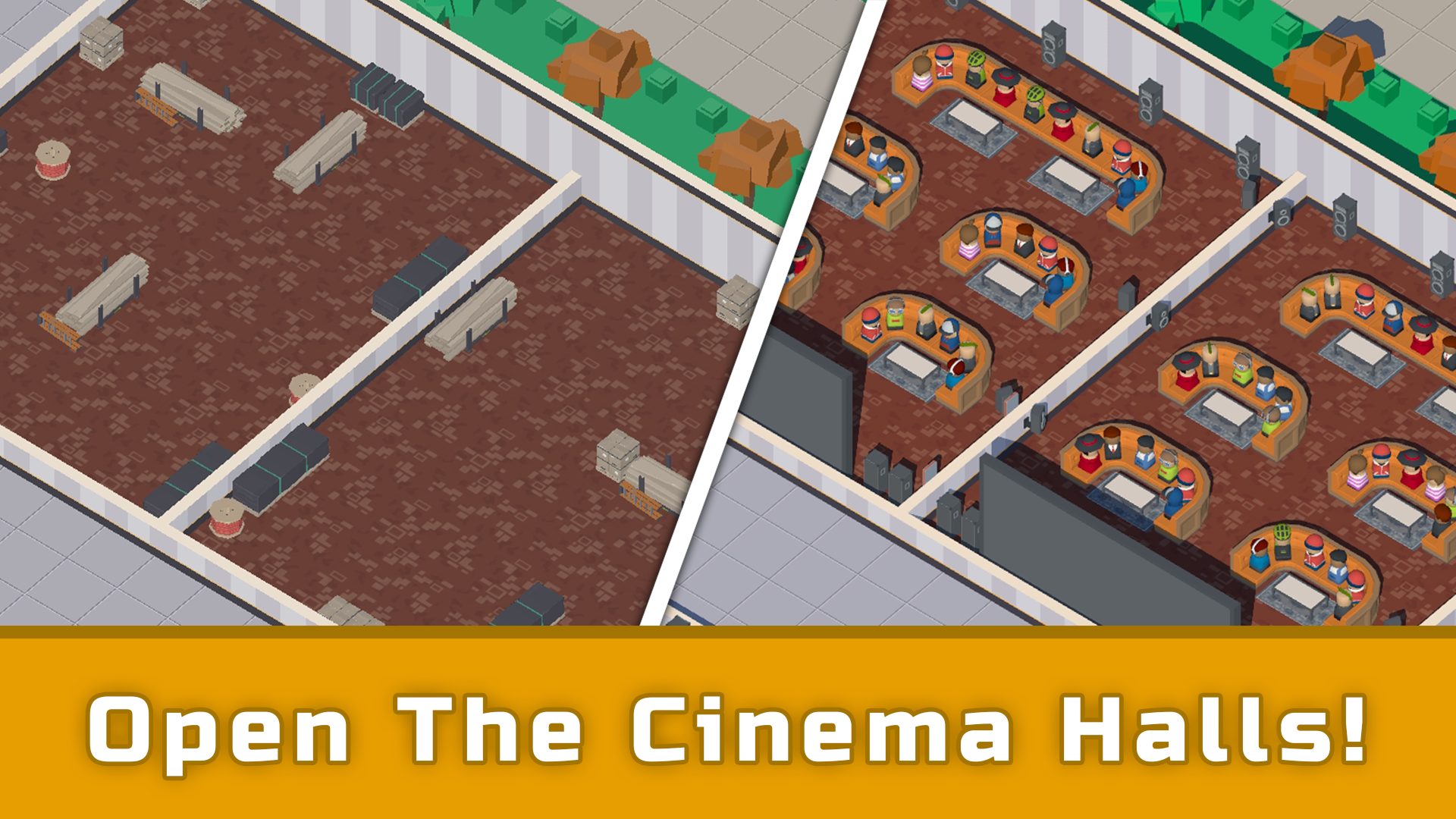
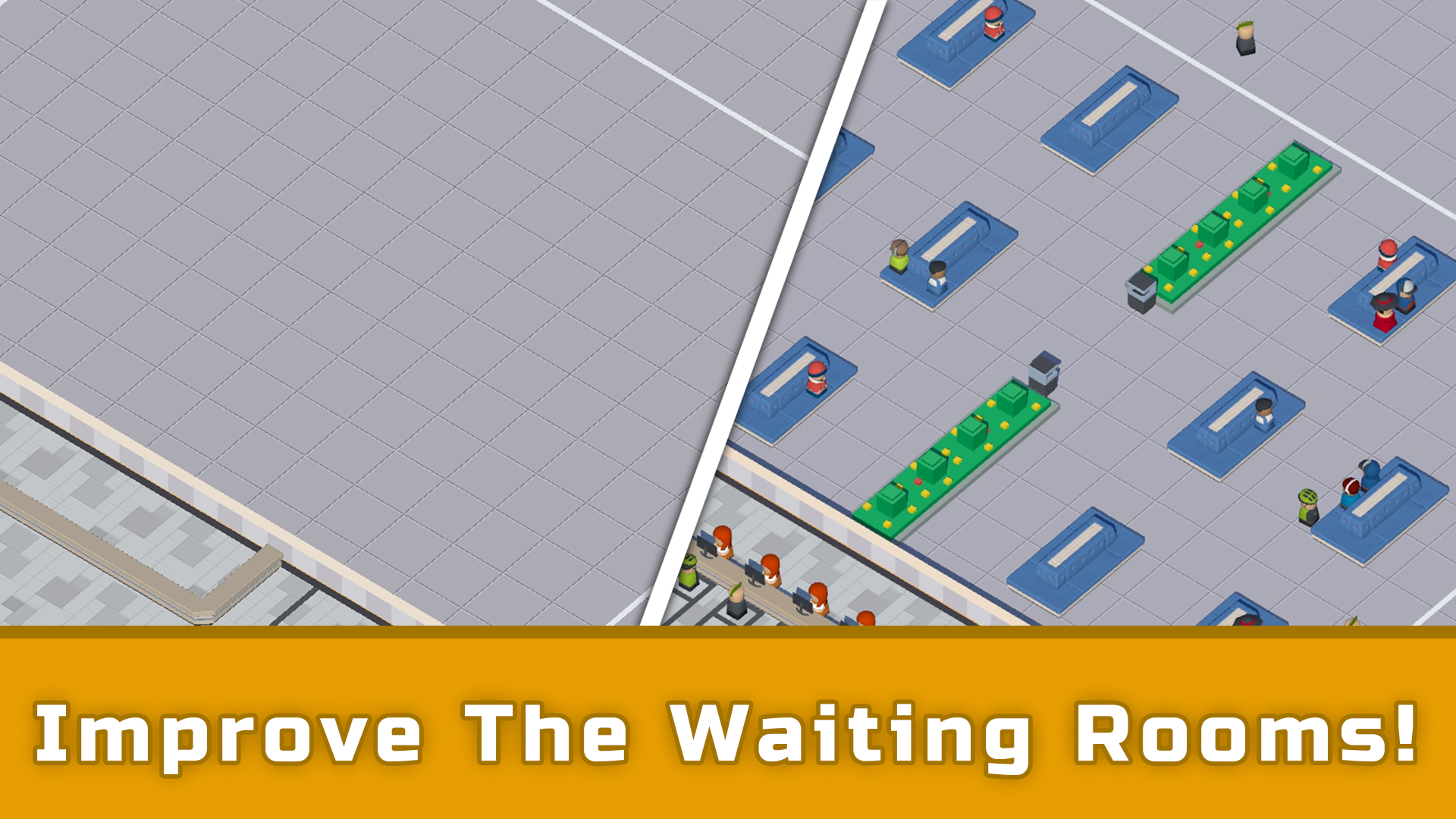
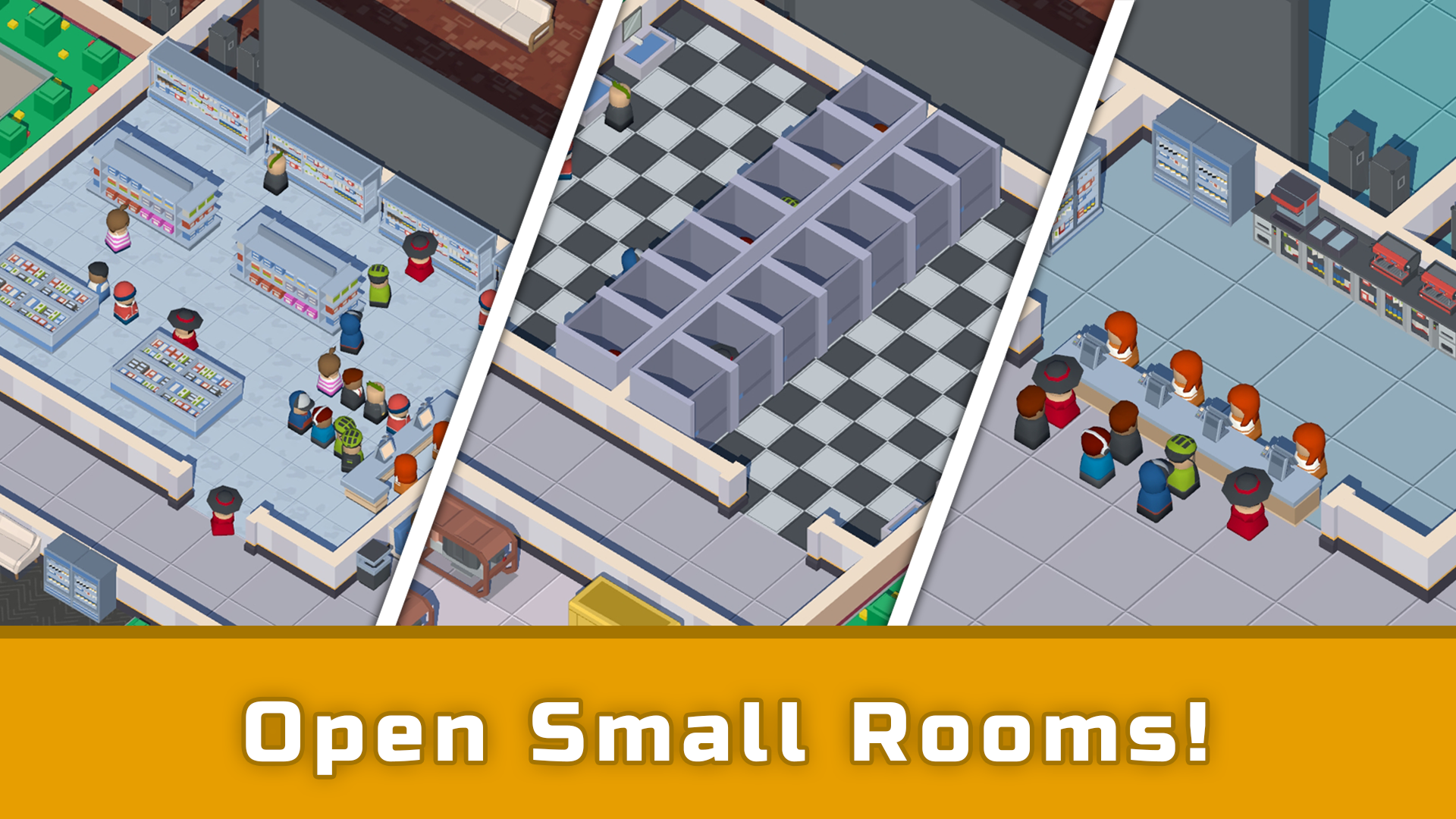
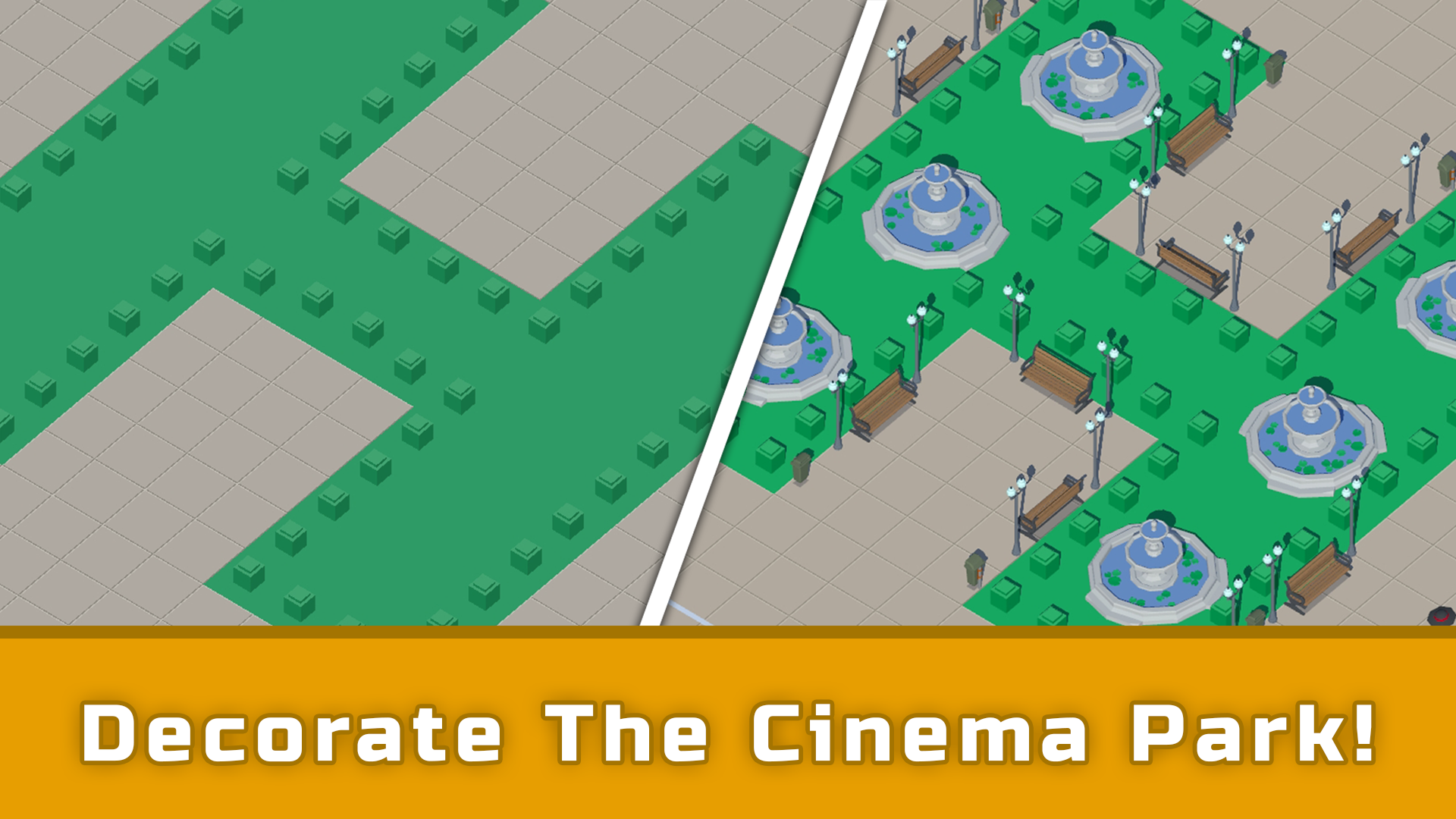
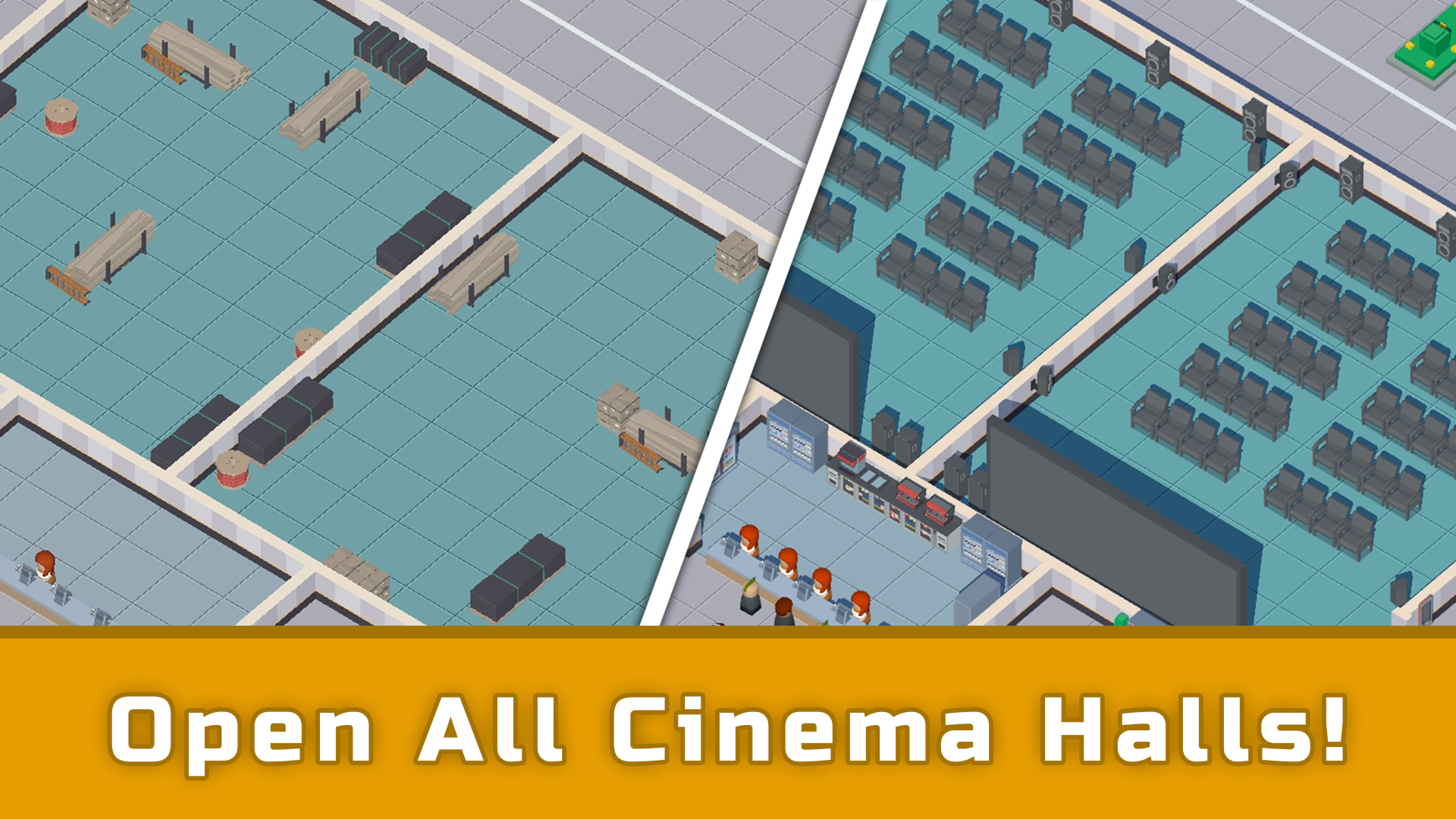
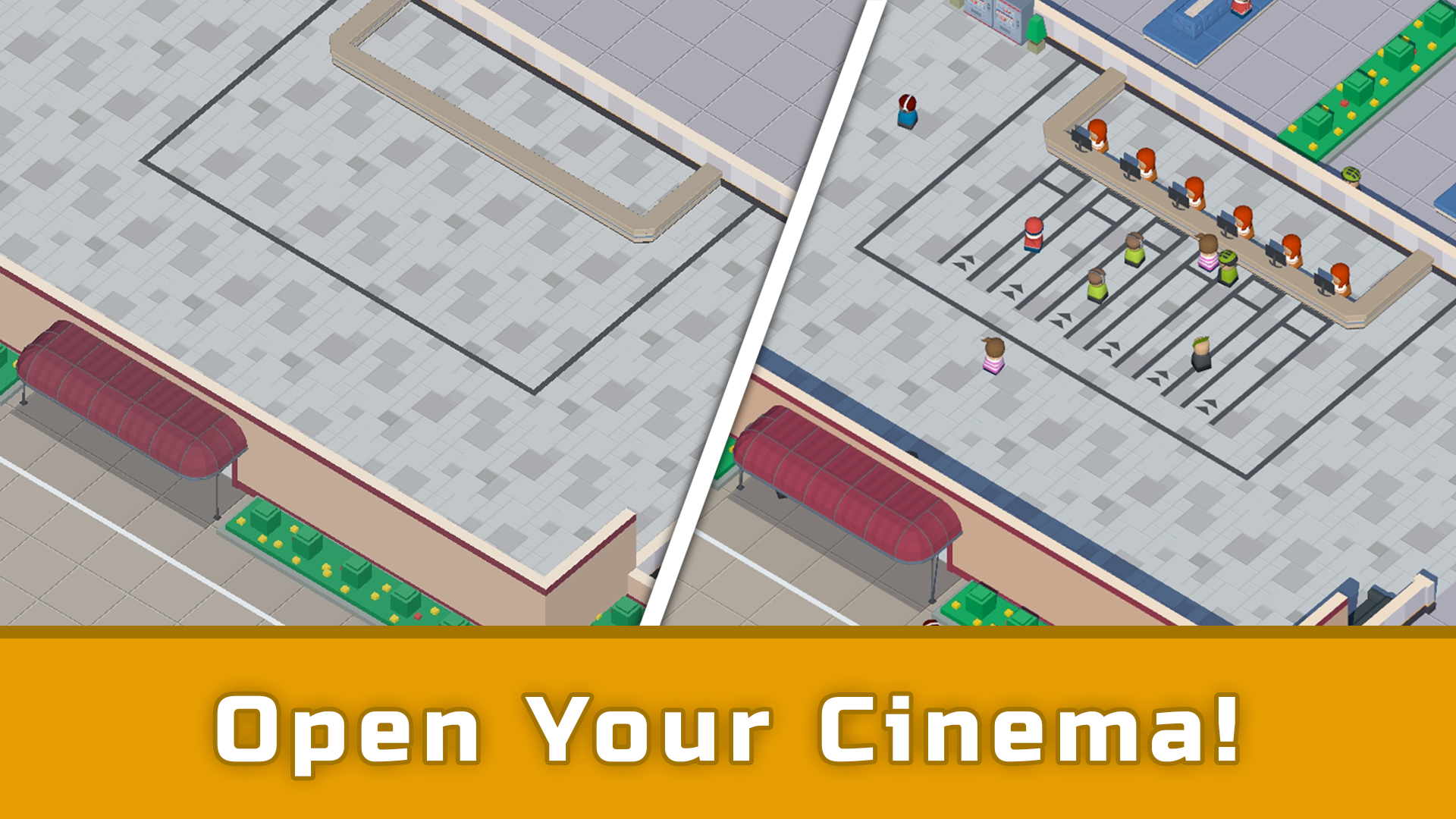
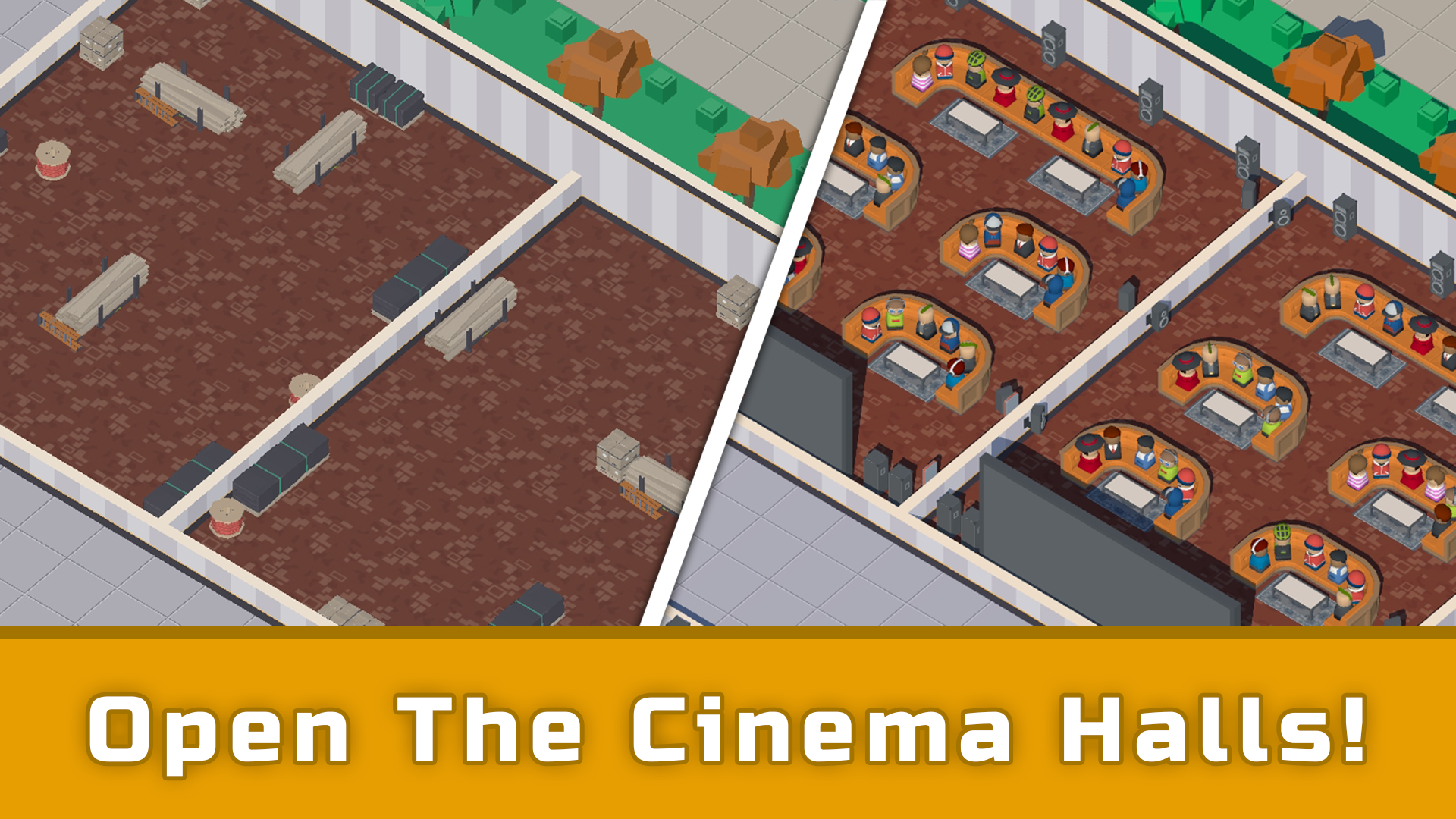
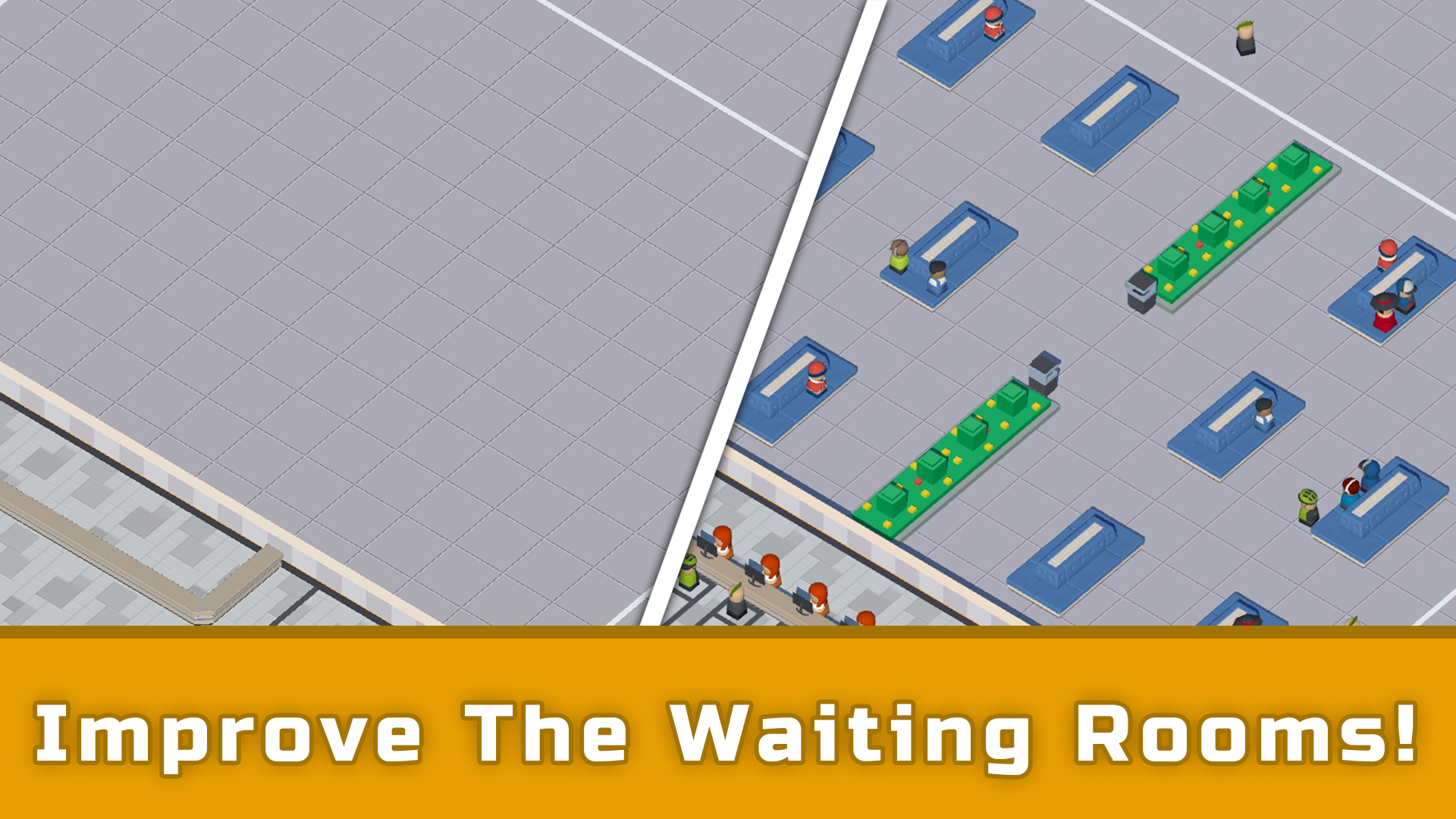
You have a small building at your disposal that needs to be turned into a great Cinema! Build multiple theaters and acquire the entire movie collection! Set up showtime schedules and improve the exterior and interior of your Cinema! Serve visitors in small shops and theaters, invest profits into your business. Don't forget to keep an eye on the Cinema premises, as trash bins or vending machines can get crowded. The main genre is Idle Tycoon. You need to develop your business over an extended period of time by purchasing theaters and acquiring movie licenses. Set up showtime schedules correctly and earn more profit from each visitor! You can speed up the service time by clicking on the progress bar above each cash register. You can always watch short videos to receive temporary bonuses: instant servicing, additional profit, movie screening licenses.

Videos and screenshots
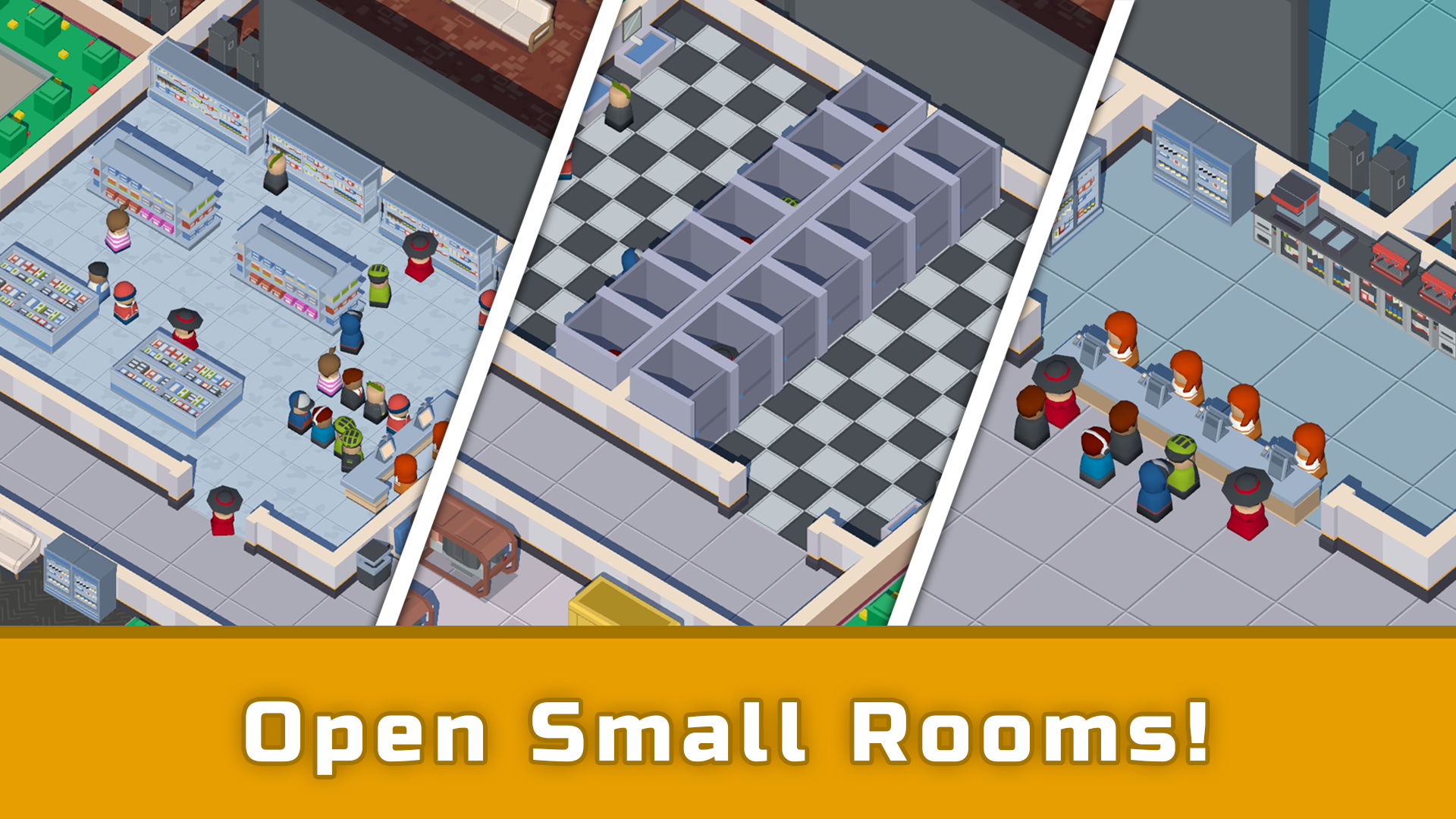
  • Idle Cinema Empire Tycoon screenshot 1
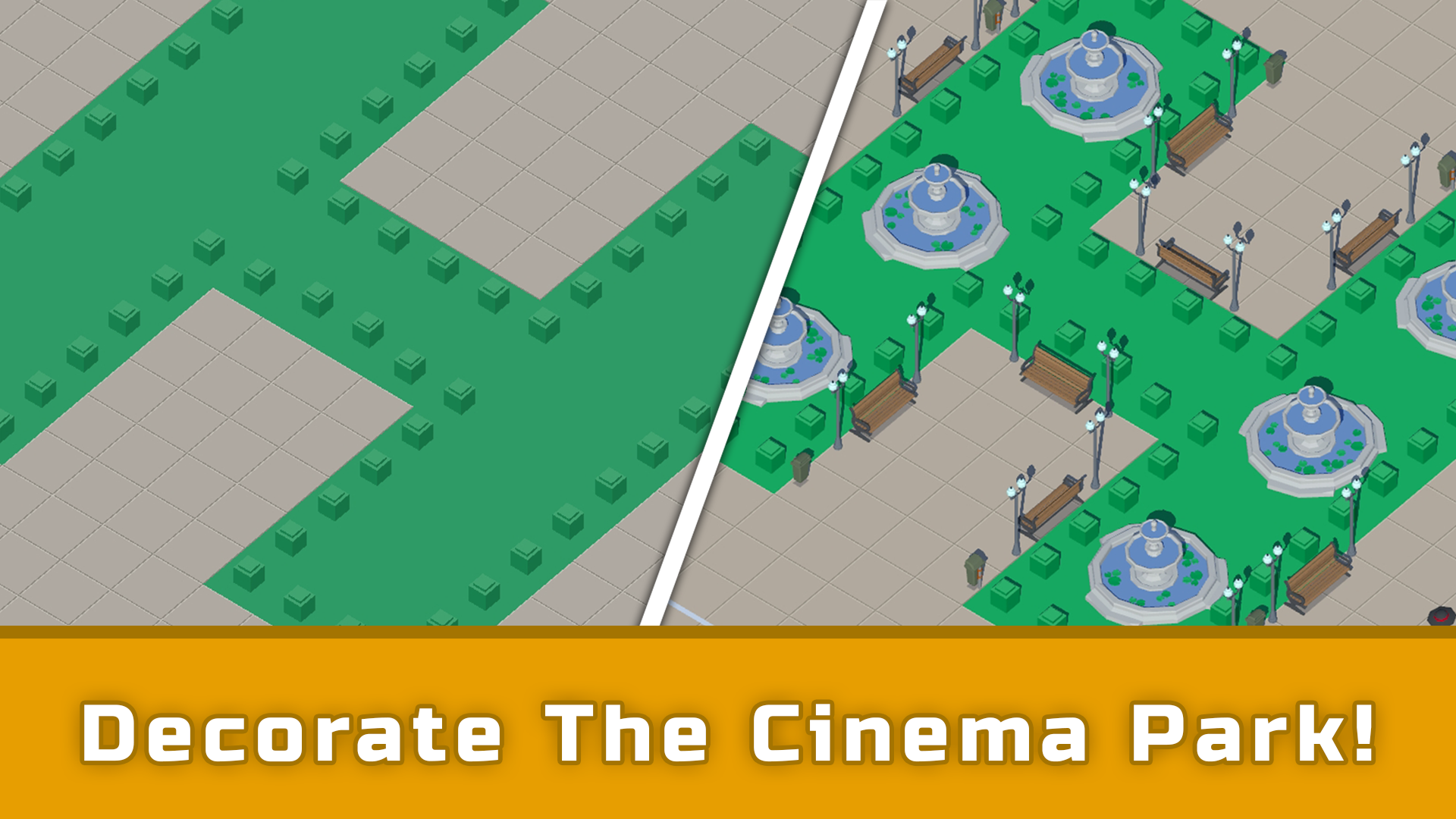
  • Idle Cinema Empire Tycoon screenshot 2
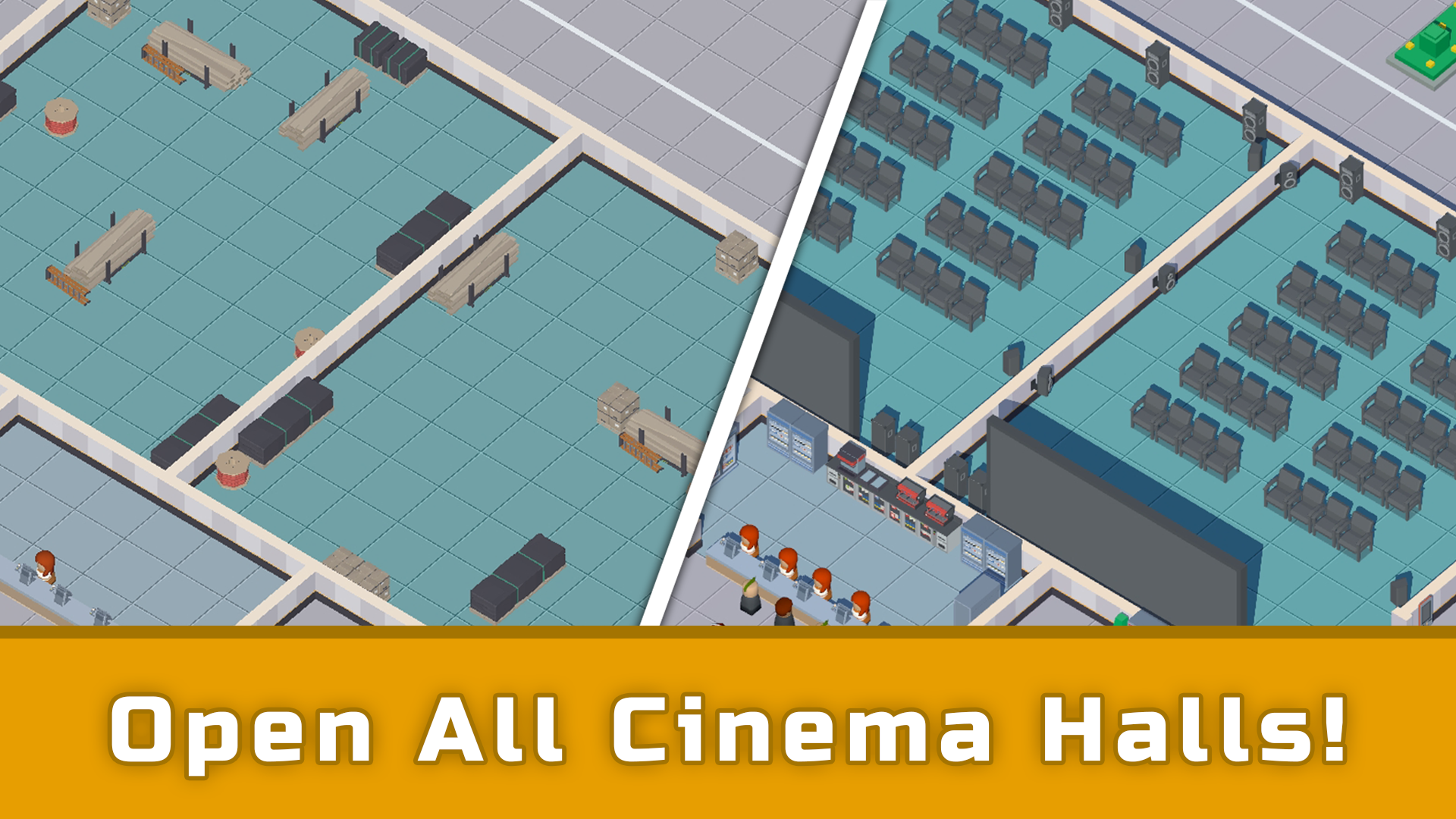
  • Idle Cinema Empire Tycoon screenshot 3
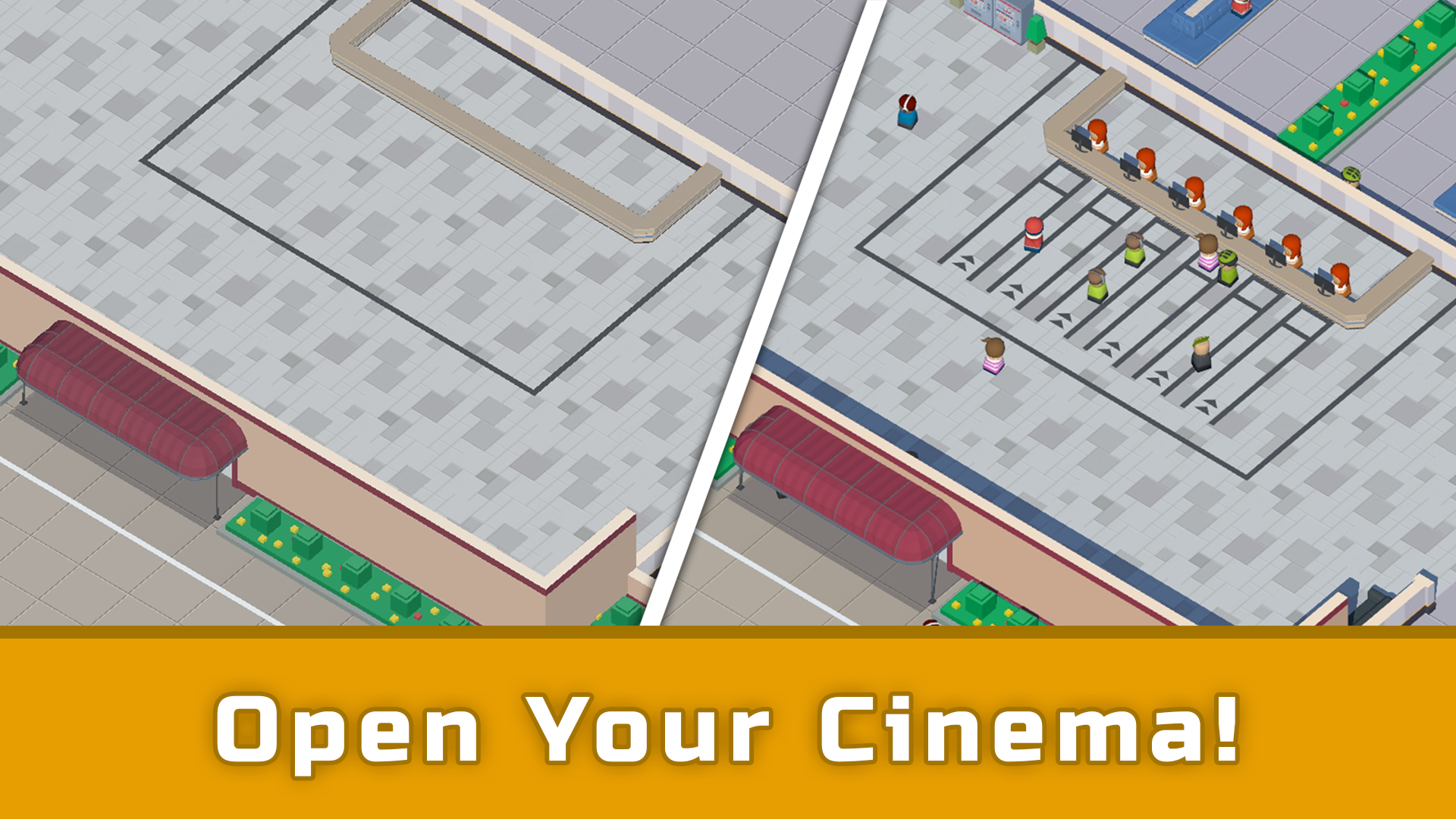
  • Idle Cinema Empire Tycoon screenshot 4
  • Idle Cinema Empire Tycoon screenshot 5
  • Idle Cinema Empire Tycoon screenshot 6
  • Idle Cinema Empire Tycoon screenshot 7
  • Idle Cinema Empire Tycoon screenshot 8
  • Idle Cinema Empire Tycoon screenshot 9
  • Idle Cinema Empire Tycoon screenshot 10
  • Idle Cinema Empire Tycoon screenshot 11
  • Idle Cinema Empire Tycoon screenshot 12
Play Now

13,601 players online

How to play

  1. Open the game

    Press Play now and the game opens on its own screen.

  2. Follow the in-game instructions

    The controls and goals are shown inside the game as you play.

  3. Use the game menu

    The floating button over the game reloads it, saves it to your favourites, or takes you back out.

Game instructions

At the beginning of the game, you will be greeted with a small tutorial that will help you familiarize yourself with the core mechanics of the game: acquiring venues, upgrading venue content, and managing the schedule of cinema halls. To acquire or upgrade a cinema venue, you should click on the area where the venue is located. In the opened window, you will see information about the cost, as well as a button to purchase it. If the venue is already acquired, a content management window will appear. To upgrade the content of a venue, you should select the desired content and click on the "Upgrade" button. By clicking on the "Schedule Management" button, located on the right side of the main screen, you will be able to adjust the schedule of screenings for each cinema hall individually. Select the desired session, and then choose a free film! You can speed up the service at the ticket counter by clicking on the progress bar icon located above the cashiers' heads.

More games

More games