Skip to content
KG
Master of cross stitch

Master of cross stitch

312K plays 4.6 out of 5

Overview

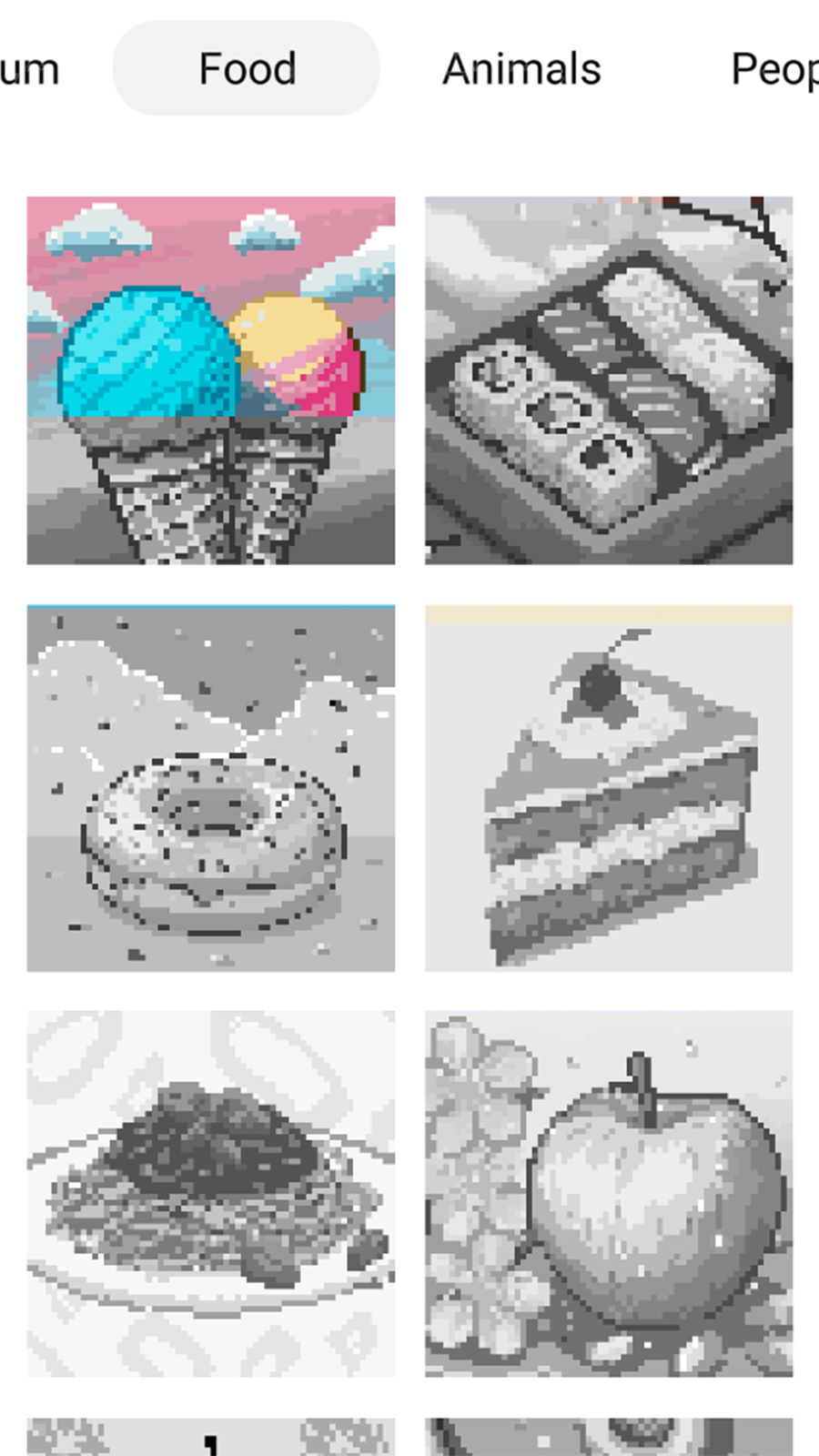
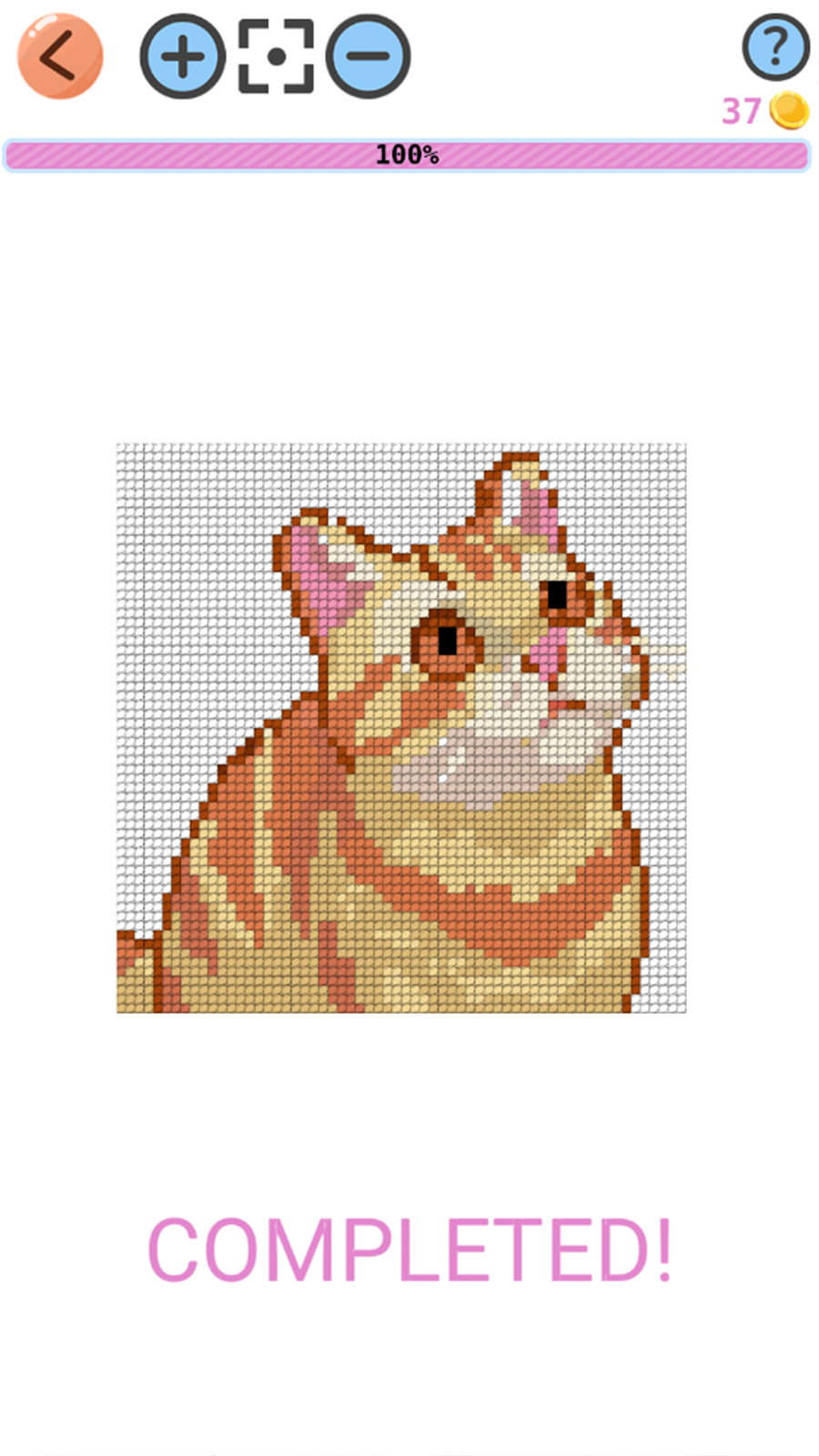
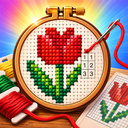
Master of cross stitch is a fun colouring-by-numbers game where you turn pixelated images into beautiful embroideries. Choose from a variety of categories: animals, food, people, objects and nature. Each level is a unique pattern divided into cells with numbered colours. Your task is to fill all the cells with the corresponding colours, following the numbers. Use the tools for easy colouring: choose colours, zoom in and out, use the ‘fill’ function to quickly paint areas. At the end of colouring you will get a beautiful picture, similar to a real cross-stitch embroidery. Track your progress on each image and complete collections in each category. Relaxing gameplay will allow you to unwind and develop your attention to detail.

Videos and screenshots
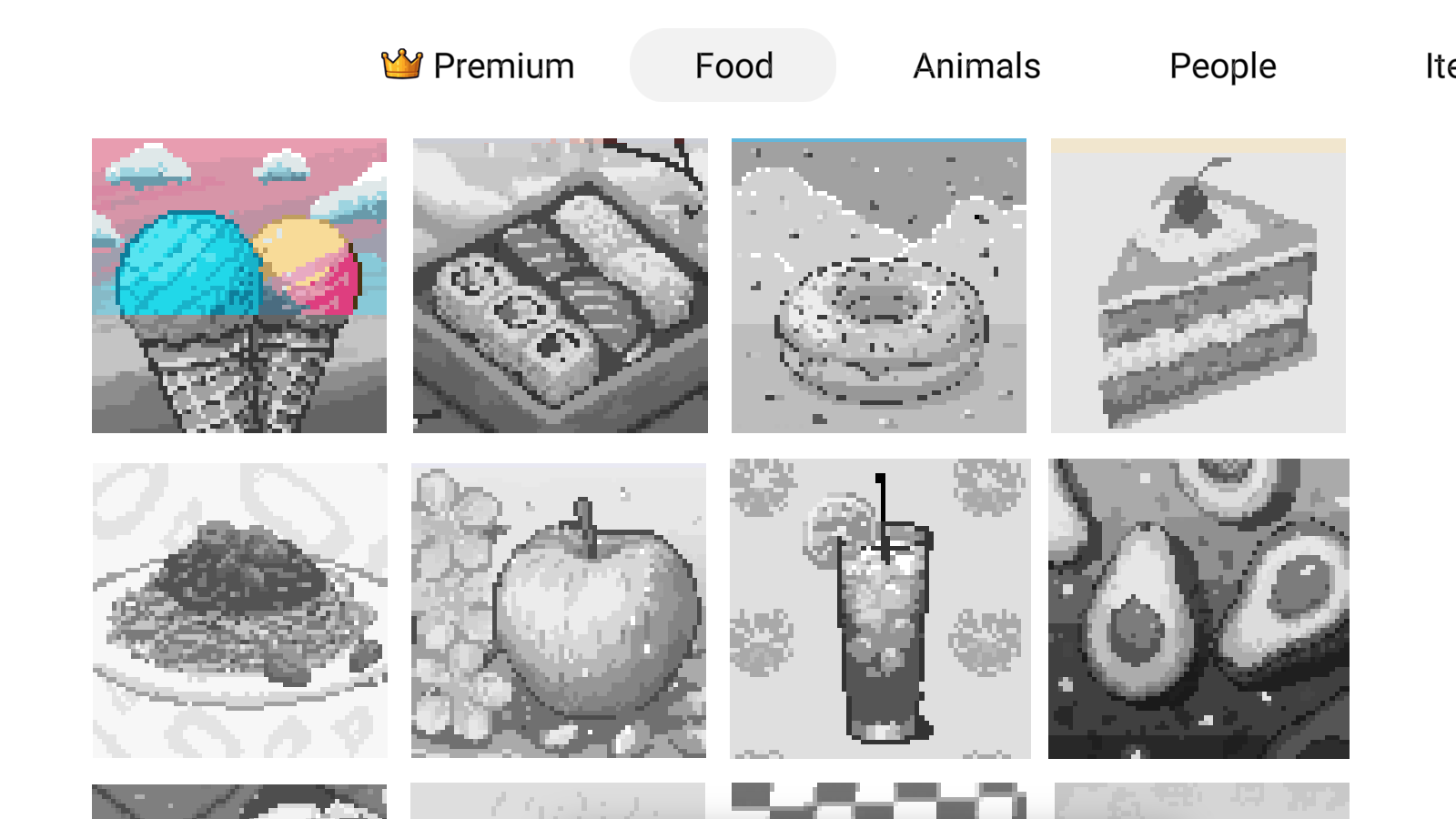
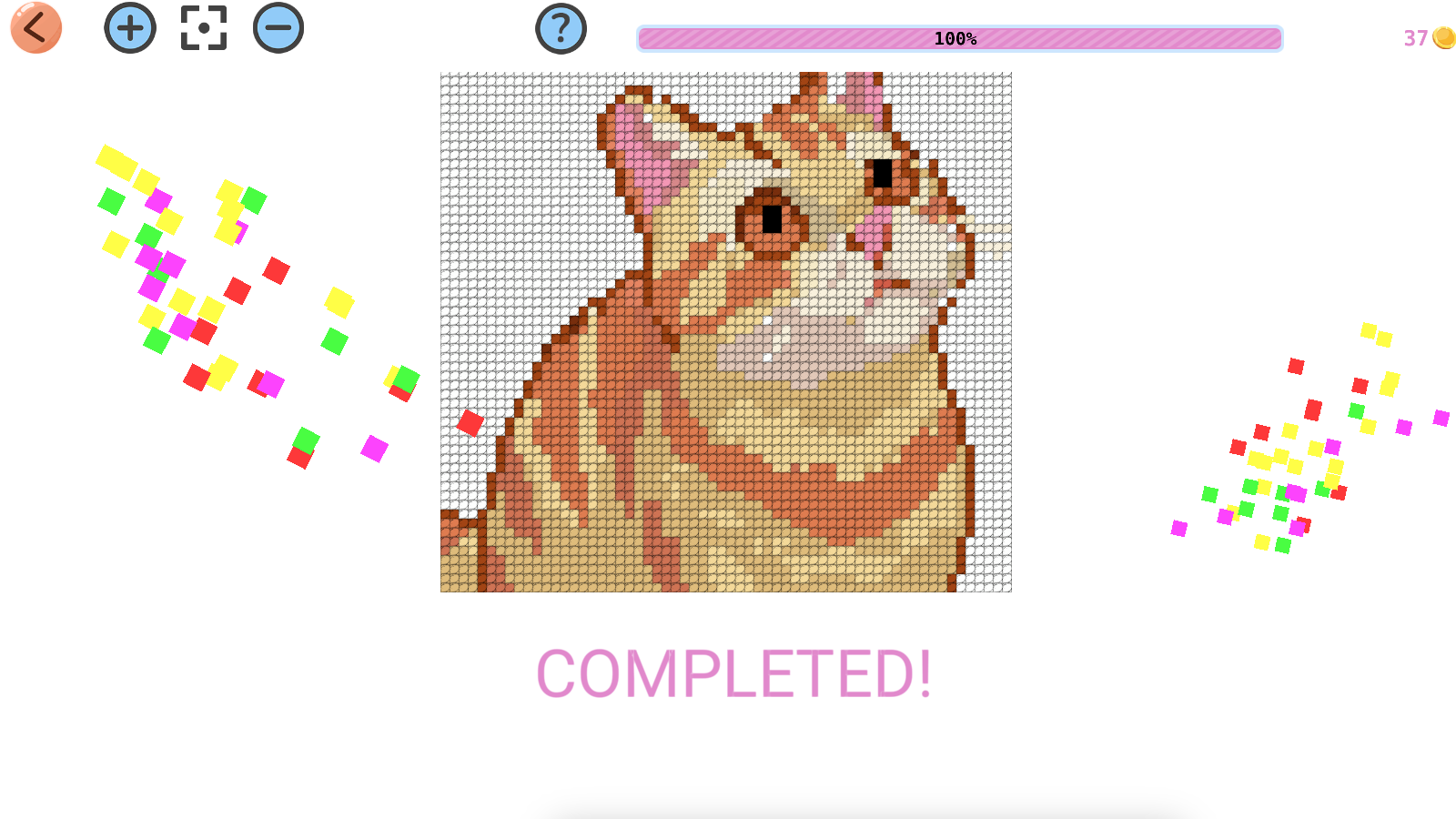
  • Master of cross stitch screenshot 1
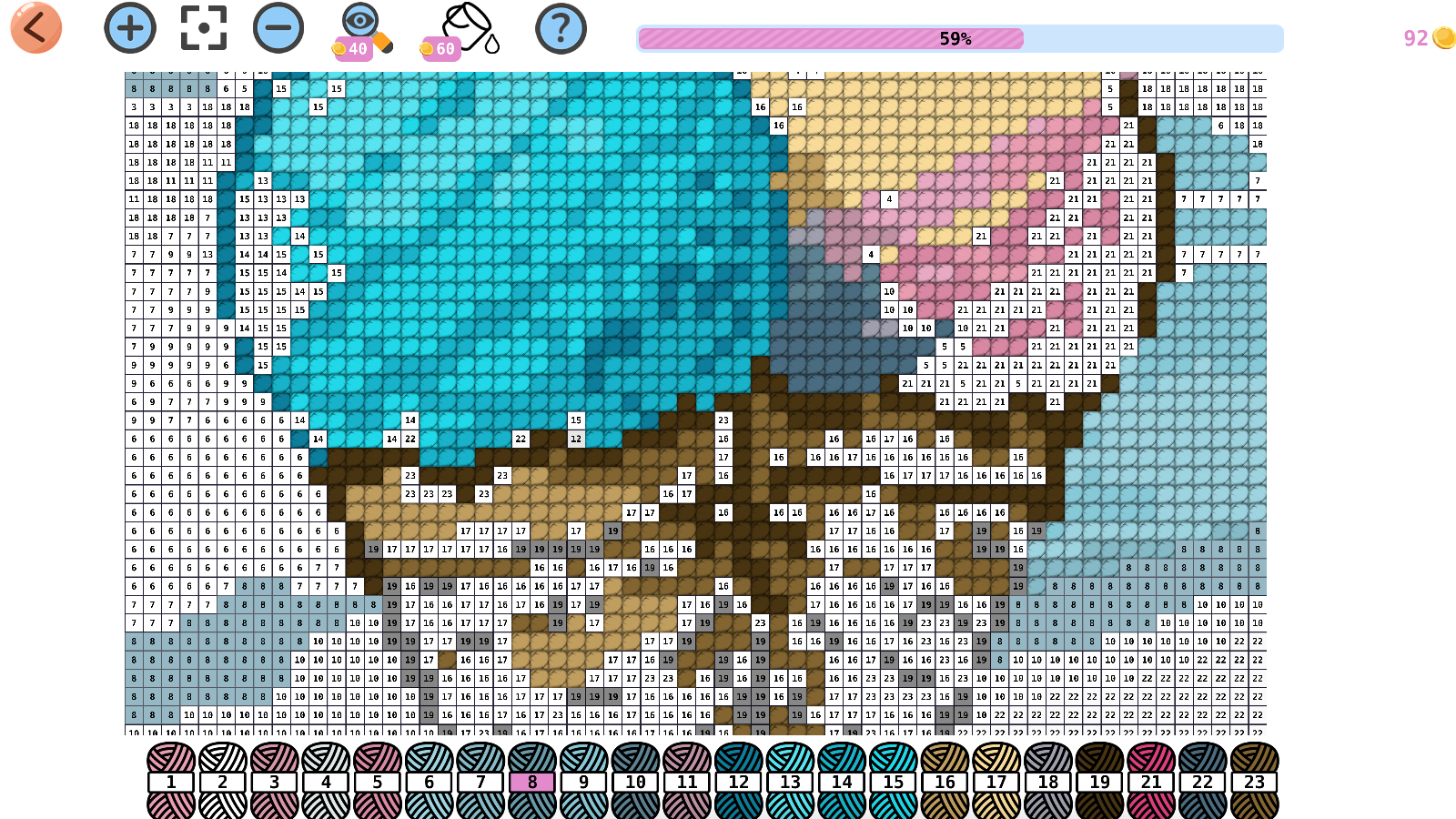
  • Master of cross stitch screenshot 2
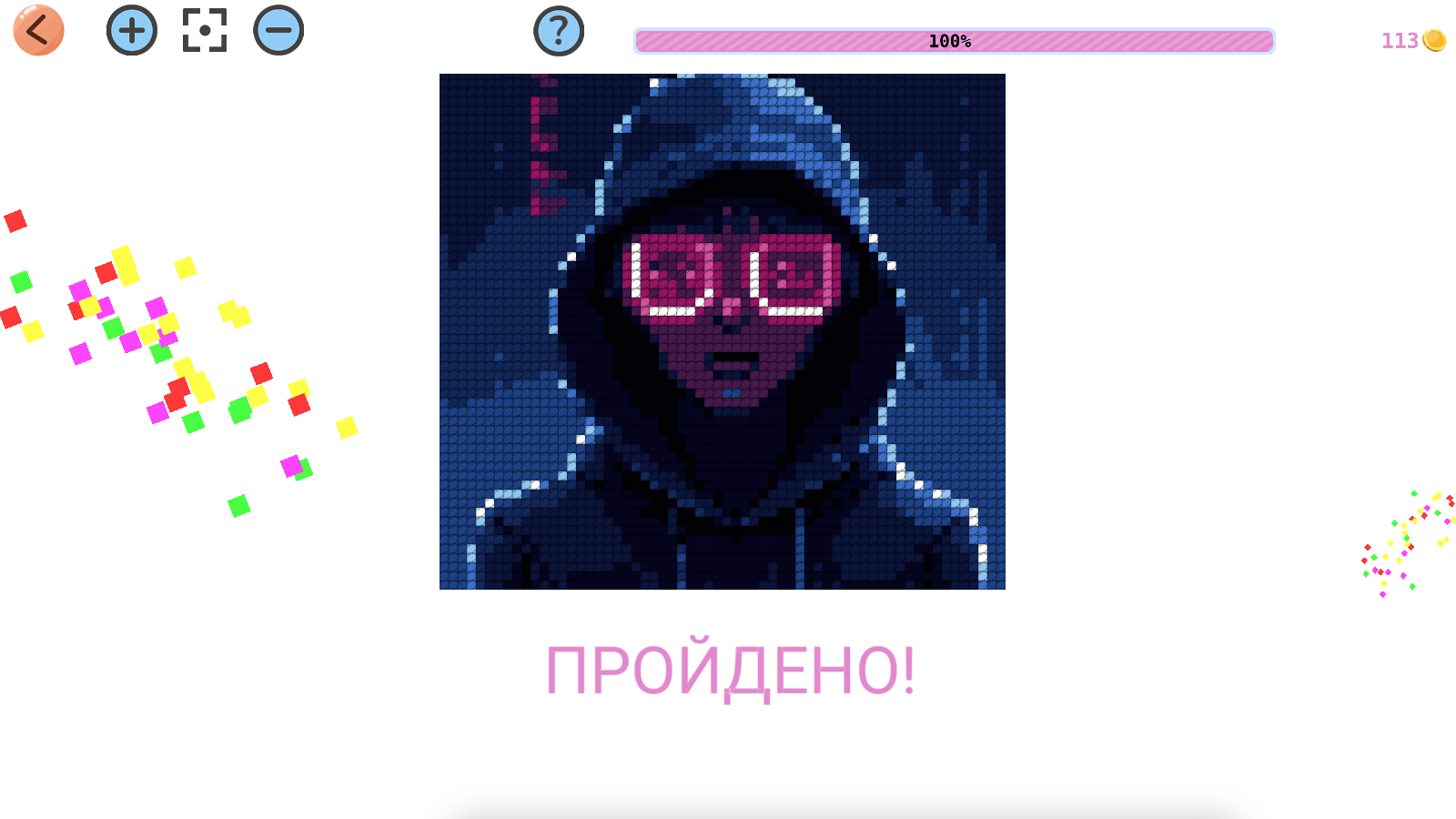
  • Master of cross stitch screenshot 3
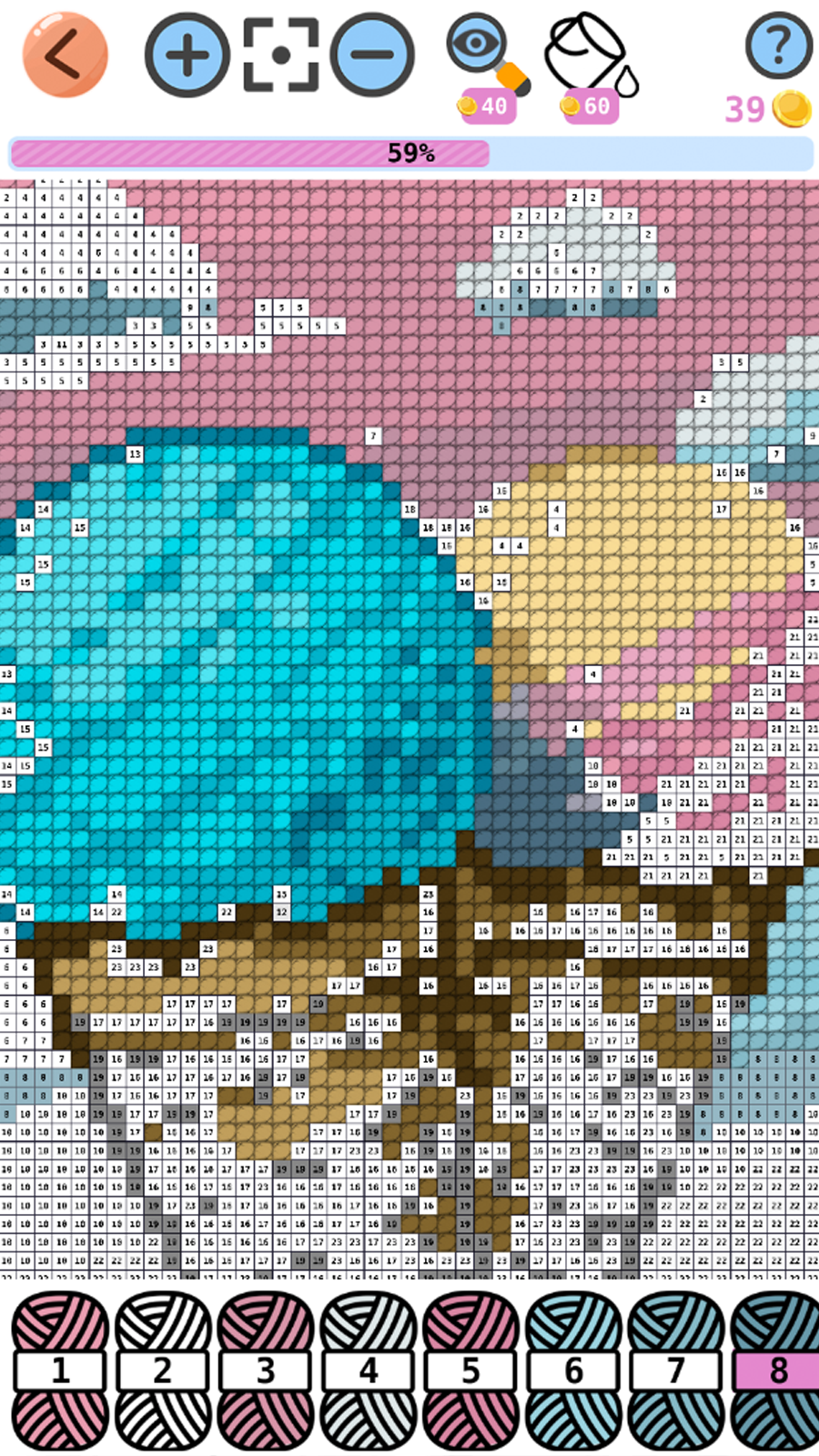
  • Master of cross stitch screenshot 4
  • Master of cross stitch screenshot 5
  • Master of cross stitch screenshot 6
  • Master of cross stitch screenshot 7
Play Now

10,848 players online

How to play

  1. Open the game

    Press Play now and the game opens on its own screen.

  2. Follow the in-game instructions

    The controls and goals are shown inside the game as you play.

  3. Use the game menu

    The floating button over the game reloads it, saves it to your favourites, or takes you back out.
Game instructions

🔹Select the image category: animals, food, people, objects or nature. 🔹Select your favourite level from the available images. 🔹On the game screen you will see a pixel image divided into cells with numbers corresponding to certain colours. 🔹At the bottom of the screen is a colour palette showing the remaining number of cells for each colour. 🔹Select a colour from the palette and click on the corresponding cells in the image. 🔹Use gestures to zoom in and out of the image, or use the mouse wheel to make it easier to work with details. 🔹For quick painting, use the fill tool, which will automatically fill all adjacent cells with the same colour. 🔹Monitor the progress of the fill at the top of the screen. 🔹When all cells are filled, you will see the finished ‘embroidery’ and receive a reward. 🔹Unlock new images by completing previous levels. 🔹Collect collections of embroideries in each category!

More games

More games