







Skip to content
RetroOS 2001

RetroOS 2001

5K plays 4.3 out of 5

Overview

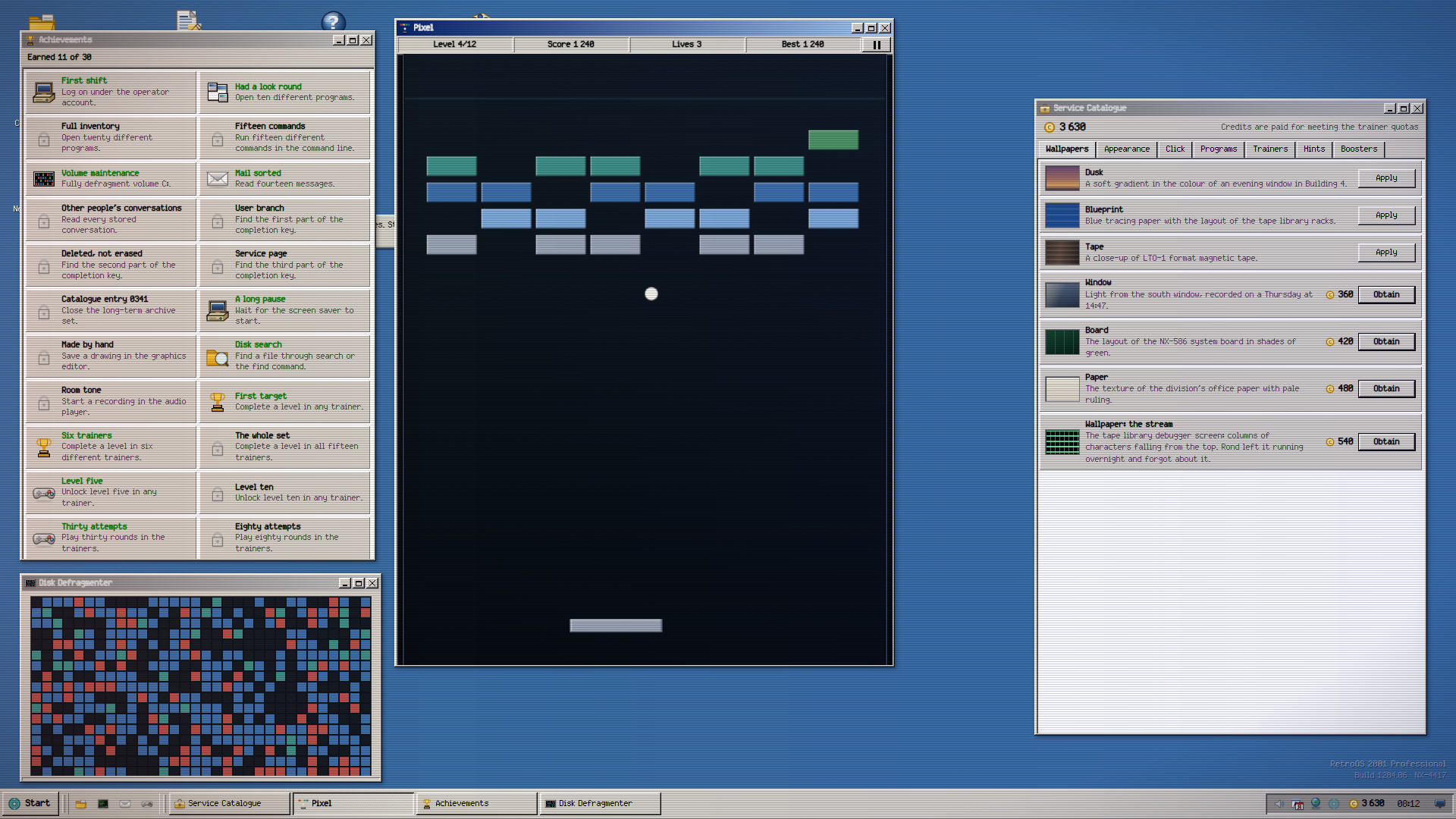
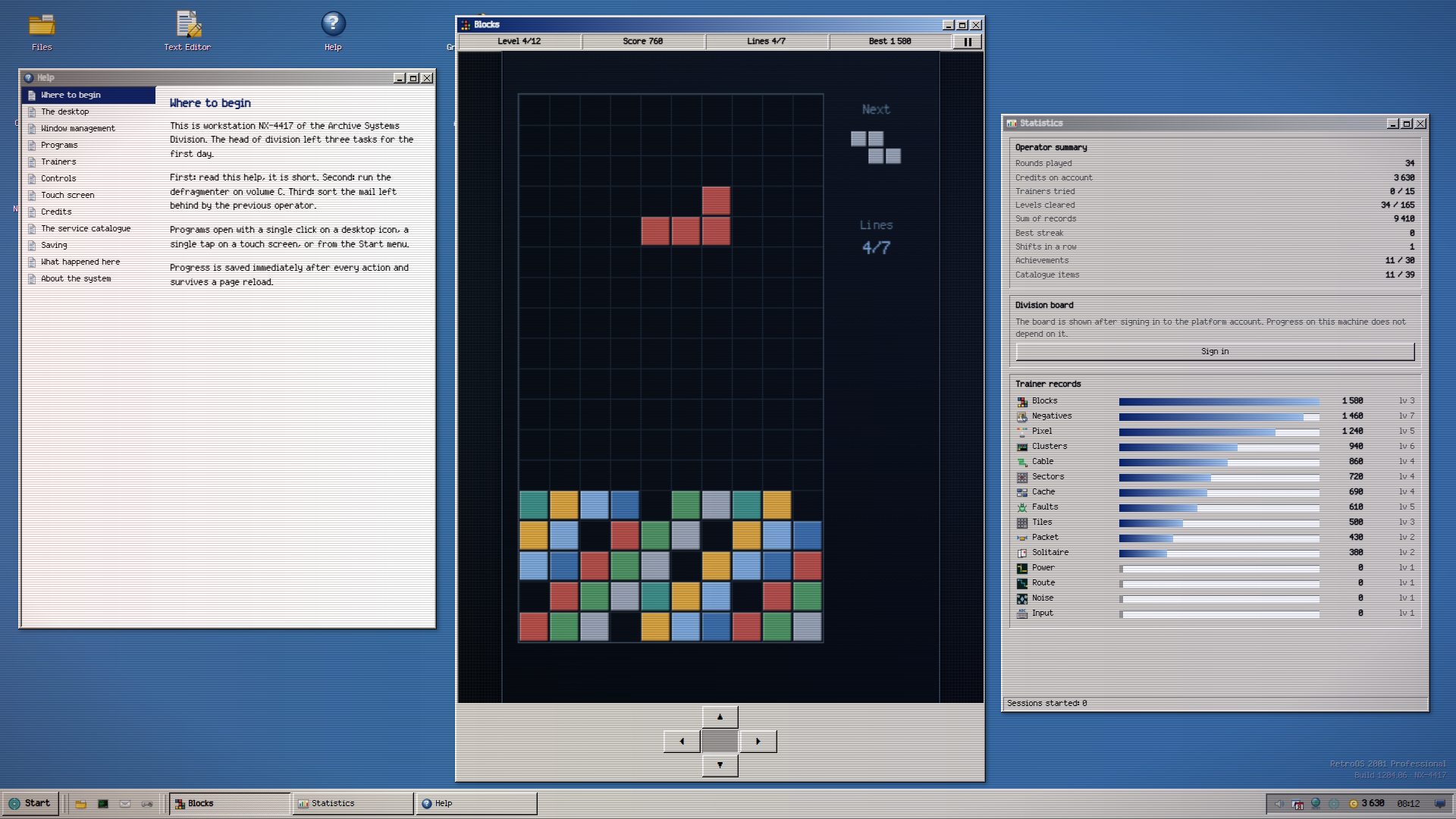
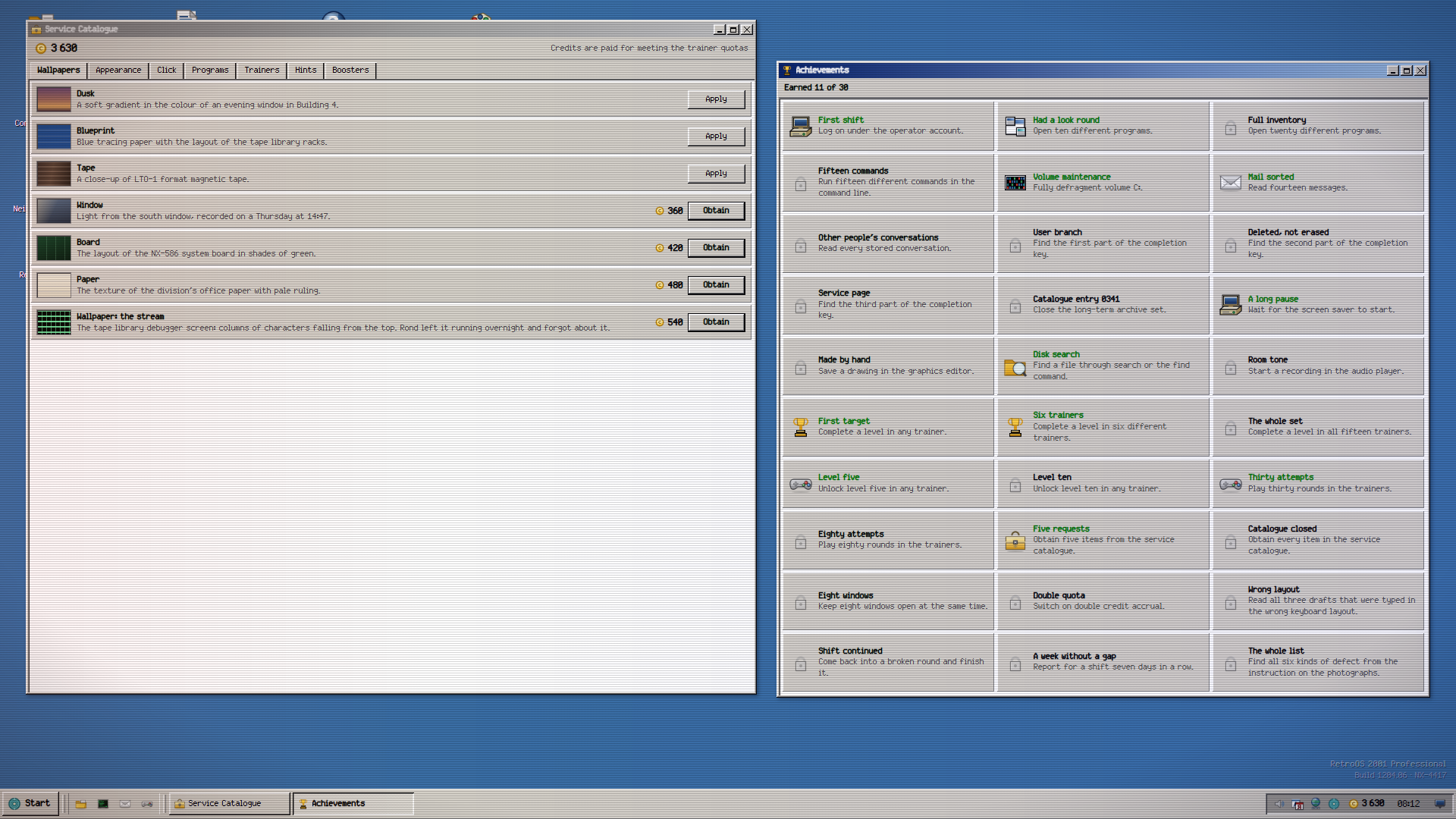
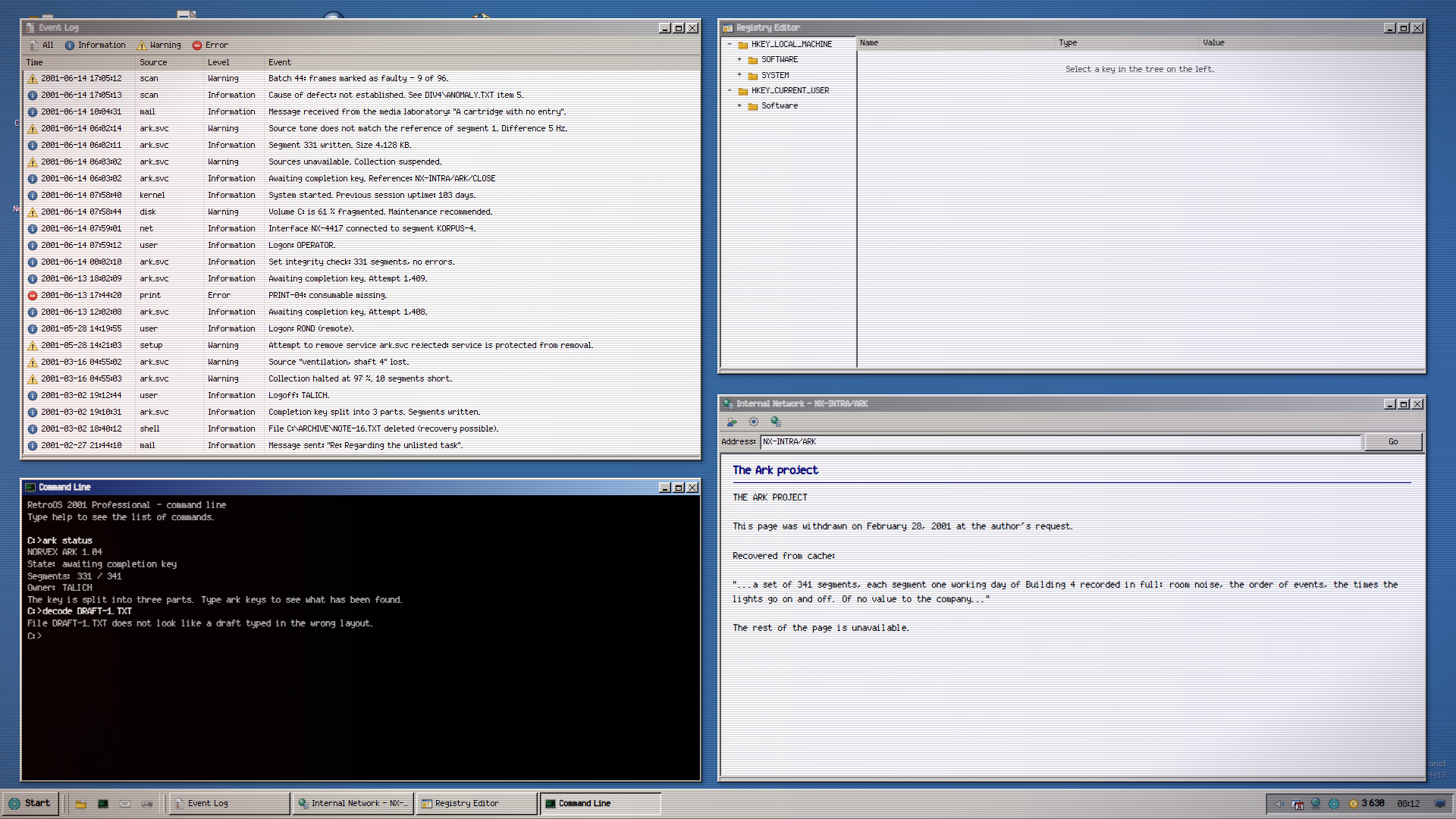
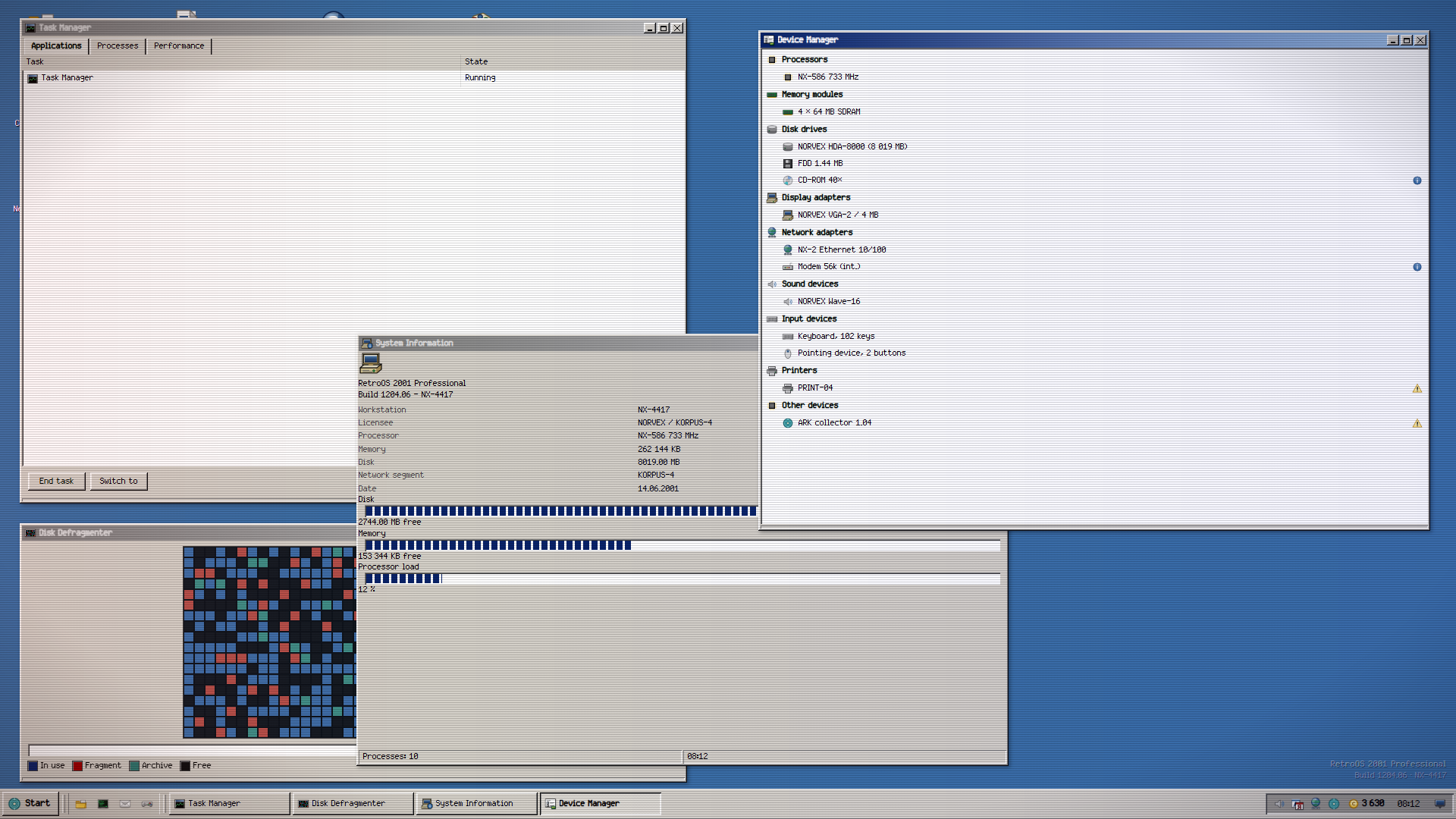
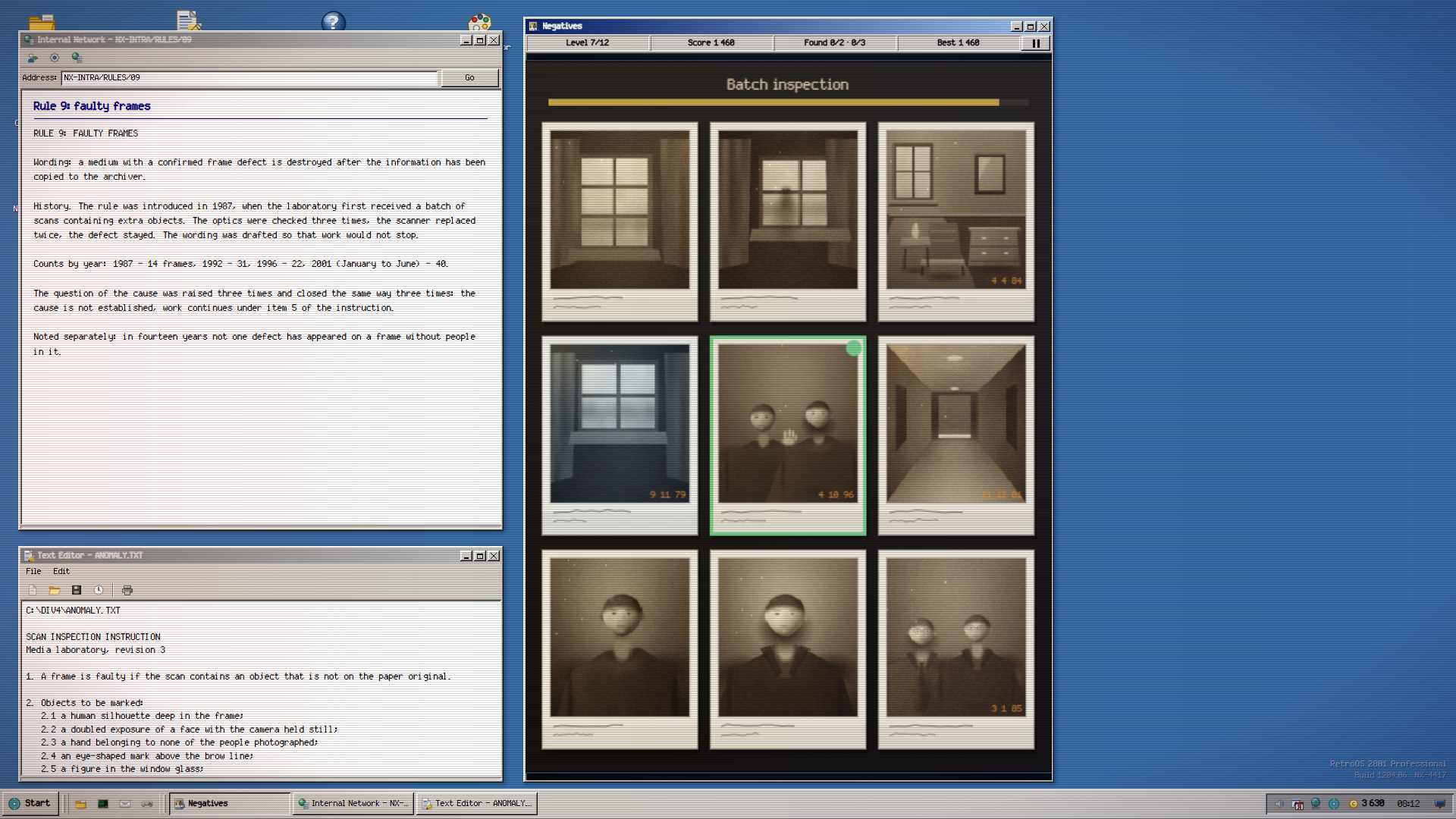
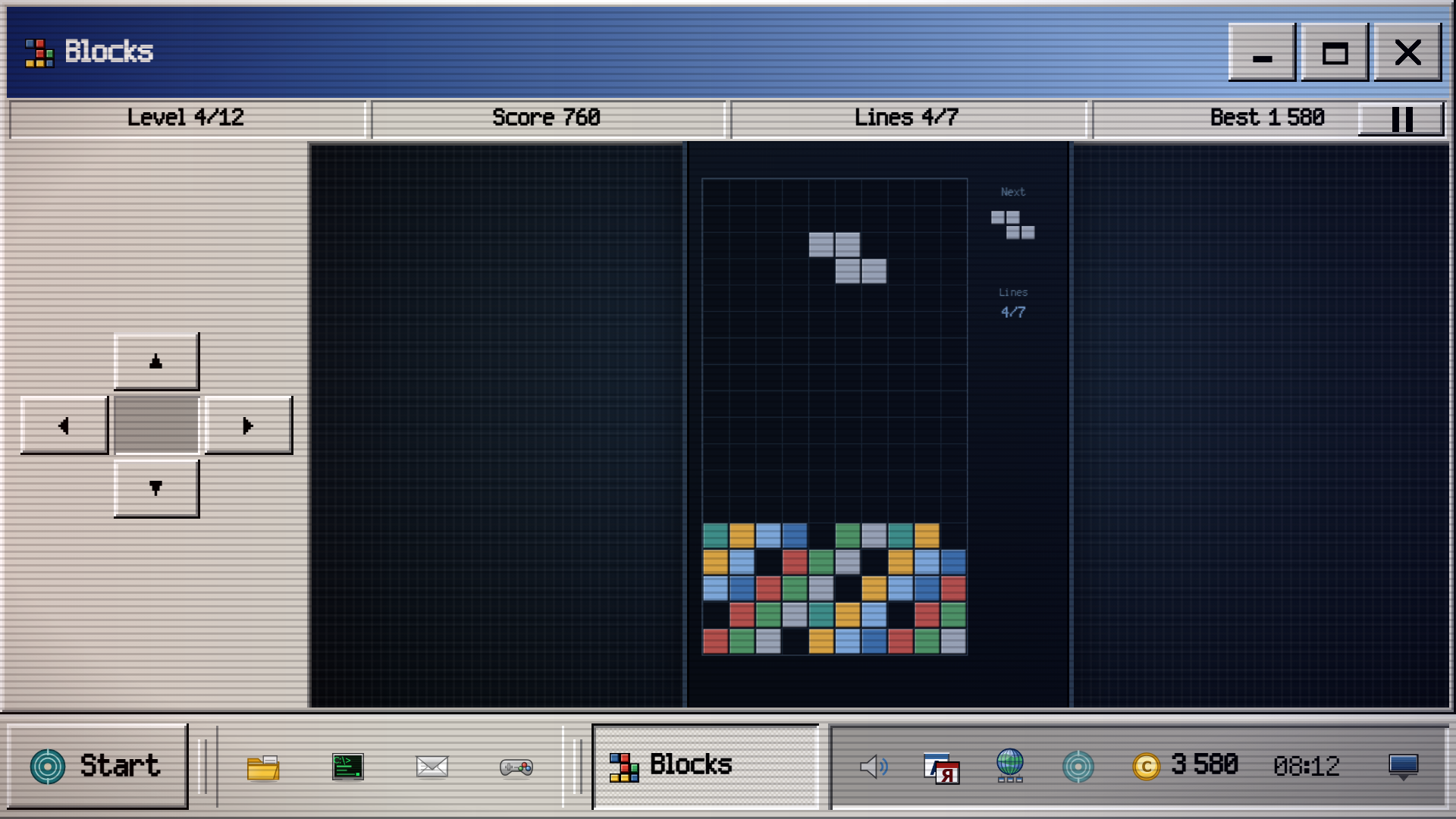
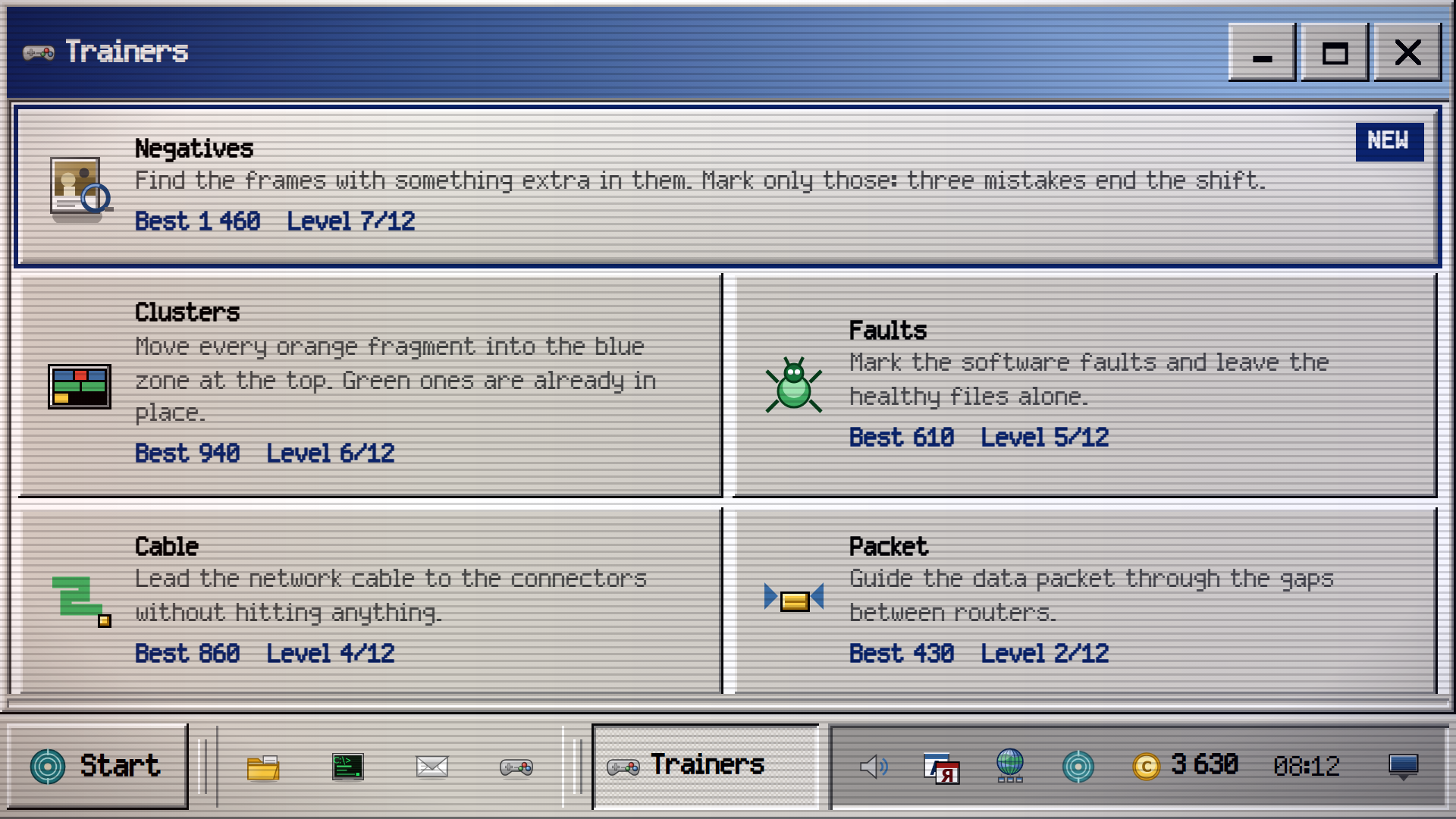
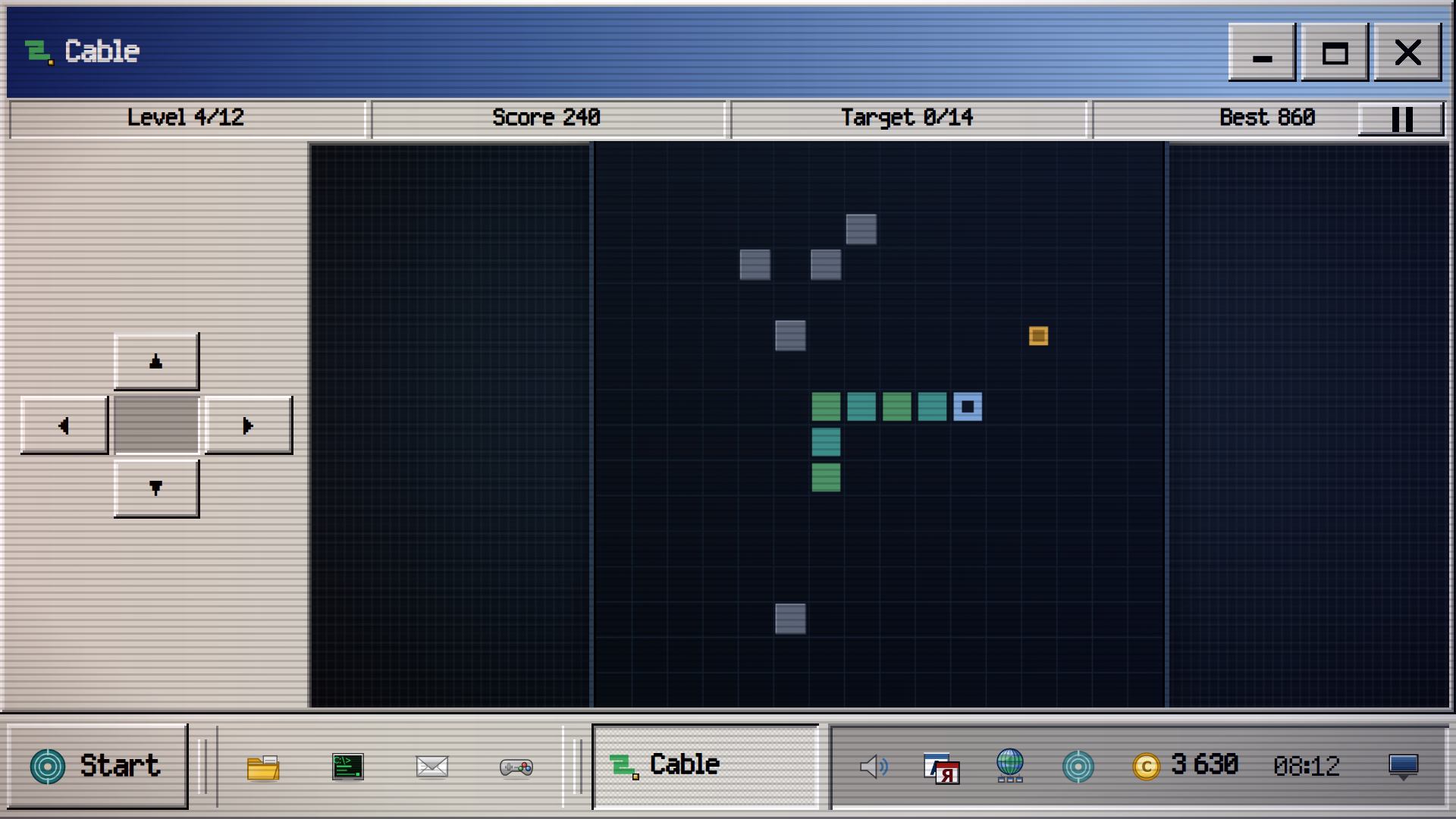
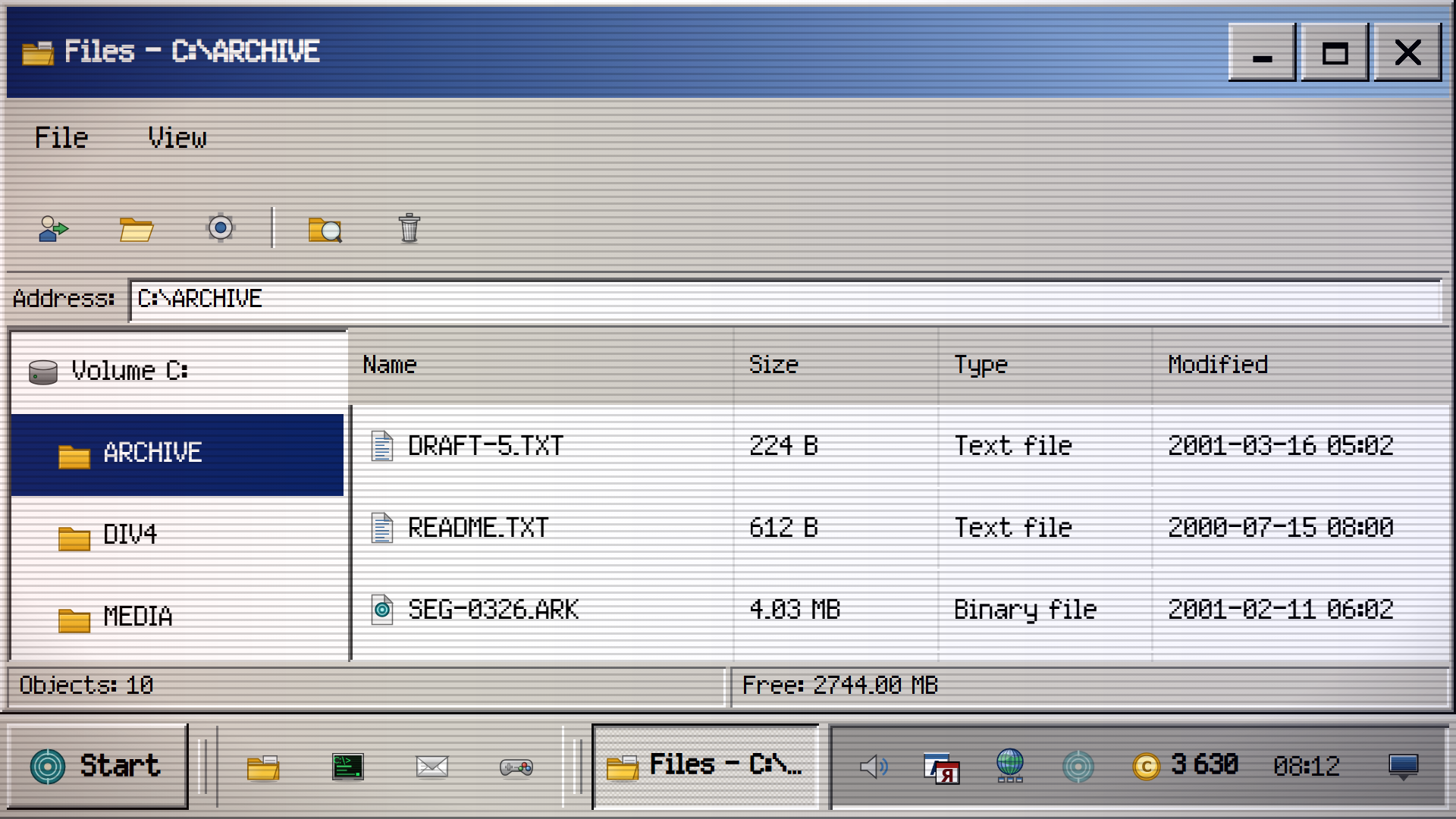
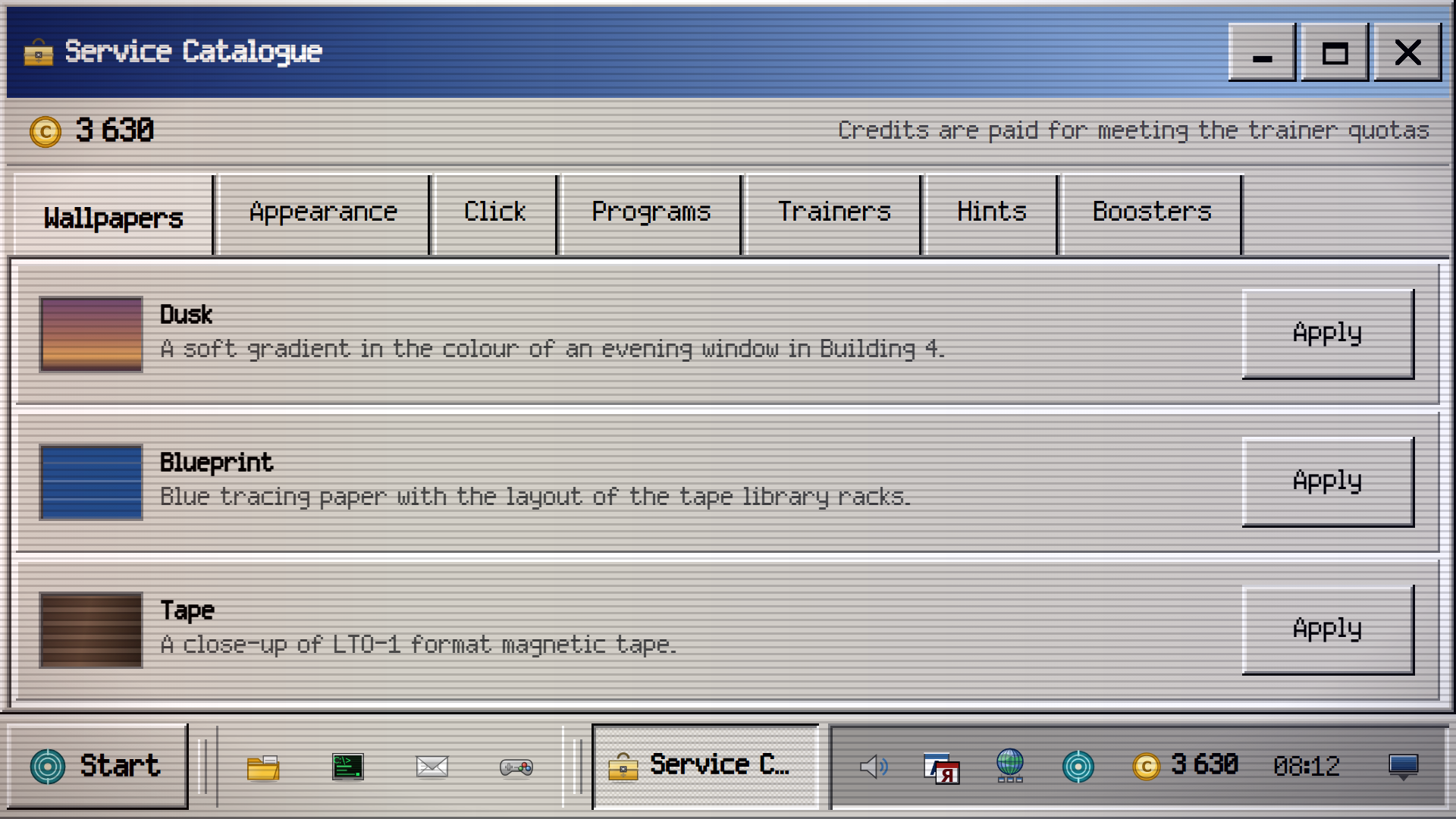
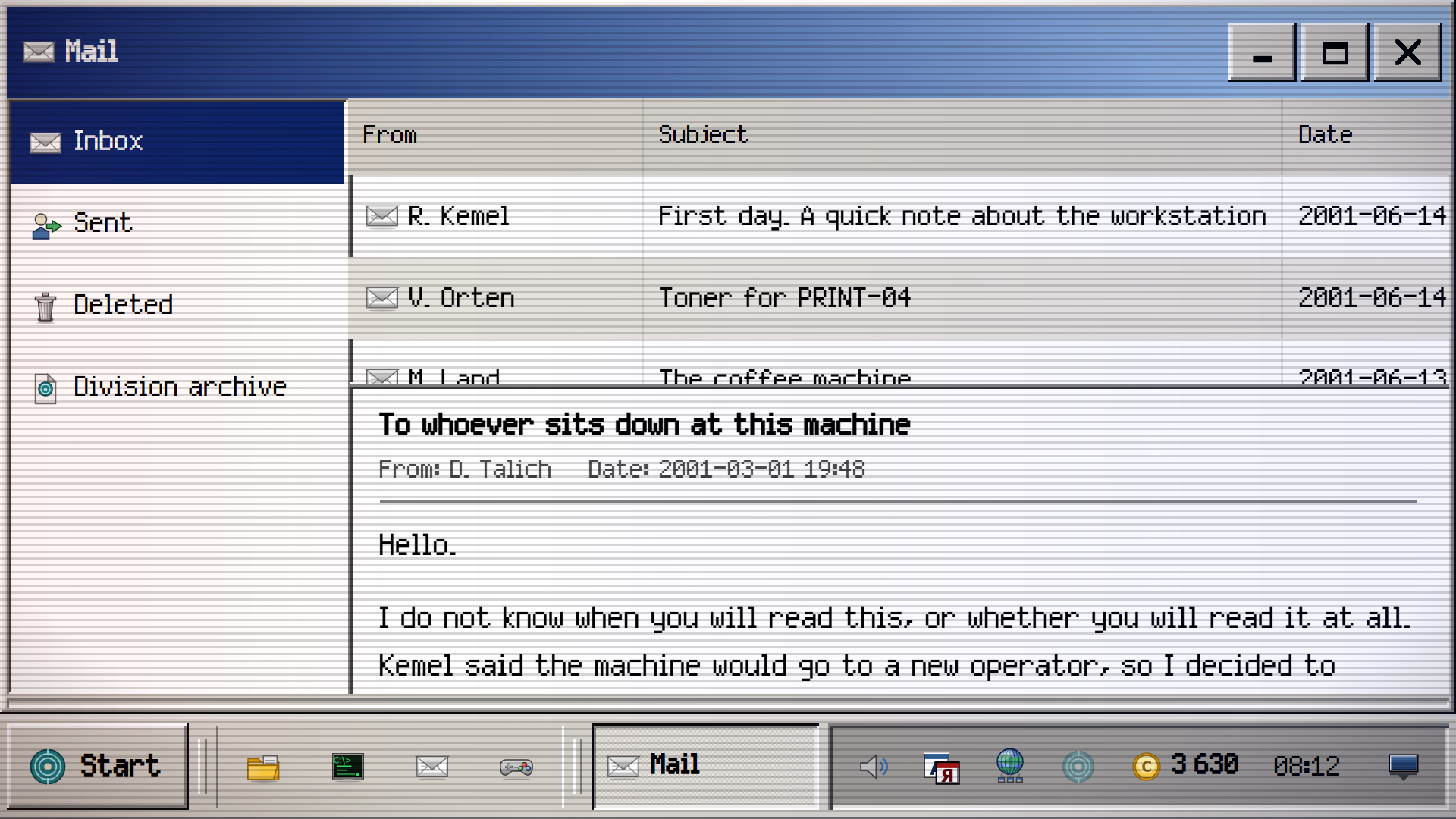
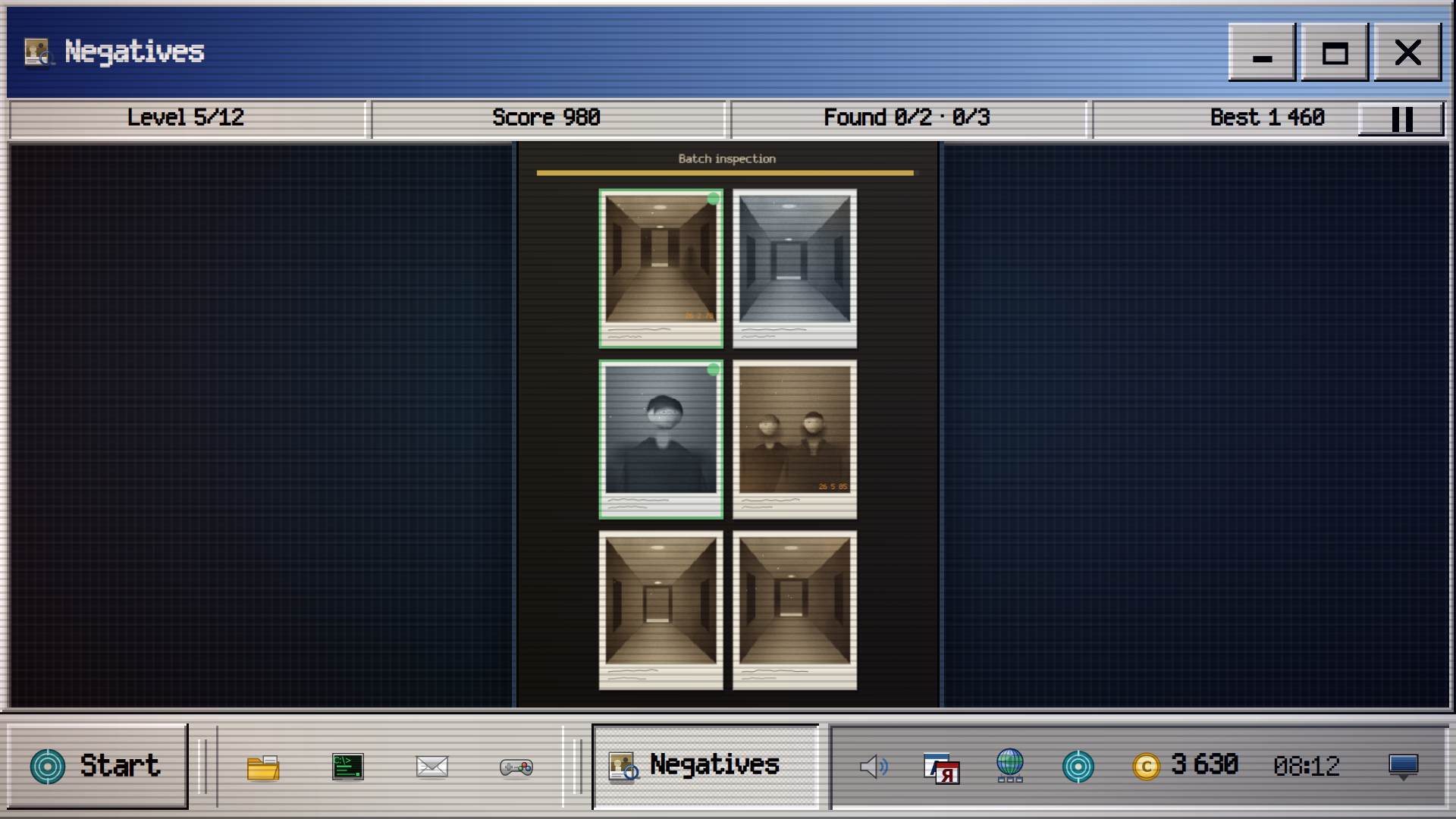
You are the new operator of workstation NX-4417 in the archive systems department. Idle since March, and the previous operator left everything as it was. First on the trainer list is Negatives: a batch of family photographs off the old scanner, and some frames hold what was never on the paper original — a silhouette deep in the room, a hand on a shoulder that belongs to nobody, a distorted face, a figure in the window. Find the defect before the medium is destroyed. Every print is drawn from scratch. A complete desktop: windows, a taskbar, a Start menu, a screen saver, accounts. 27 programs: files, a command line with 35 commands, a task manager, a registry editor, an event log, mail, an internal network and two editors. 15 trainers of 12 levels each. Quotas pay credits: wallpapers, window styles, programs, boosters, 30 achievements. Running through it is a quiet account of what happened here, from 1981 to 2031: letters, documents and files that were deleted but never wiped.

Videos and screenshots
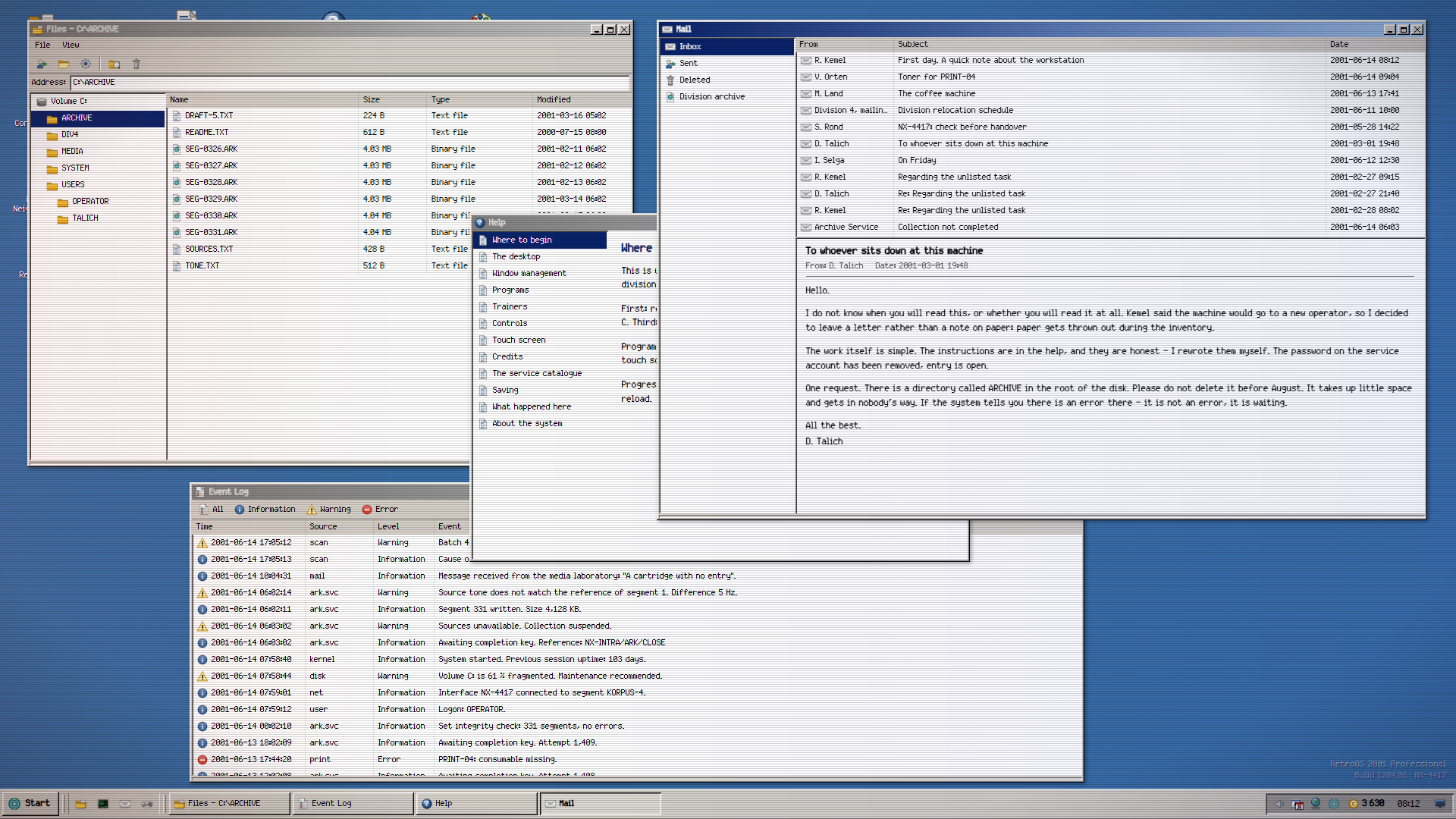
  • RetroOS 2001 screenshot
  • RetroOS 2001 screenshot
  • RetroOS 2001 screenshot
  • RetroOS 2001 screenshot
  • RetroOS 2001 screenshot
  • RetroOS 2001 screenshot
  • RetroOS 2001 screenshot
  • RetroOS 2001 screenshot
  • RetroOS 2001 screenshot
  • RetroOS 2001 screenshot
  • RetroOS 2001 screenshot
  • RetroOS 2001 screenshot
  • RetroOS 2001 screenshot
  • RetroOS 2001 screenshot
  • RetroOS 2001 screenshot
  • RetroOS 2001 screenshot
  • RetroOS 2001 screenshot
Play Now

11,126 players online

How to play

  1. Open the game

    Press Play now and the game opens on its own screen.

  2. Follow the in-game instructions

    The controls and goals are shown inside the game as you play.

  3. Use the game menu

    The floating button over the game reloads it, saves it to your favourites, or takes you back out.

Game instructions

MOUSE. A single click on an icon starts a program, the right button opens the context menu. A window moves by its title bar and resizes from any of its eight edges. Double-clicking the title bar maximises it; dragging to the top edge fills the screen, to a side edge takes half. TOUCH SCREEN. One tap starts a program and presses buttons, a long press replaces the right button. Trainers that need a direction show a D-pad below or beside the field, and it never covers the field; the two-bar button on the bar pauses the shift. The rest are played by tapping the field directly. KEYBOARD. Arrows and WASD set direction, Space acts, Escape pauses a trainer and cancels a dialog. In the text editor: Ctrl+Enter saves, Ctrl+1 inserts the time, Ctrl+2 a divider, Tab indents. The layout does not matter. GOAL. Meet the quotas, earn credits and recover what is left of the previous operator.

More games

More games

Enjoying Kezi10 Games?

Your rating helps us make it better.

How was your experience?