Skip to content
KG
SandBox Simulator

SandBox Simulator

5K plays 4.8 out of 5

Overview

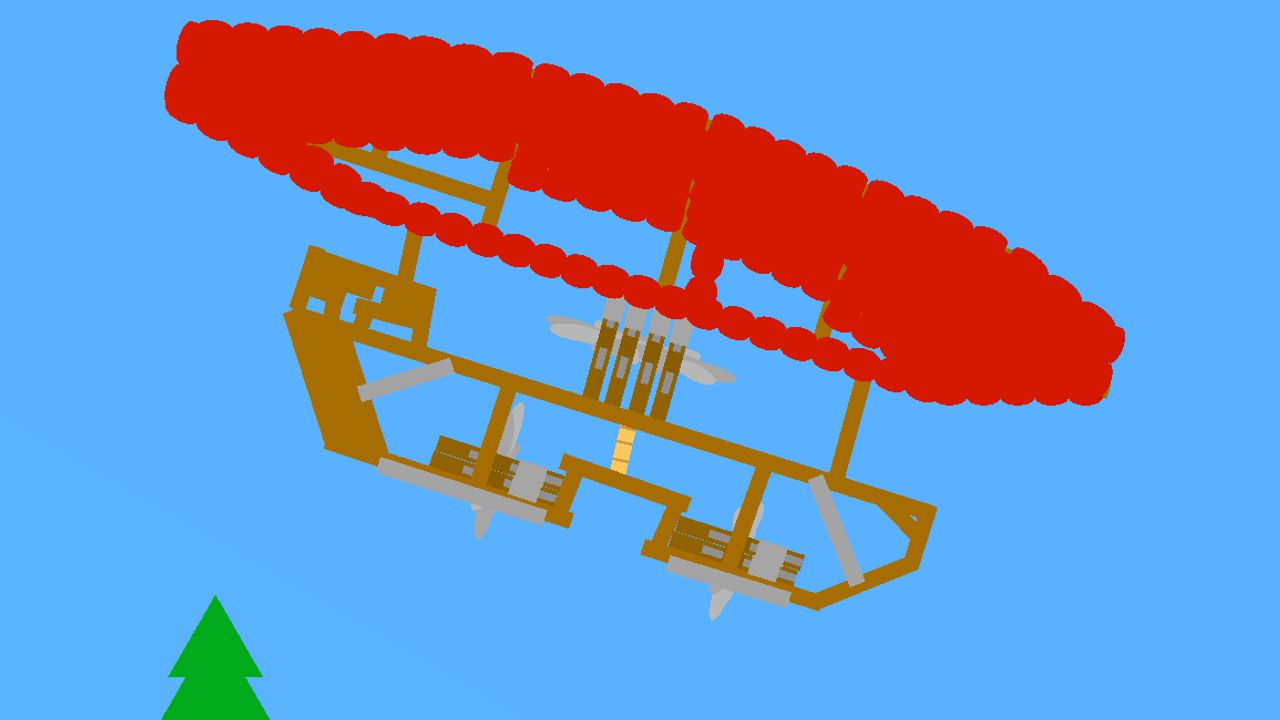
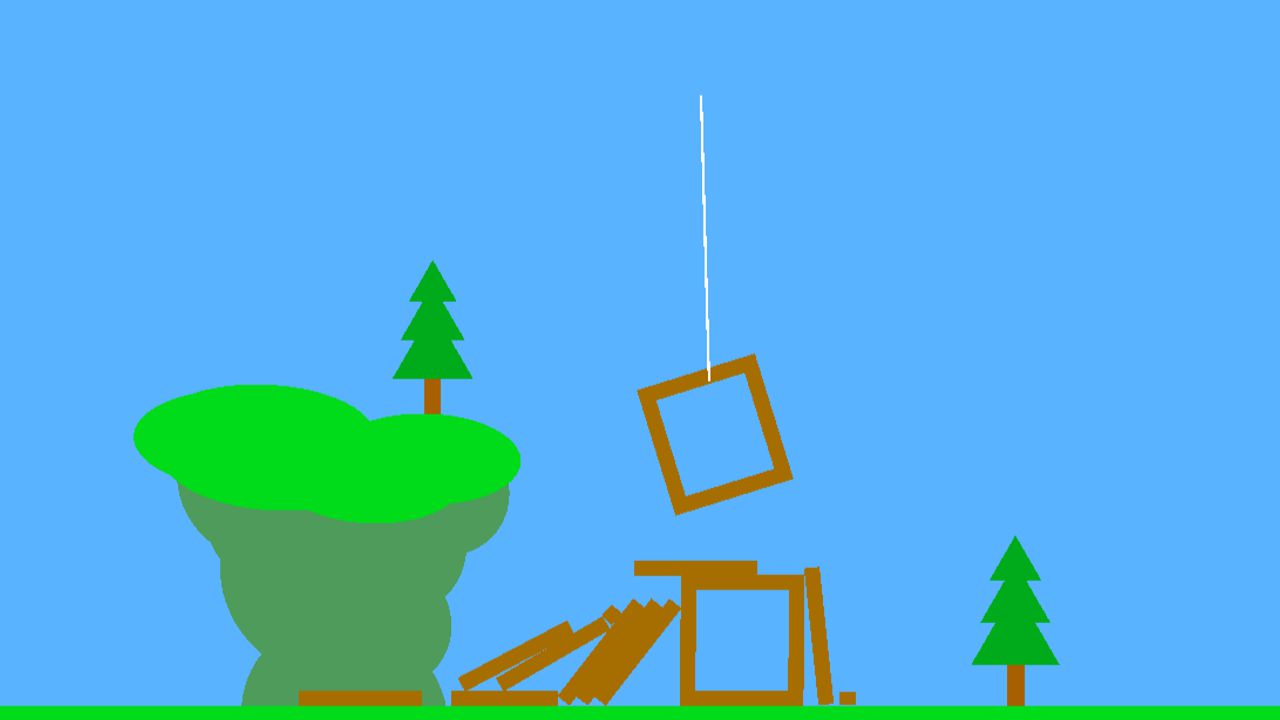
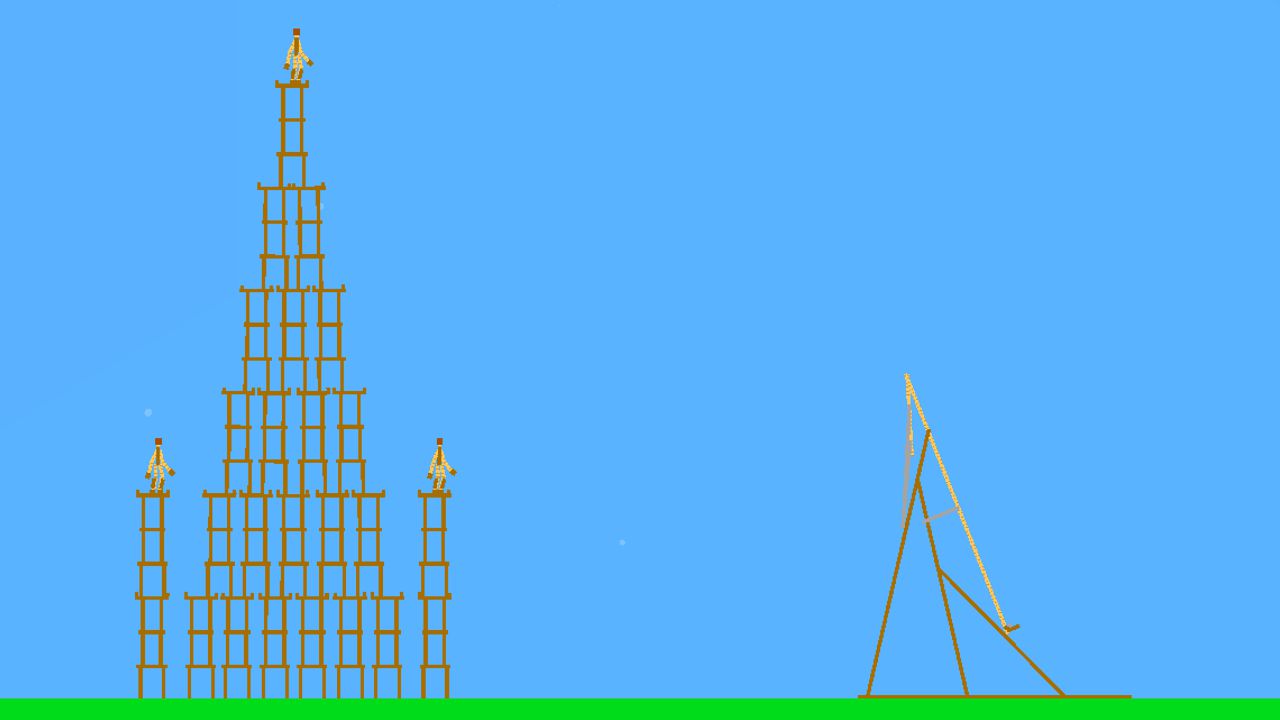
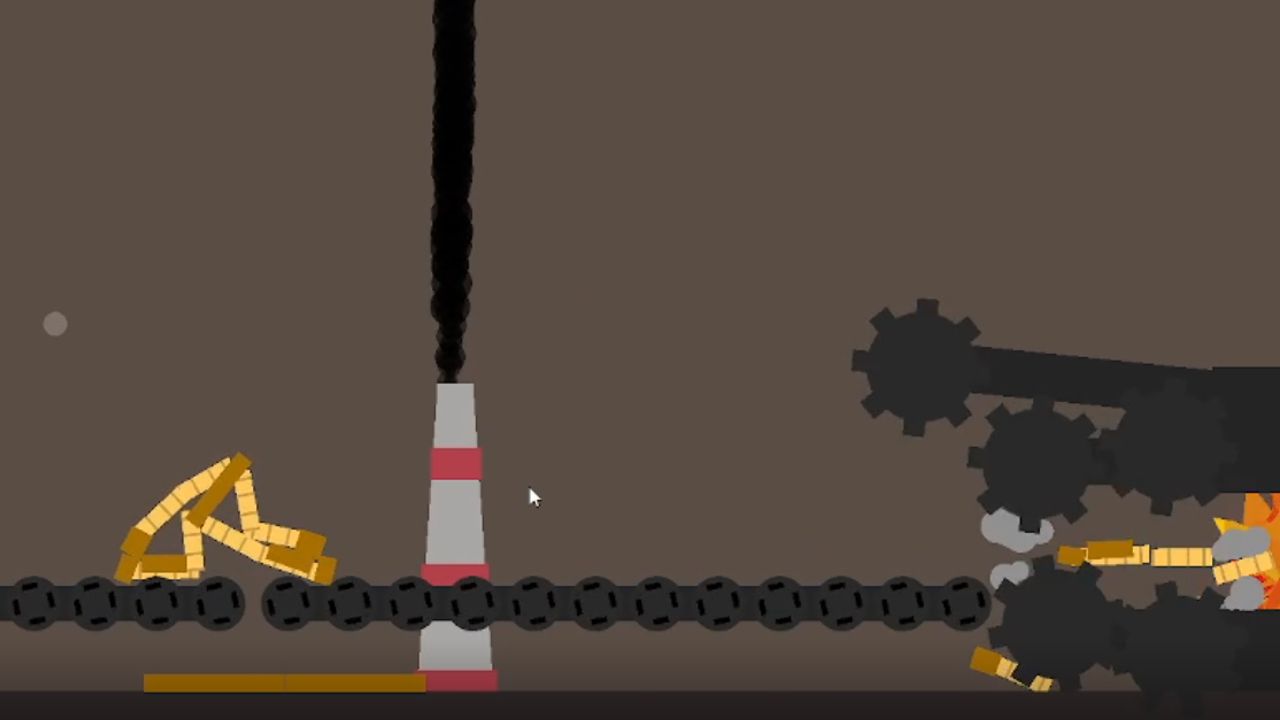
Dive into the amazing world of SandBox Simulator, where your imagination is everything! Create unique worlds by controlling hundreds of elements and tools. Experiment with physics and gravity, creating your own scenarios and defying reality. Share your creations with friends and the community, get inspired by other people's ideas and get feedback. The intuitive interface will make it easy to get started, regardless of your experience. SandBox Simulator is your personal playground for creativity and experimentation. Start your exciting adventure and let your imagination run wild!

Videos and screenshots
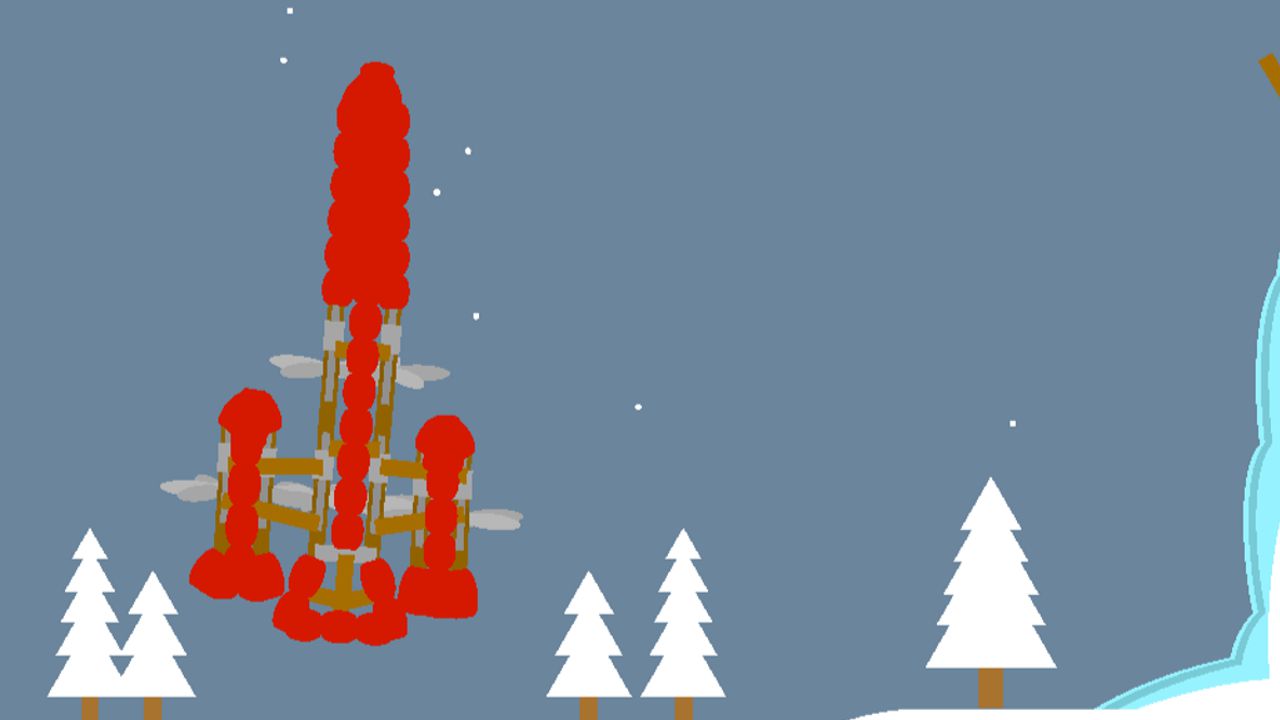
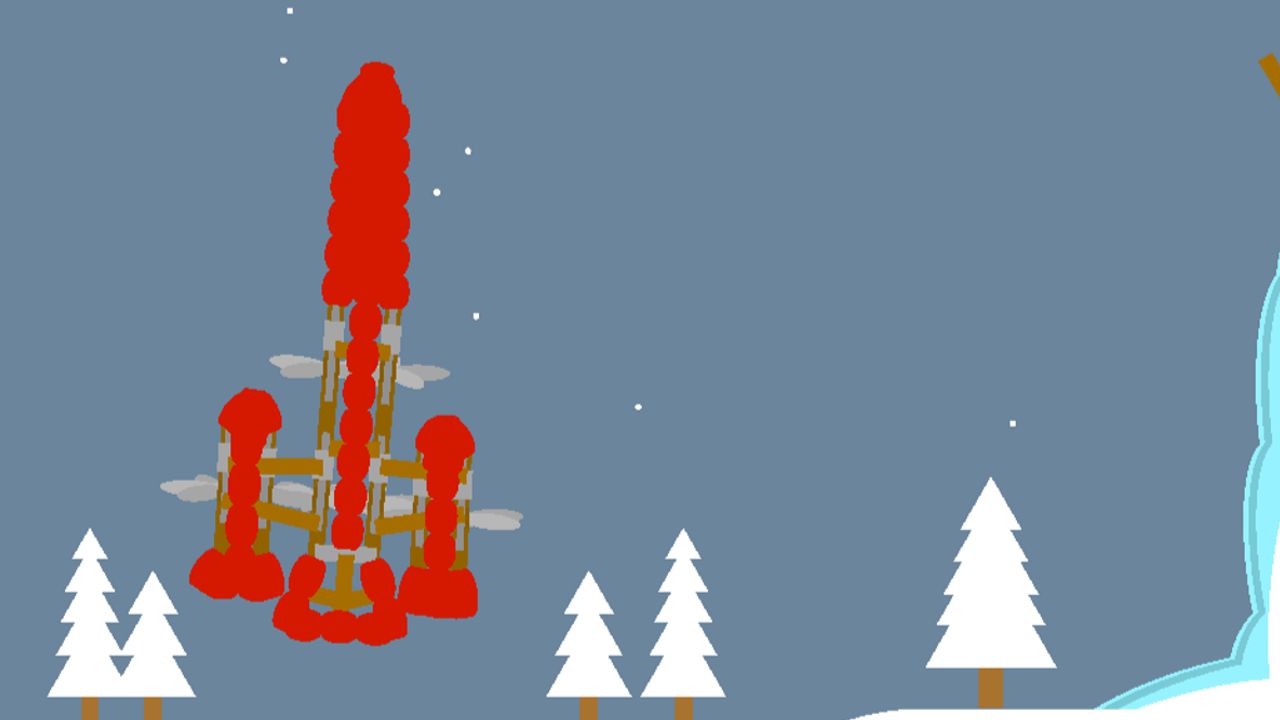
  • SandBox Simulator screenshot 1
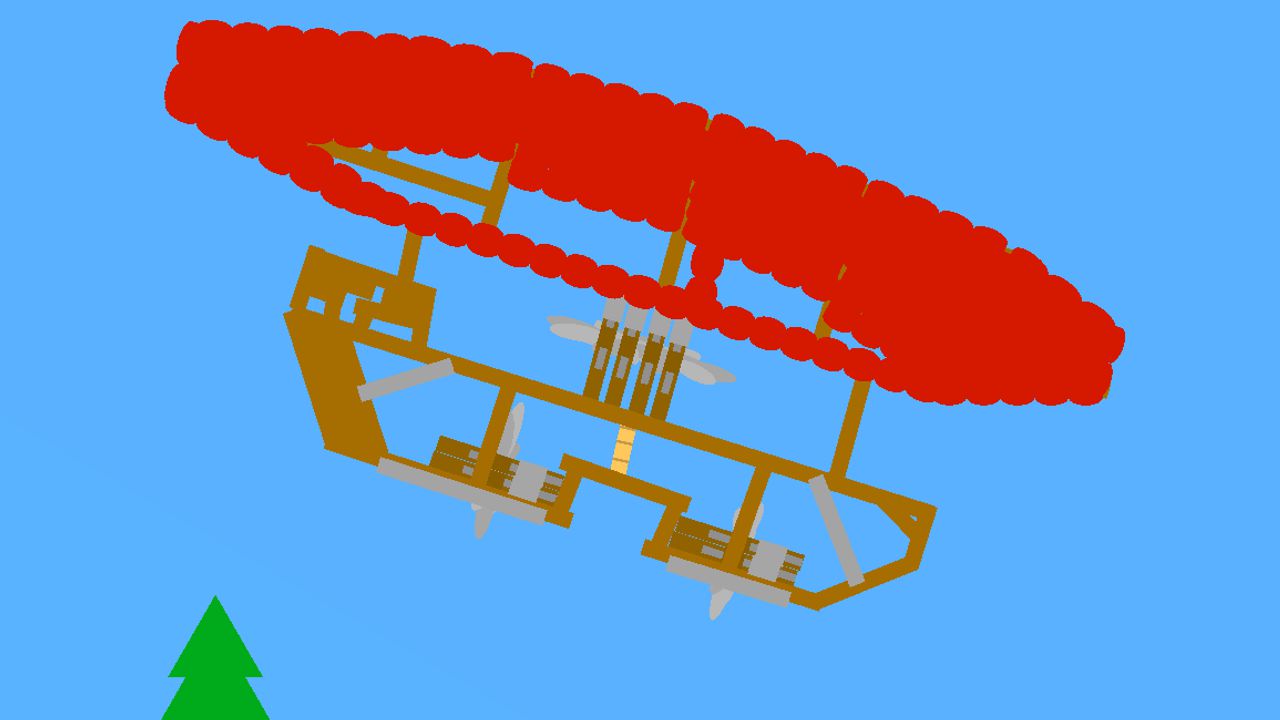
  • SandBox Simulator screenshot 2
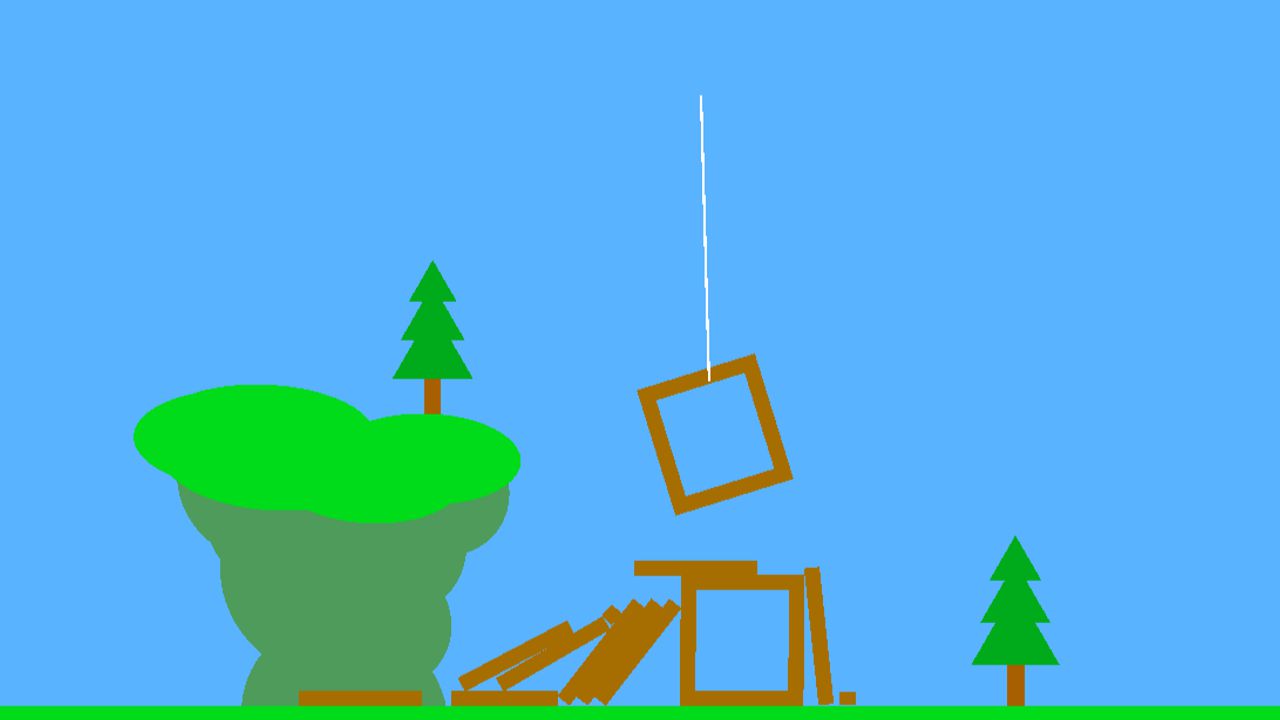
  • SandBox Simulator screenshot 3
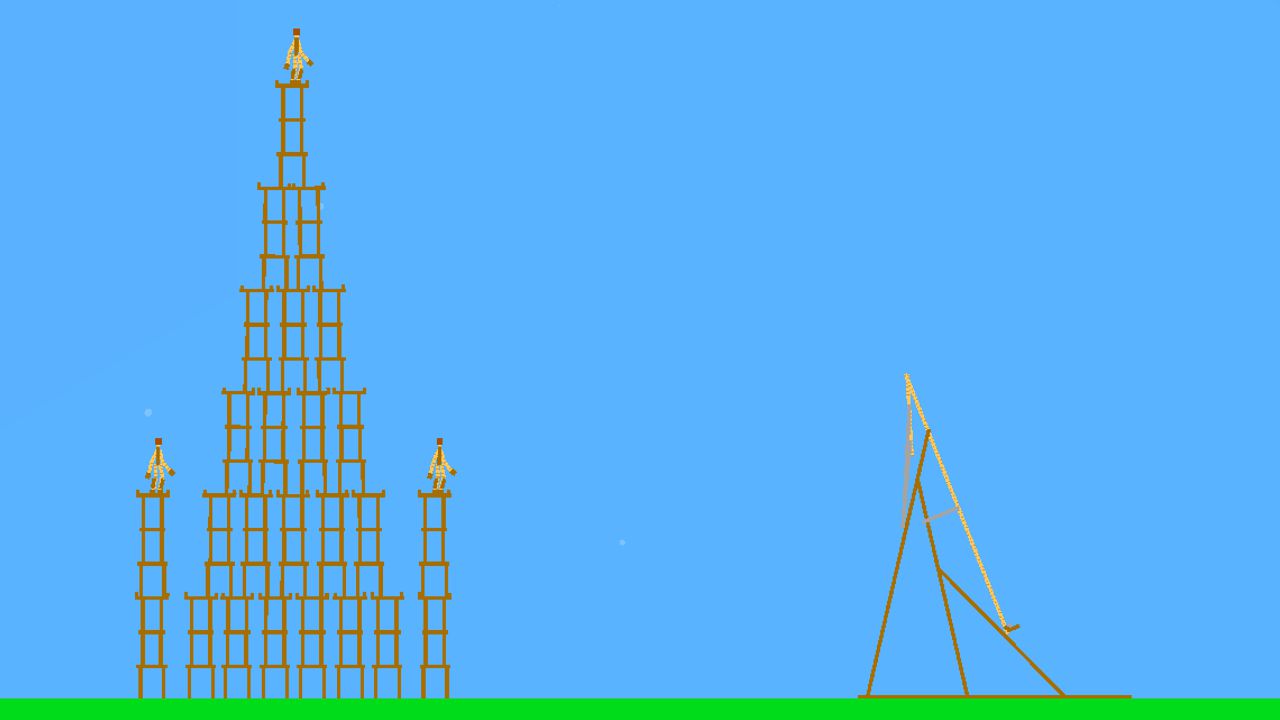
  • SandBox Simulator screenshot 4
  • SandBox Simulator screenshot 5
  • SandBox Simulator screenshot 6
  • SandBox Simulator screenshot 7
  • SandBox Simulator screenshot 8
  • SandBox Simulator screenshot 9
  • SandBox Simulator screenshot 10
Play Now

14,066 players online

How to play

  1. Open the game

    Press Play now and the game opens on its own screen.

  2. Follow the in-game instructions

    The controls and goals are shown inside the game as you play.

  3. Use the game menu

    The floating button over the game reloads it, saves it to your favourites, or takes you back out.

Game instructions

You can hold the left mouse button while placing to extend the item or charge the throw with the throwing stone/wheel. Drag tool: Click on the item and then move the mouse to drag it (works when the item is not following the block) Edit tool used to change the settings of the motors, such as their control keys and their power. You can select multiple motors at once. Holding the right mouse button allows you to remove things much faster WASD or ARROW keys to move the camera; LEFT MOUSE BUTTON to place items; MIDDLE MOUSE BUTTON to set the follow camera to the block RIGHT MOUSE BUTTON to remove items; SCROLL to zoom in and out; LEFT SHIFT to move the camera faster; K to reset the camera position.

More games

More games