Skip to content
KG
The Warlock's Prisoner

The Warlock's Prisoner

475K plays 4.4 out of 5

Overview

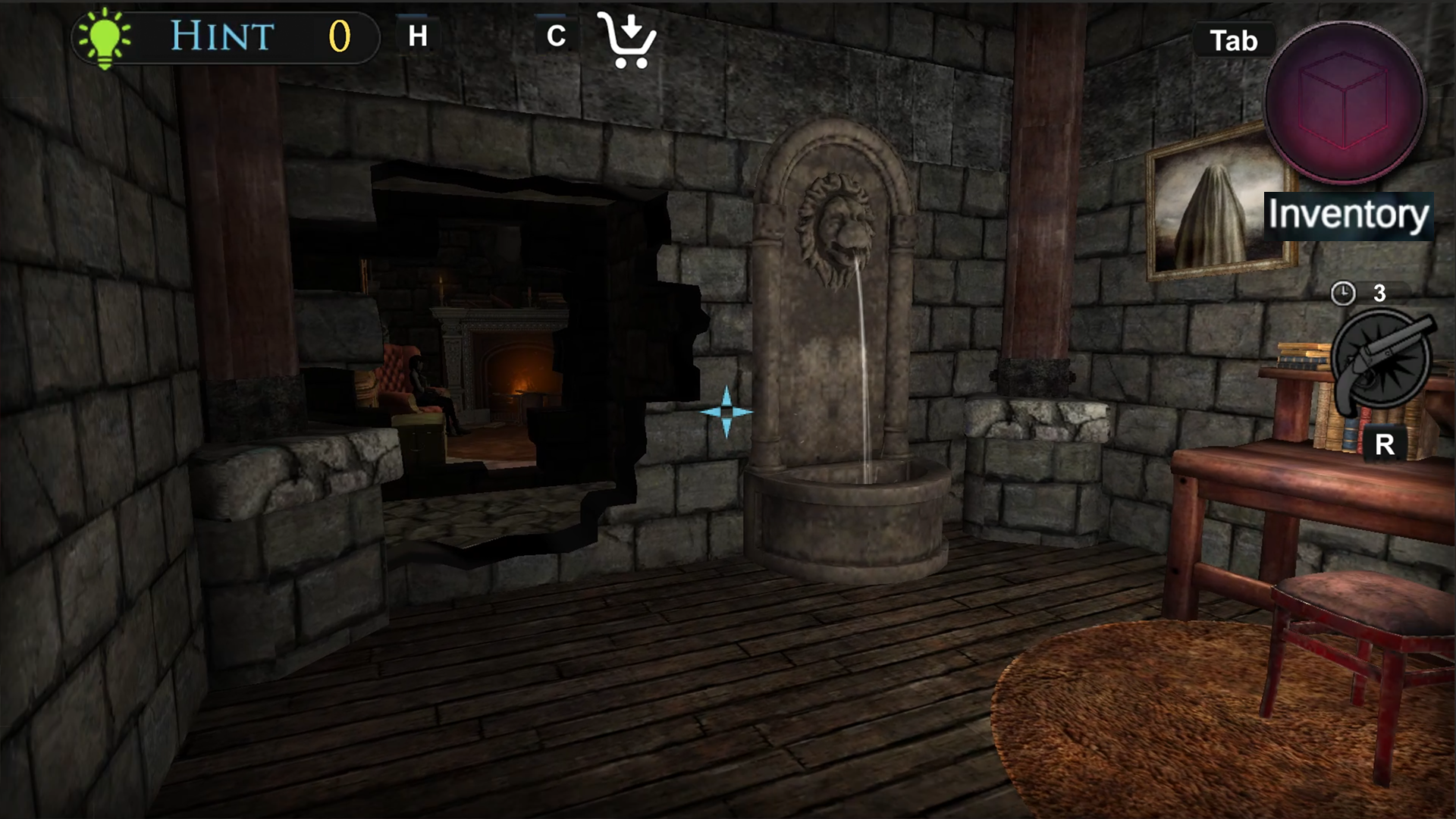
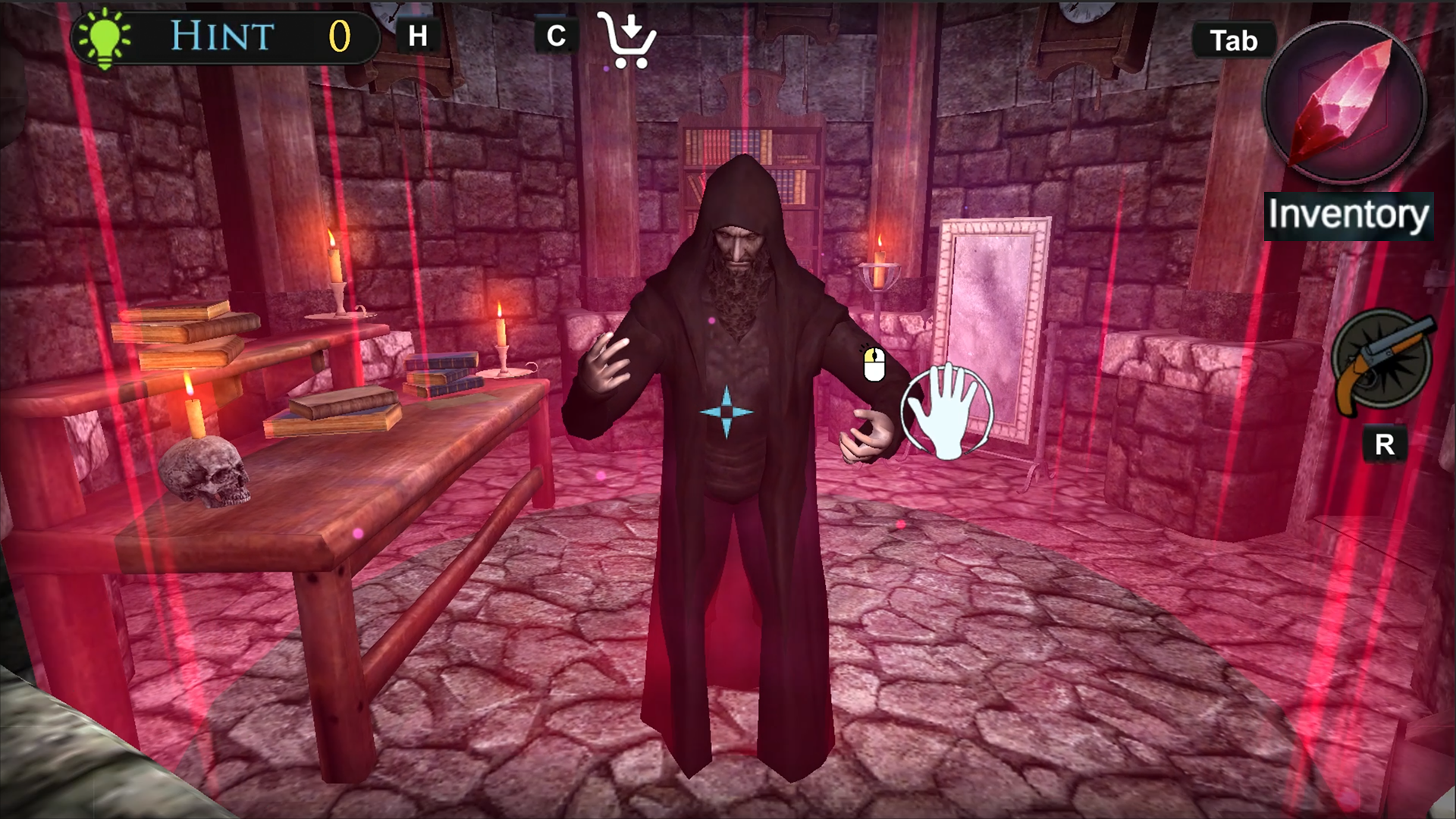
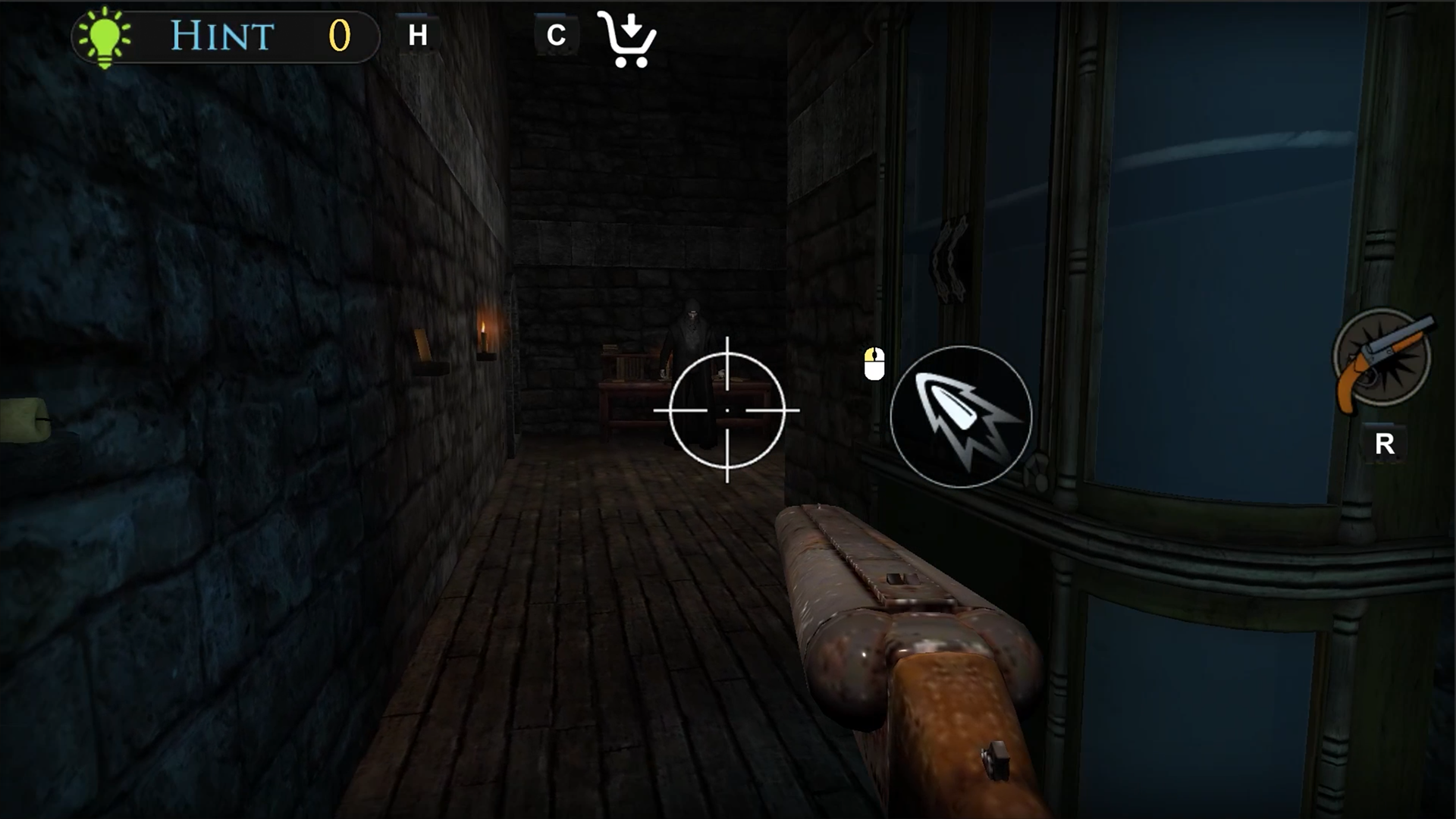
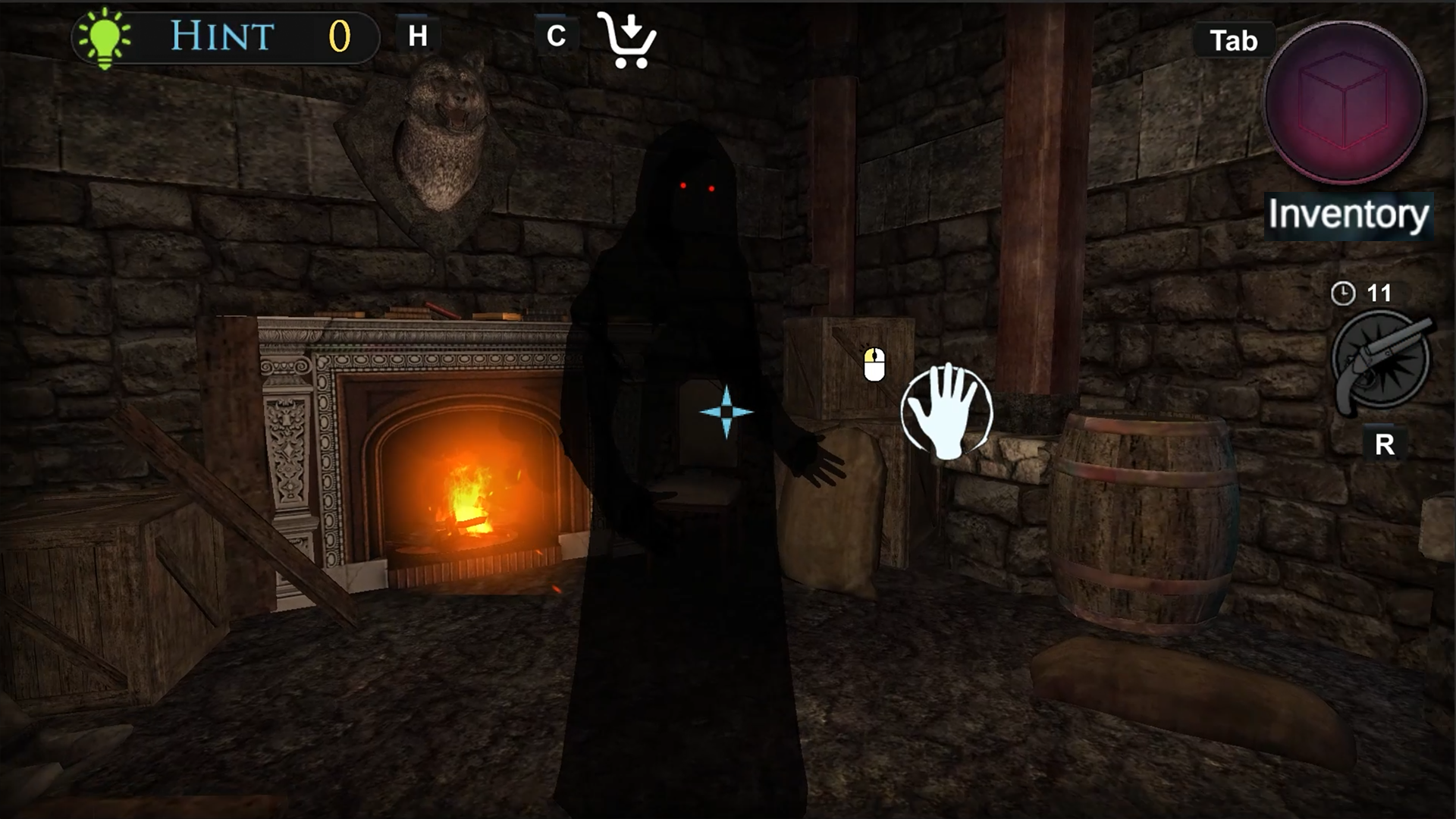
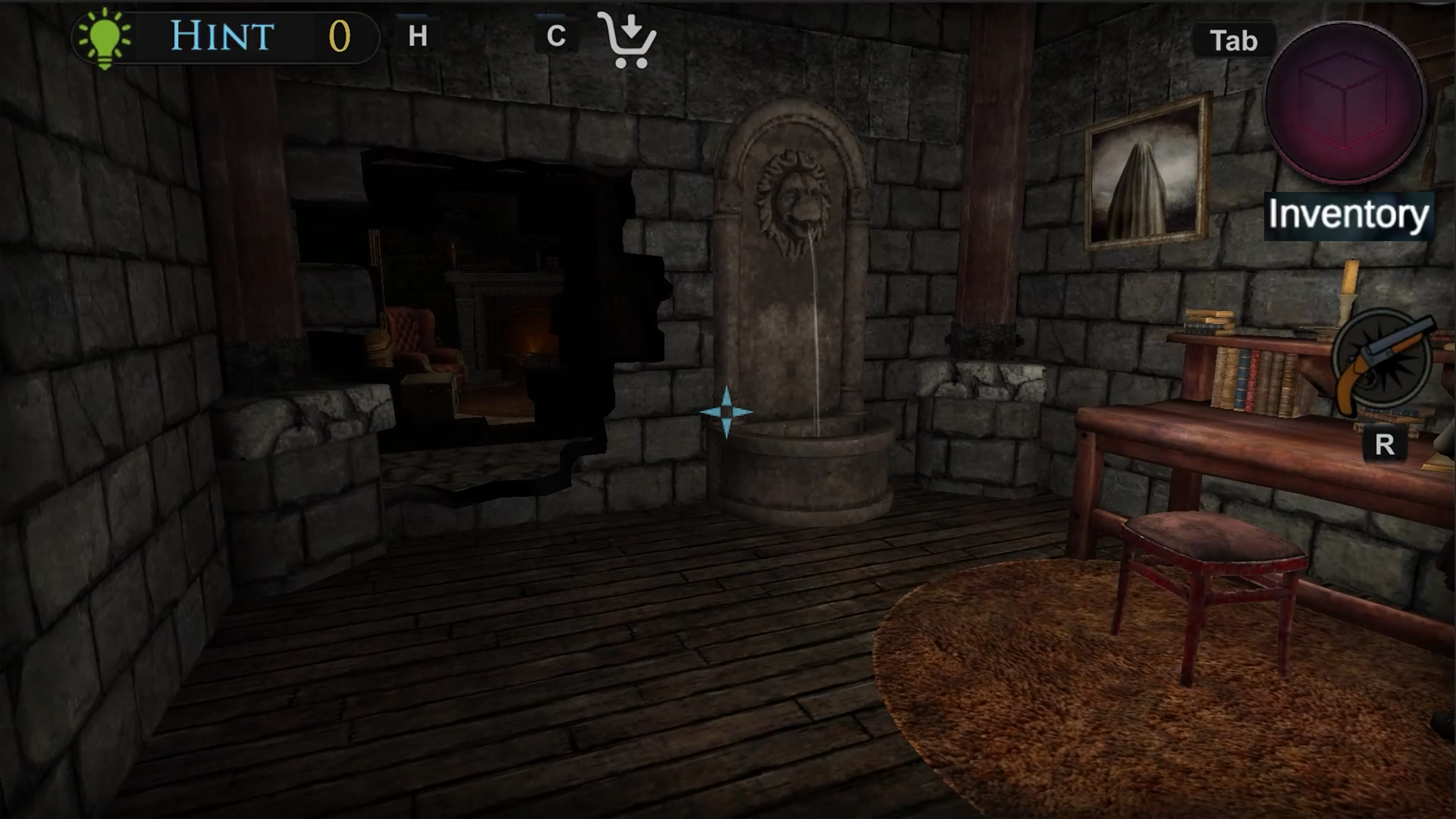
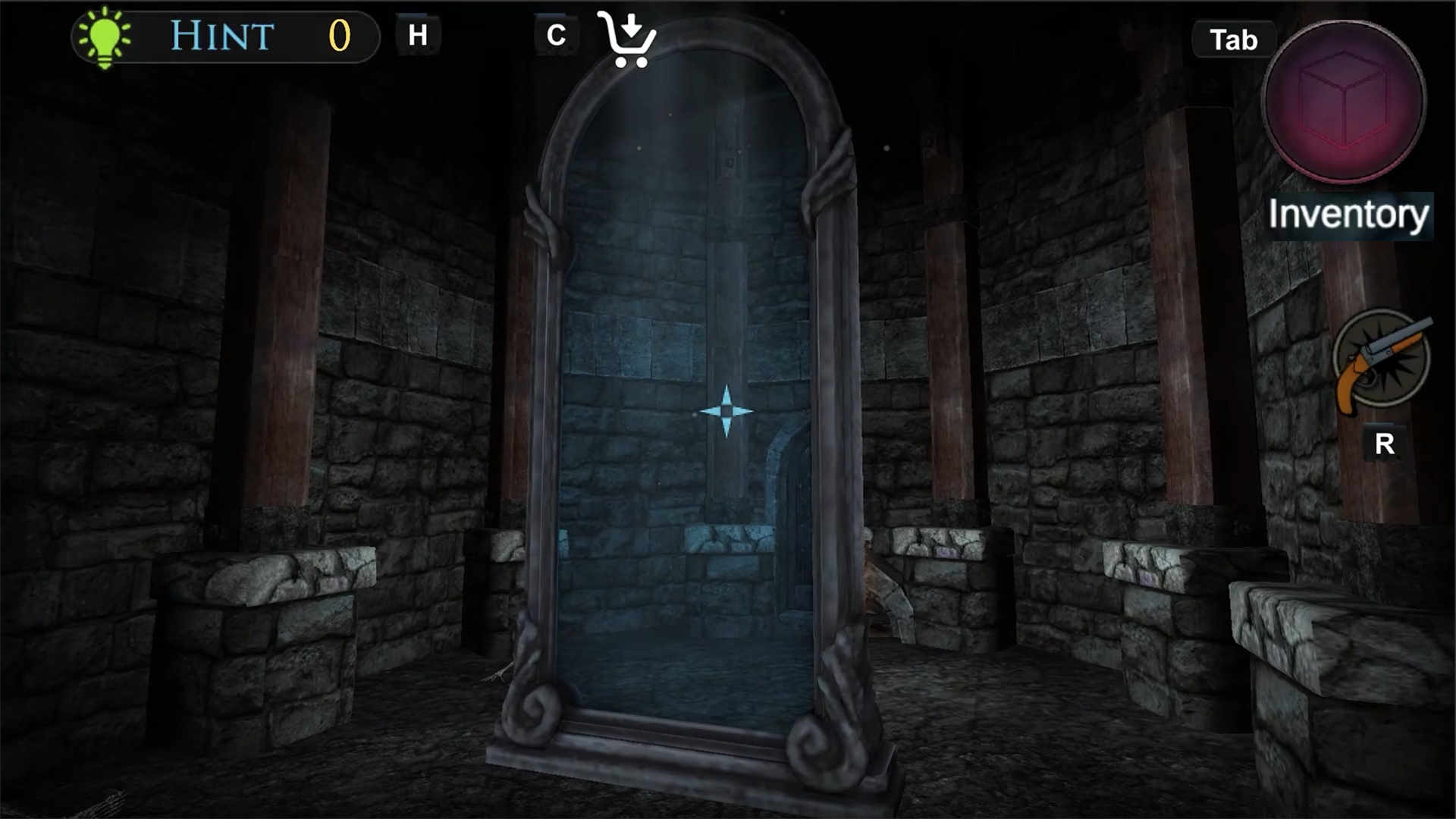
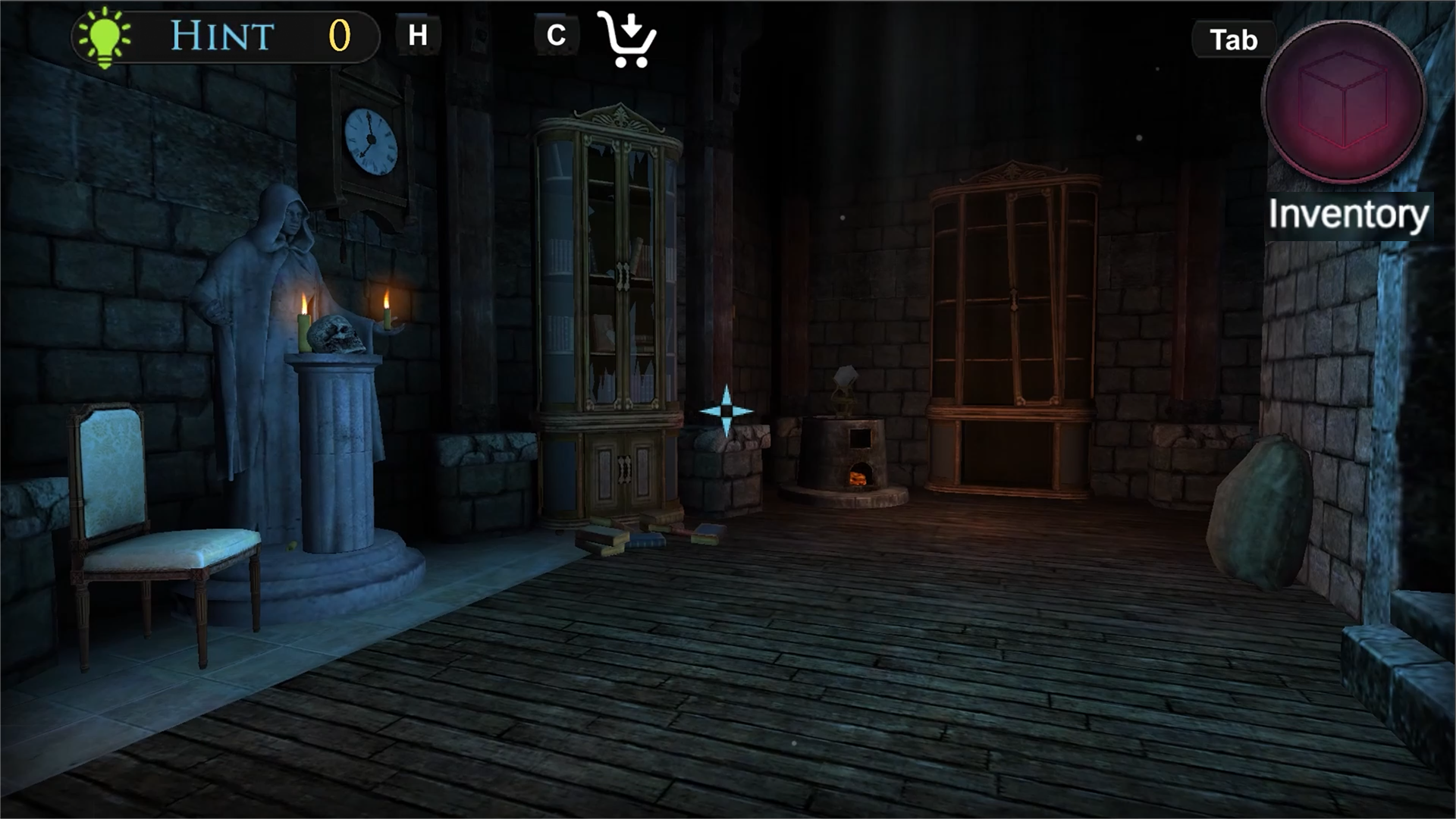
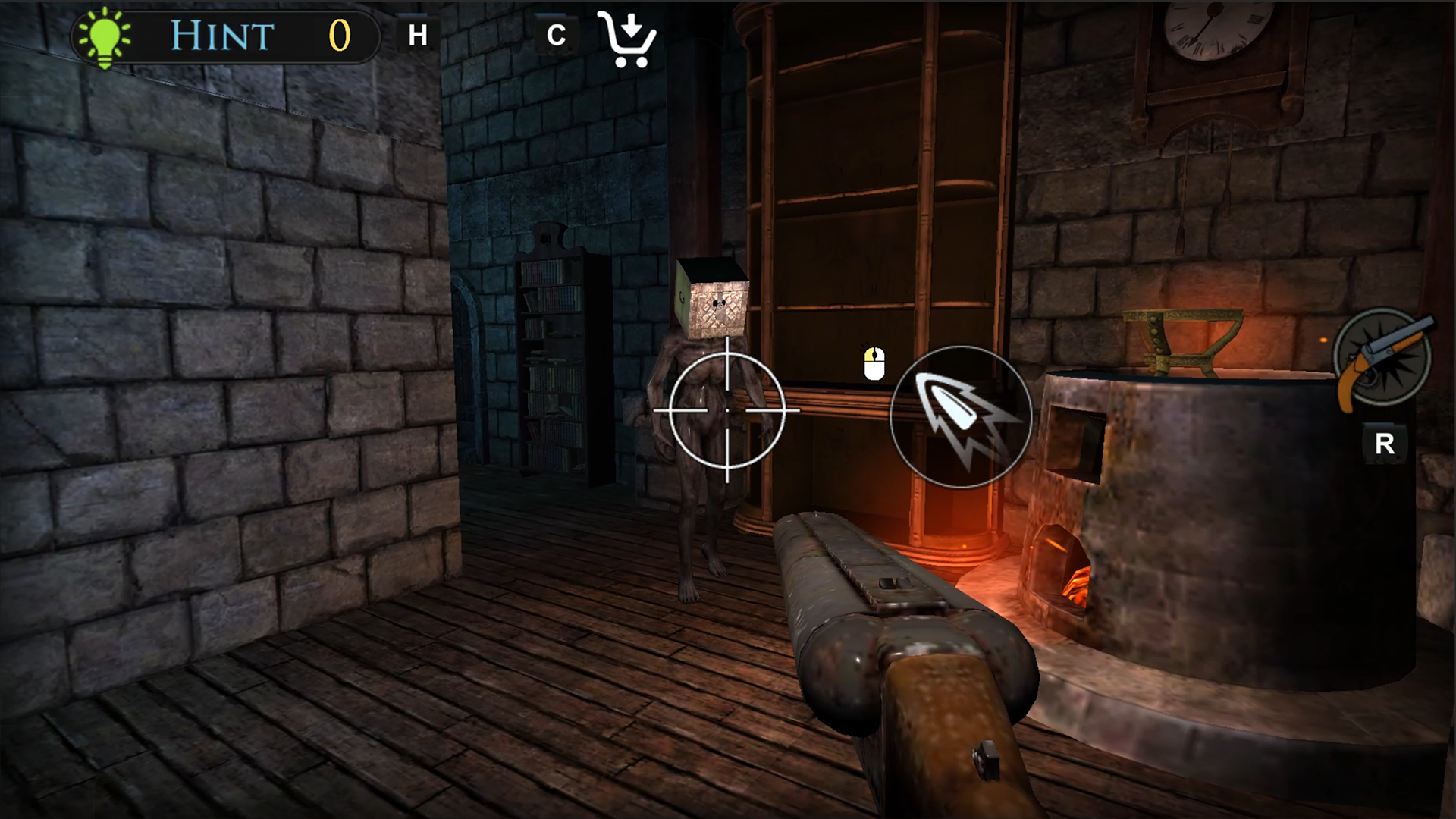
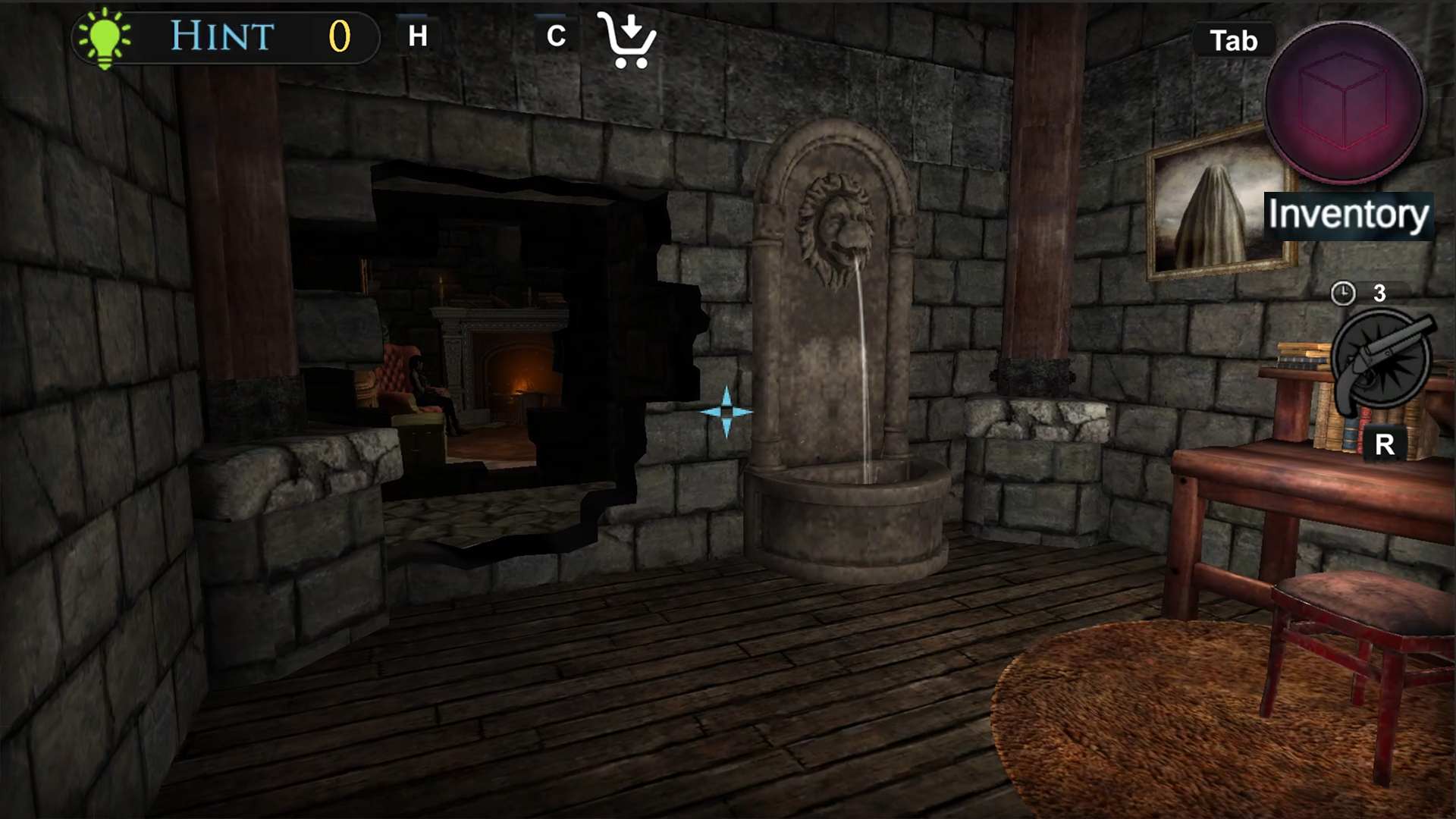
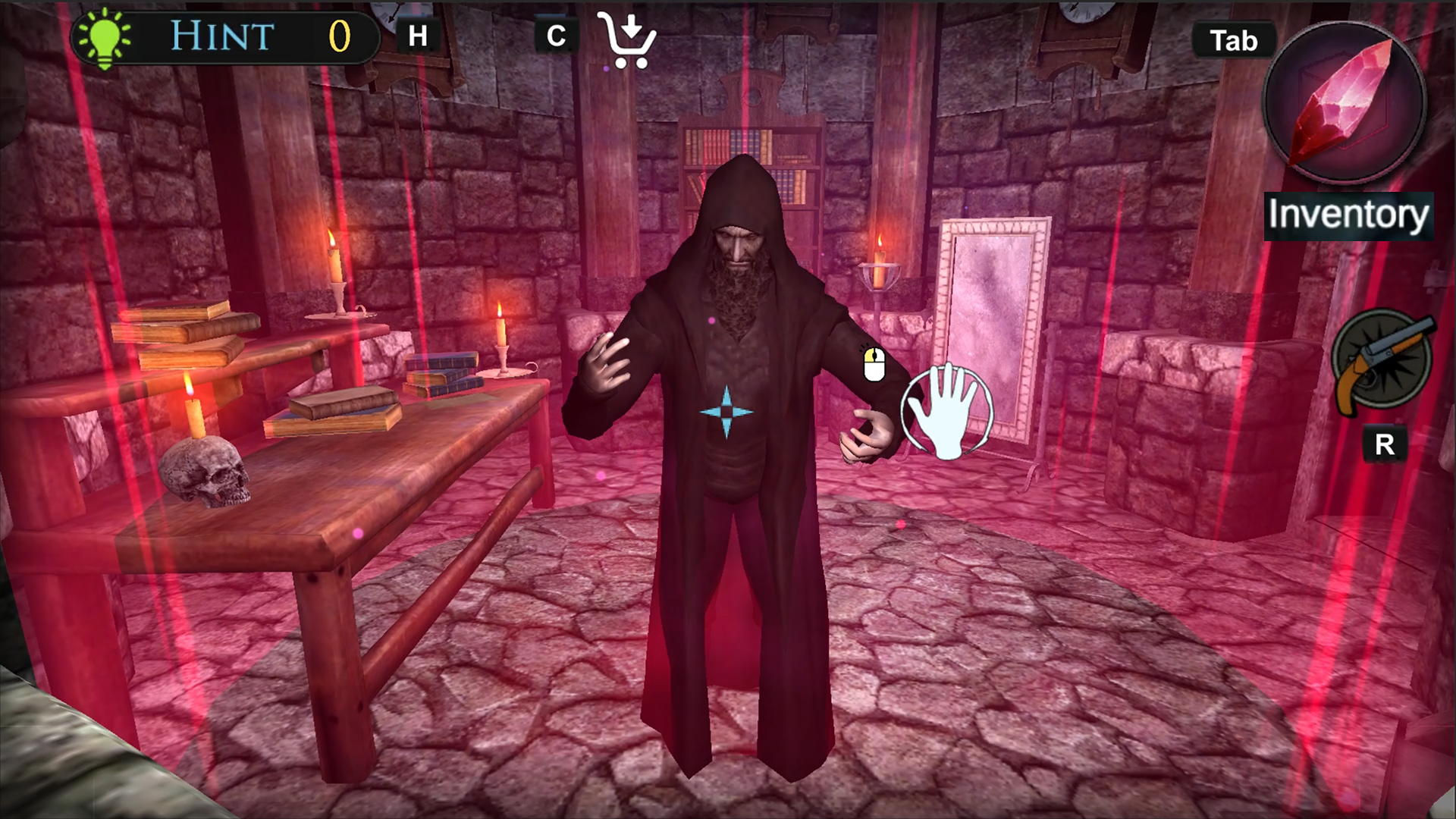
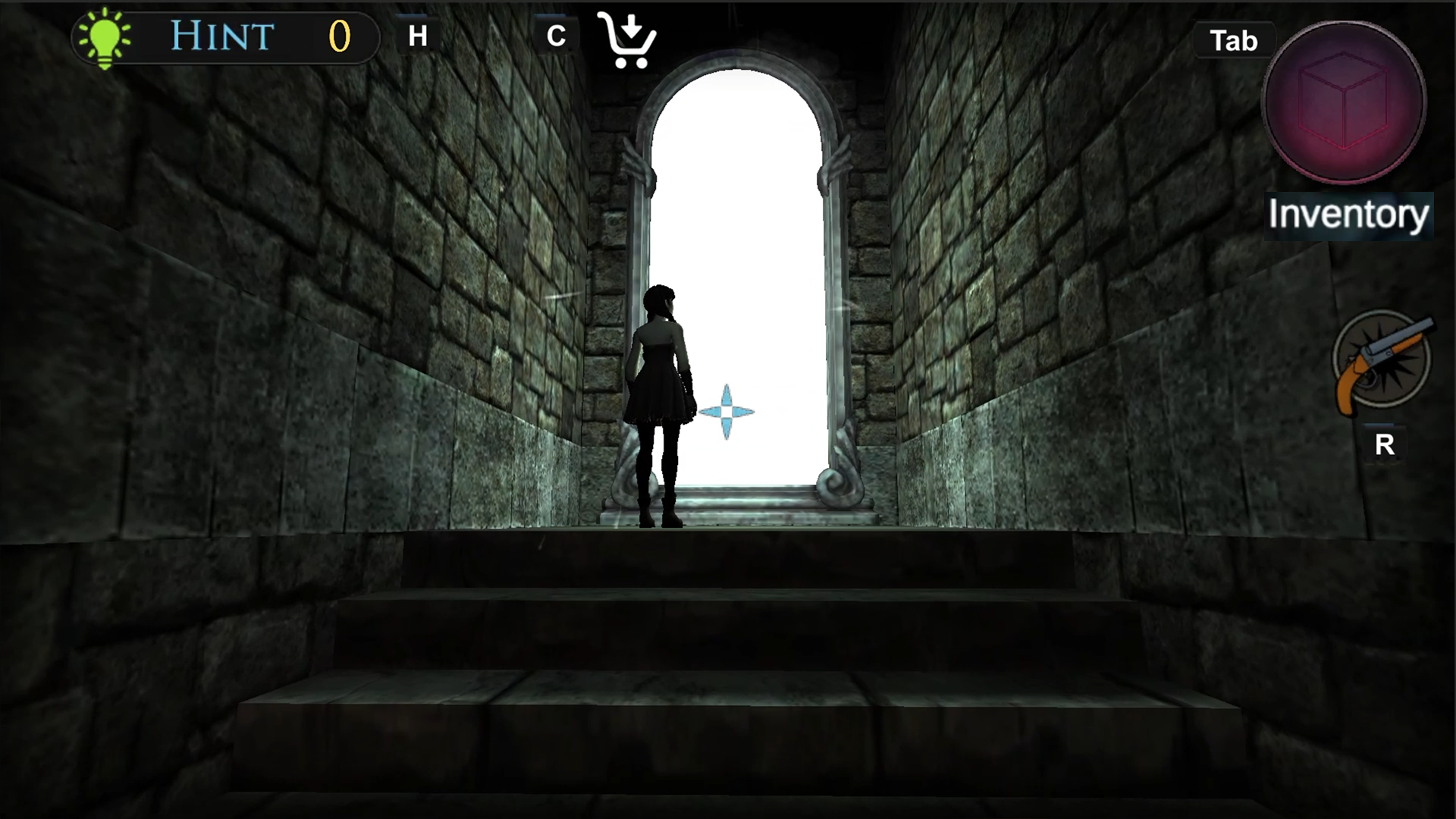
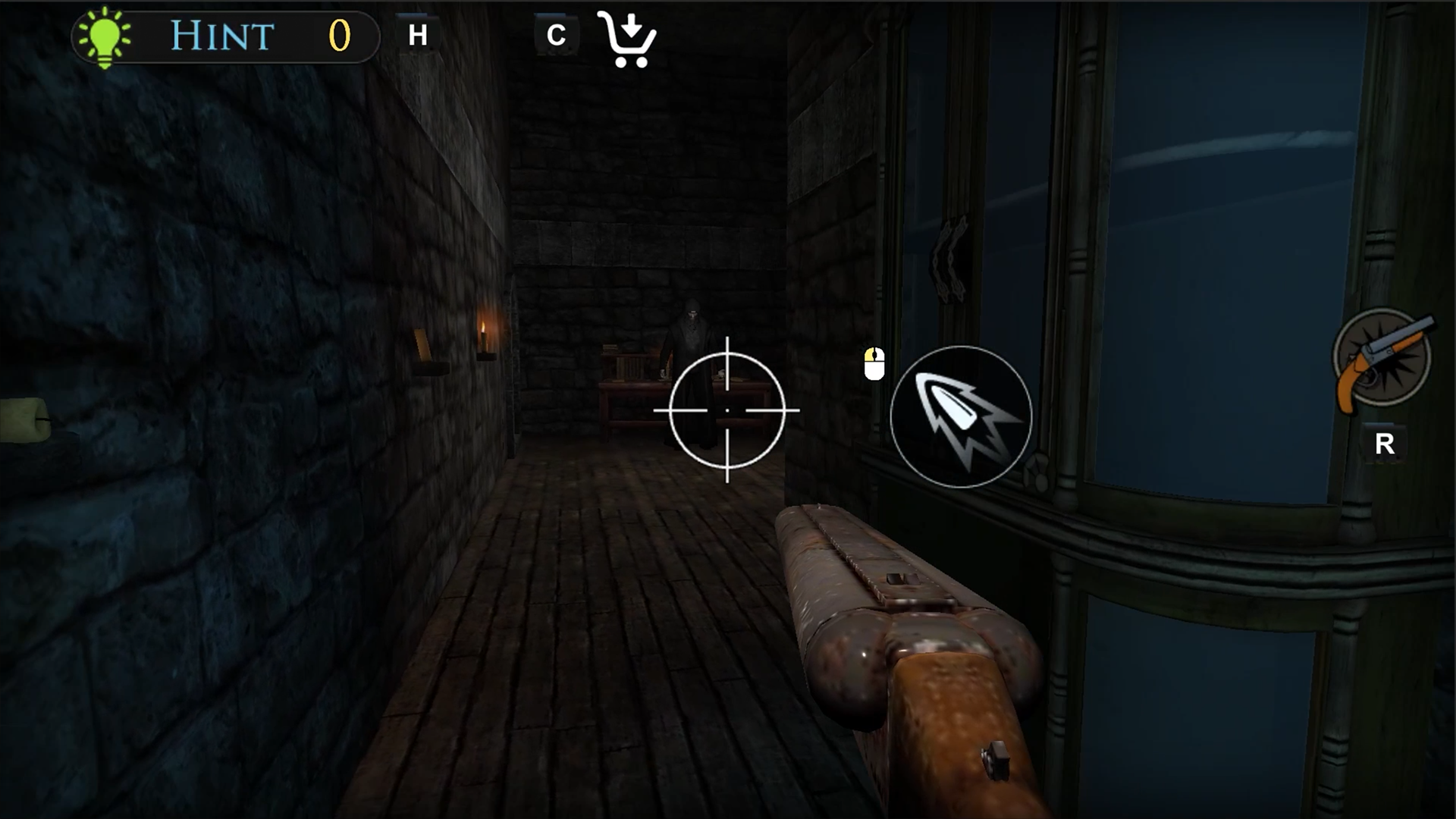
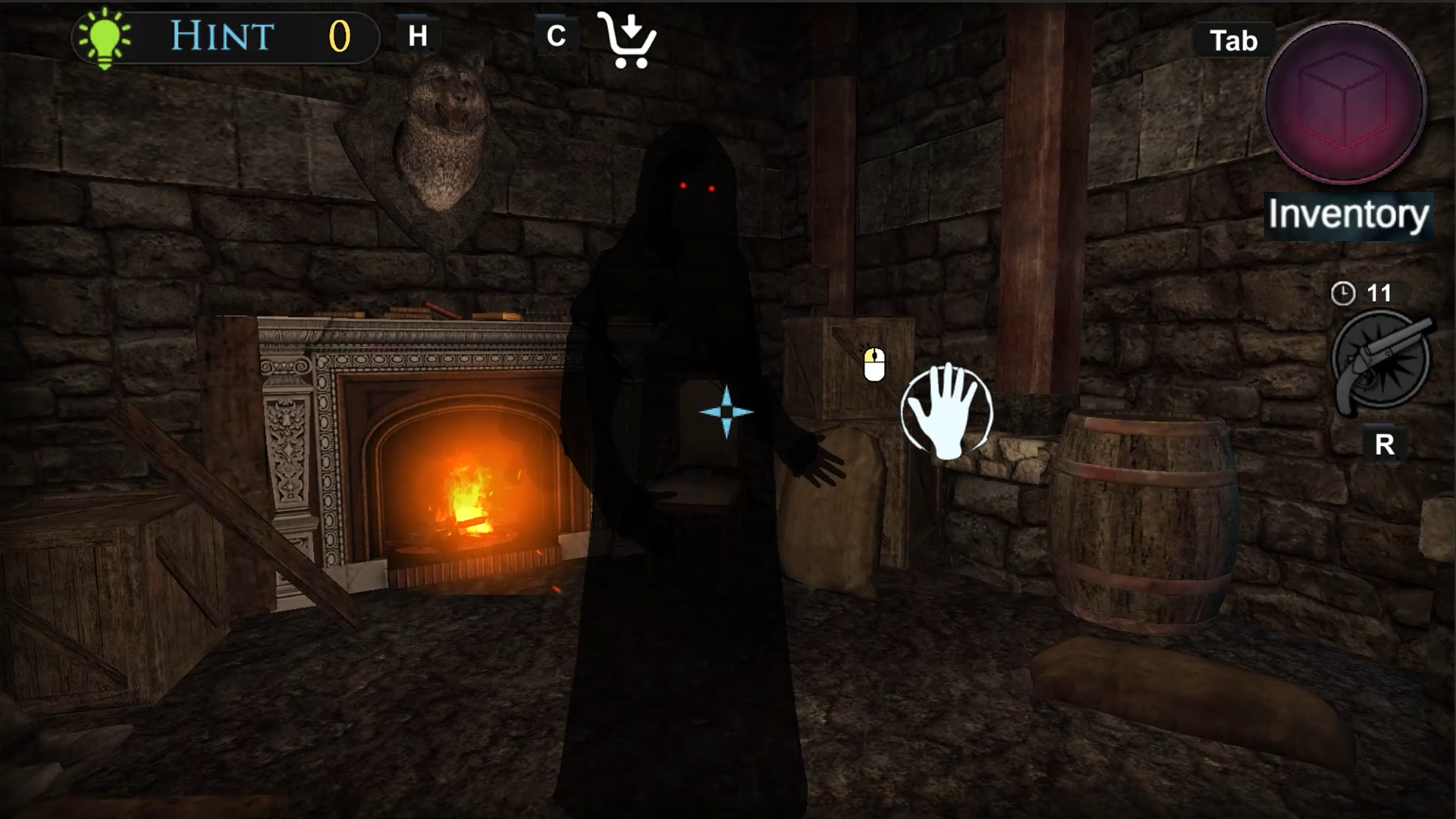
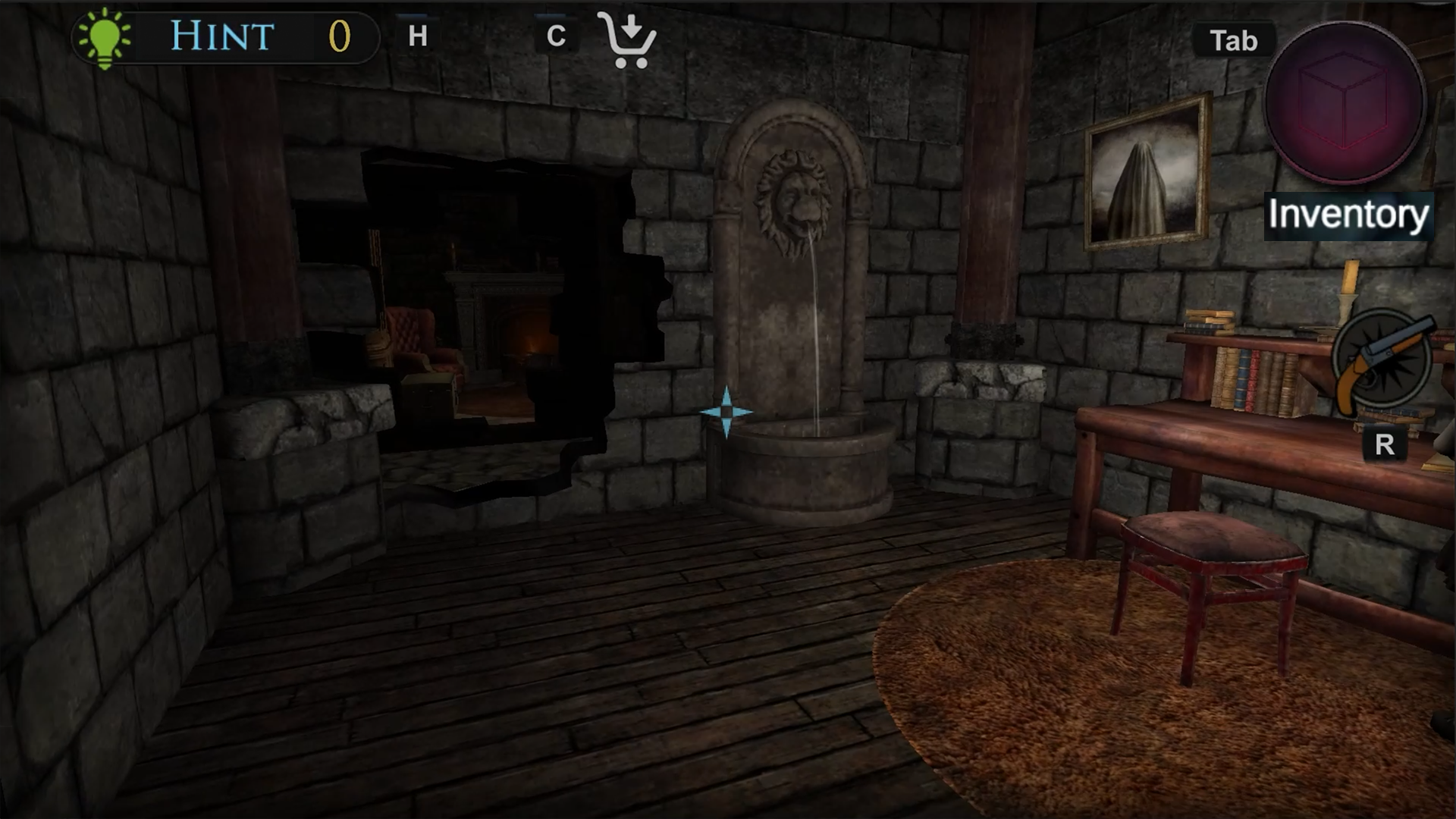
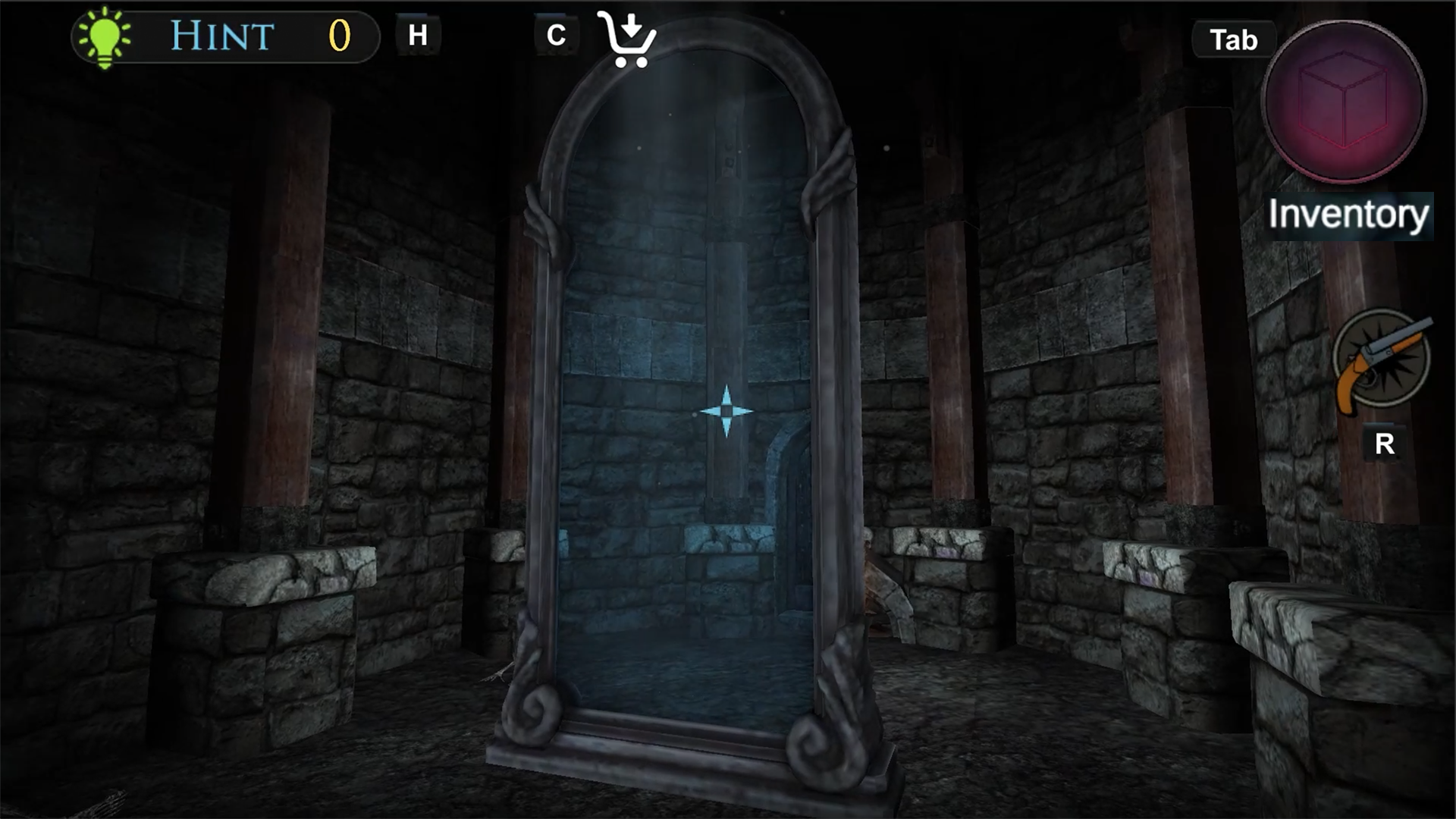
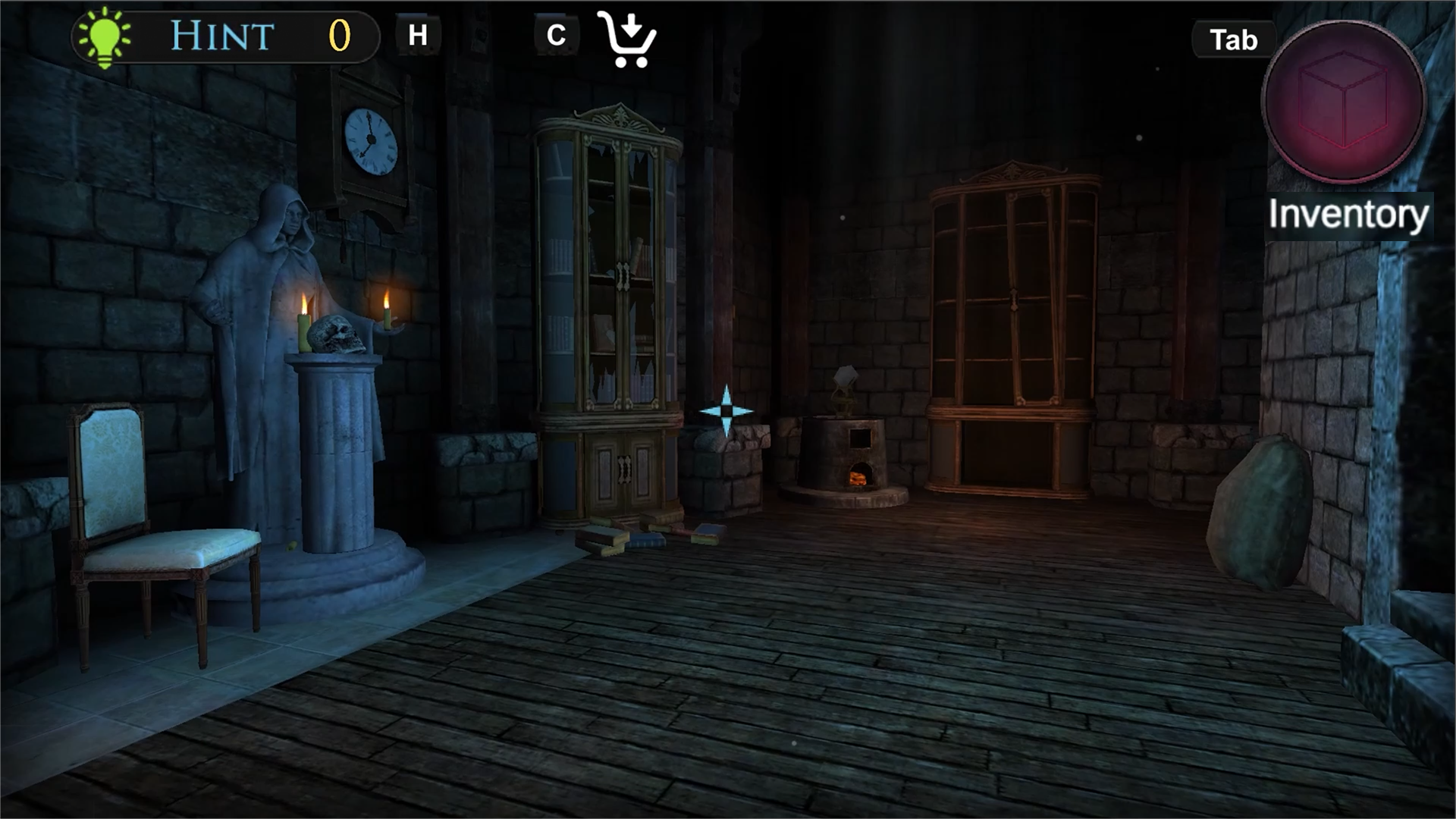
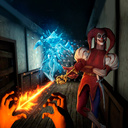
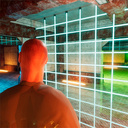
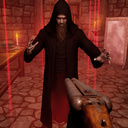
The Warlock's Prisoner is a dark adventure with elements of horror, survival, and puzzles. You wake up imprisoned, deep within the lair of a mysterious warlock. All around you lies darkness, traps, and an army of zombies. To escape, you'll have to explore dangerous corridors, search for items, gather clues, solve puzzles, and fight for your life. Will you escape the lair alive—or will you remain a prisoner of darkness forever? 🧩 Exploration and Puzzles 🧟‍♂️ Battles with the Dead 🪞 Mysterious Looking Glass 🎮 Atmosphere, Tension, and Story

Videos and screenshots
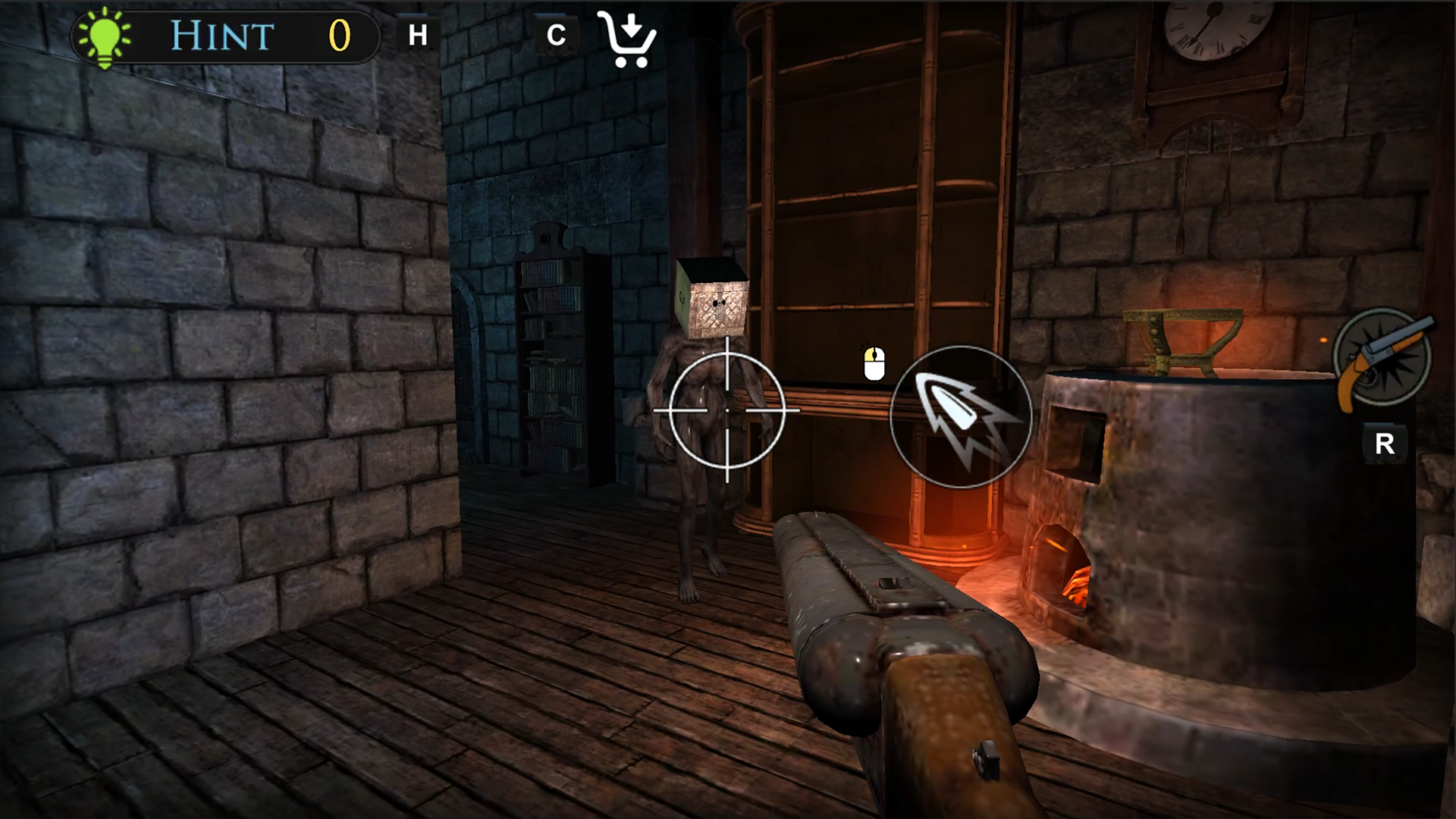
  • The Warlock's Prisoner screenshot 1
  • The Warlock's Prisoner screenshot 2
  • The Warlock's Prisoner screenshot 3
  • The Warlock's Prisoner screenshot 4
  • The Warlock's Prisoner screenshot 5
  • The Warlock's Prisoner screenshot 6
  • The Warlock's Prisoner screenshot 7
  • The Warlock's Prisoner screenshot 8
  • The Warlock's Prisoner screenshot 9
  • The Warlock's Prisoner screenshot 10
  • The Warlock's Prisoner screenshot 11
  • The Warlock's Prisoner screenshot 12
  • The Warlock's Prisoner screenshot 13
  • The Warlock's Prisoner screenshot 14
  • The Warlock's Prisoner screenshot 15
  • The Warlock's Prisoner screenshot 16
  • The Warlock's Prisoner screenshot 17
  • The Warlock's Prisoner screenshot 18
  • The Warlock's Prisoner screenshot 19
Play Now

14,893 players online

How to play

  1. Open the game

    Press Play now and the game opens on its own screen.

  2. Follow the in-game instructions

    The controls and goals are shown inside the game as you play.

  3. Use the game menu

    The floating button over the game reloads it, saves it to your favourites, or takes you back out.

Game instructions

On a mobile device: - Character rotation - swipe from the right side of the screen; - Character movement - virtual joystick on the left; - Interact with items - tap the icon in the center of the screen; - Menu navigation - tap the buttons. On a desktop: - Character rotation - mouse movement; - Character movement - WASD keys; - Interact with items - E key or left mouse button; - Hint - H key; - Shop - C key; - Inventory - TAB key; - Menu navigation - left mouse button.

More games

More games