Skip to content
KG
Pixel Coloring: Cozy Collection

Pixel Coloring: Cozy Collection

91K plays 4.4 out of 5

Overview

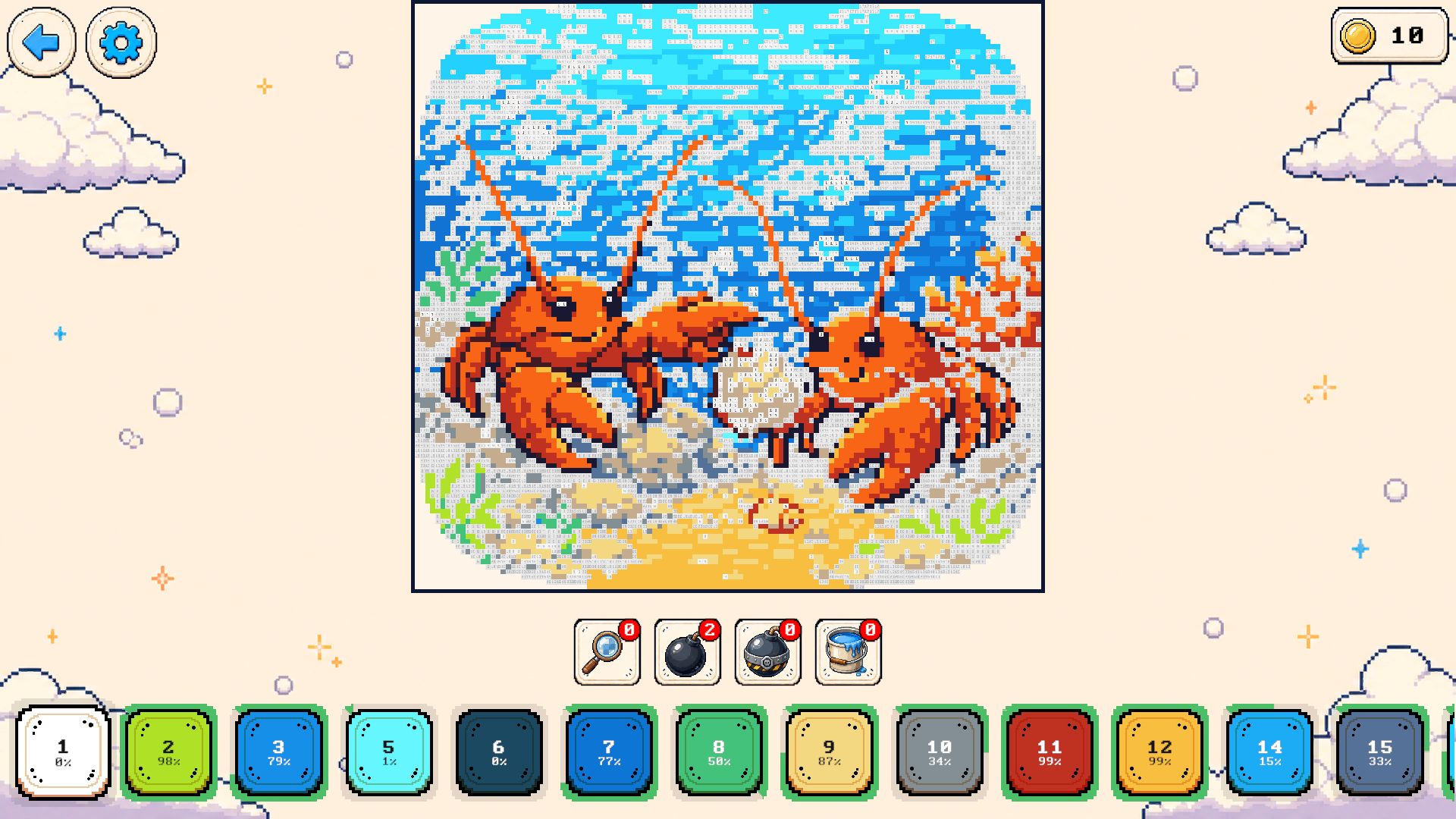
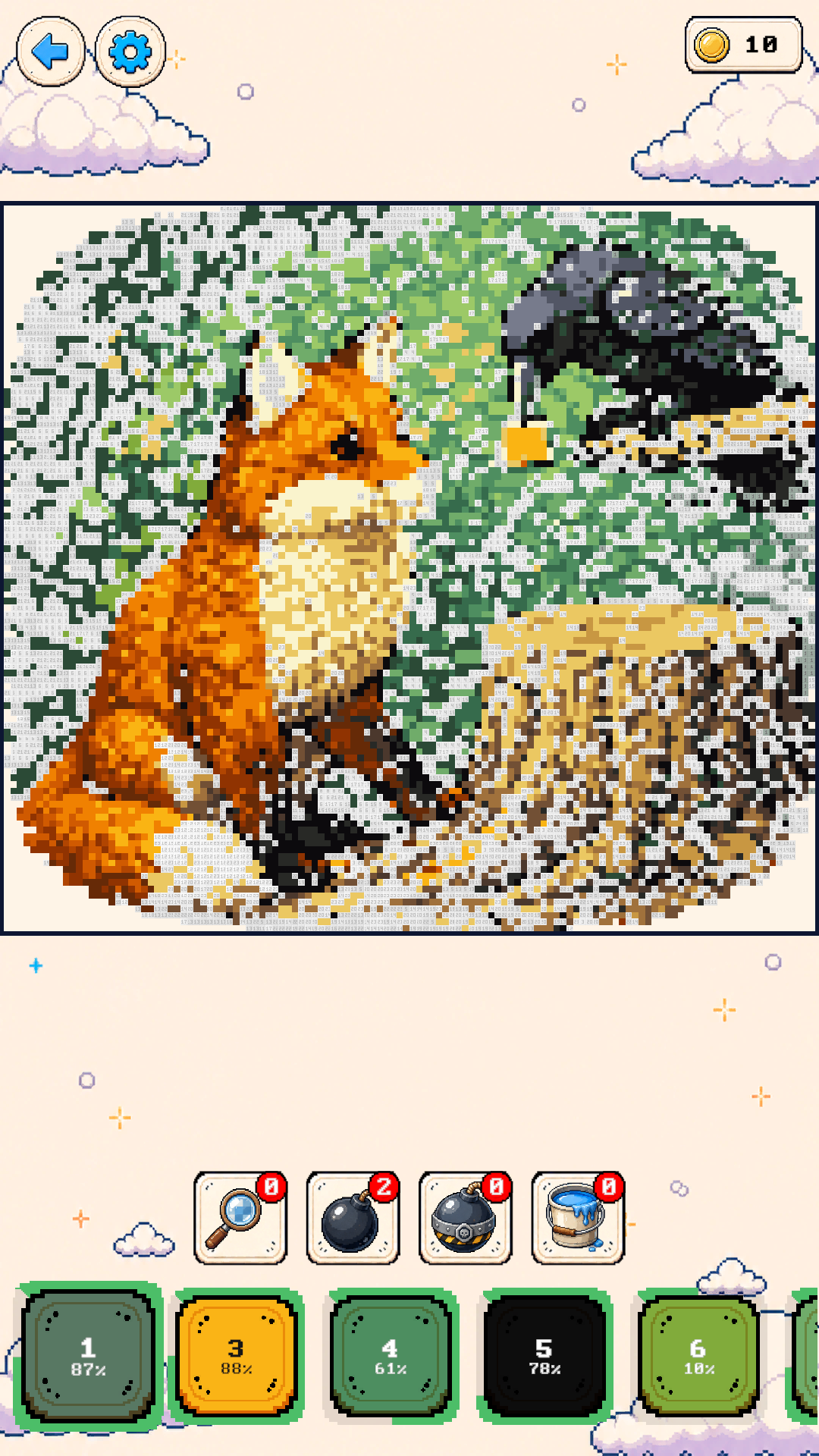
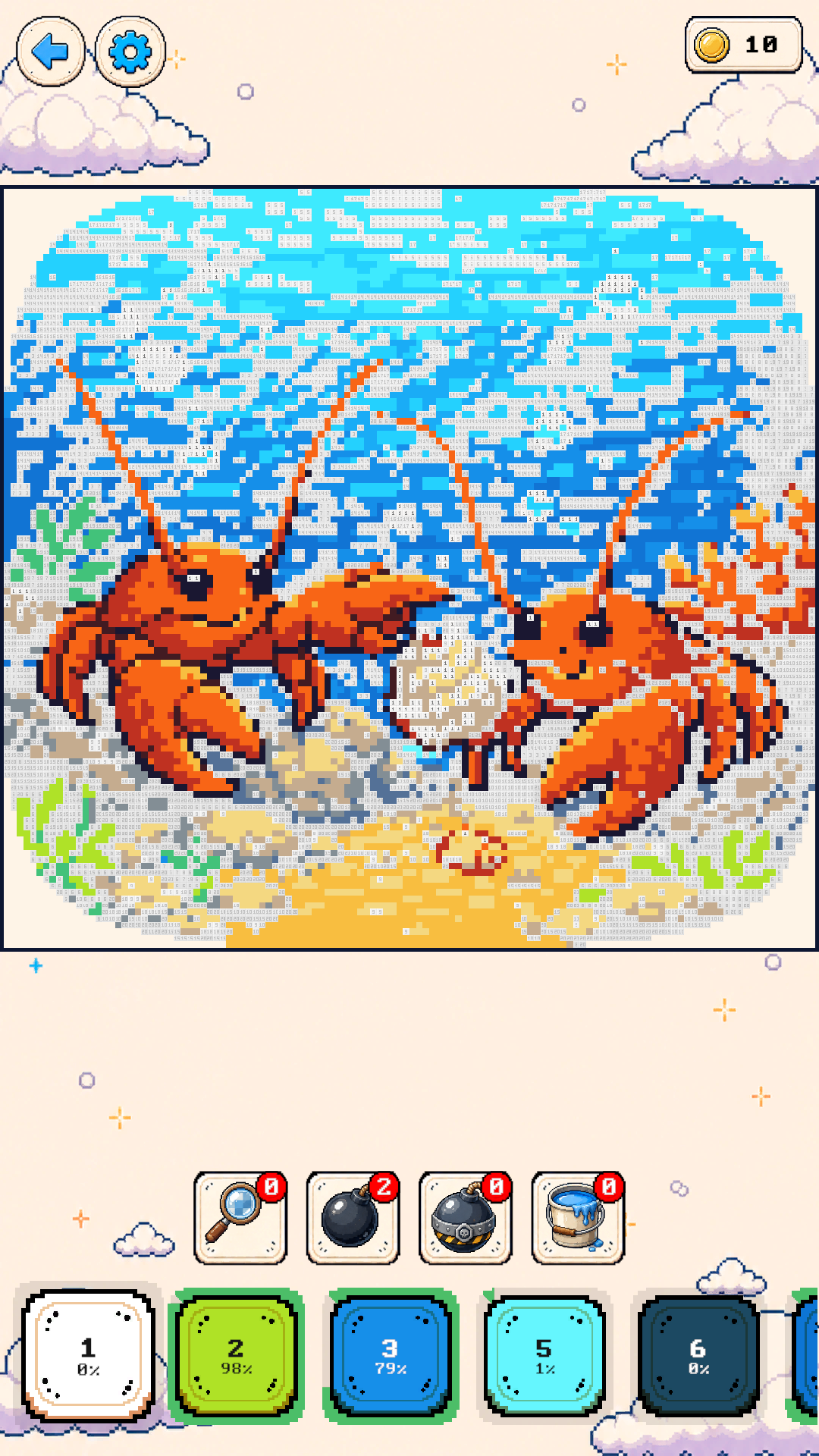
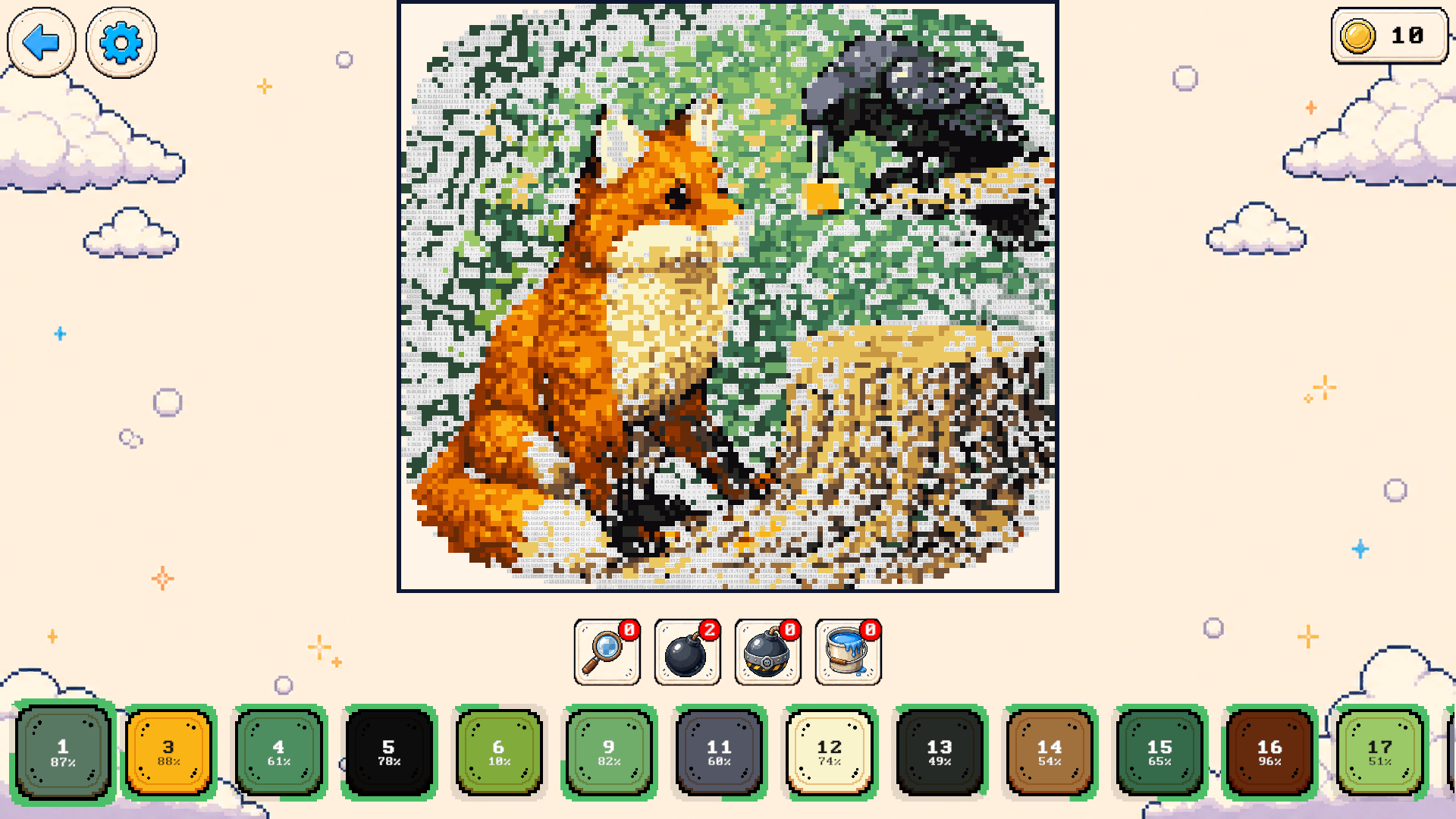
Color animals, food, characters, and other pixel pictures by following the numbers. Choose a small picture for a short break or take on a larger, more detailed design. Complete pictures to earn coins, unlock more designs, and add to your collection. Hints help you find the next pixel, while bombs and paint buckets fill larger areas. Your unfinished pictures and completed artwork are kept in My Works, so you can return to them later.

Videos and screenshots
  • Pixel Coloring: Cozy Collection screenshot 1
  • Pixel Coloring: Cozy Collection screenshot 2
  • Pixel Coloring: Cozy Collection screenshot 3
  • Pixel Coloring: Cozy Collection screenshot 4
Play Now

10,865 players online

How to play

  1. Open the game

    Press Play now and the game opens on its own screen.

  2. Follow the in-game instructions

    The controls and goals are shown inside the game as you play.

  3. Use the game menu

    The floating button over the game reloads it, saves it to your favourites, or takes you back out.

Game instructions

Choose a picture and a numbered color from the palette. Fill every pixel with its matching color to complete the picture. Desktop: Left-click to color, or hold the left mouse button and drag across matching pixels. Scroll the mouse wheel to zoom. Hold the right mouse button and drag to move the picture, or hold Space and drag with the left mouse button. Mobile: Tap to color, or drag across matching pixels. To move the picture, drag with one finger, starting on an already colored pixel or a pixel with a different number. Pinch with two fingers to zoom. To use a tool, select it and then click or tap a pixel.

More games

More games