
Overview
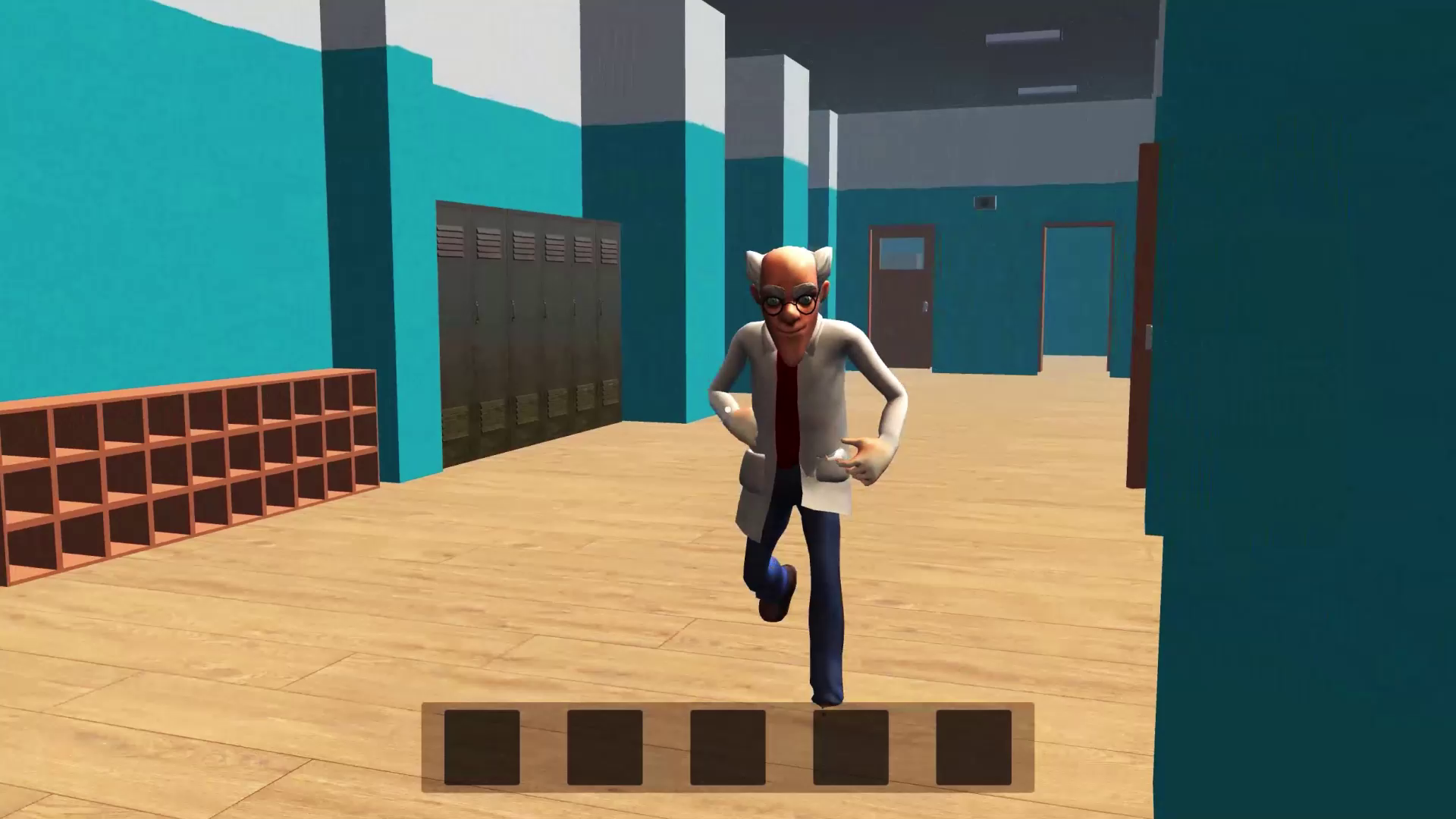
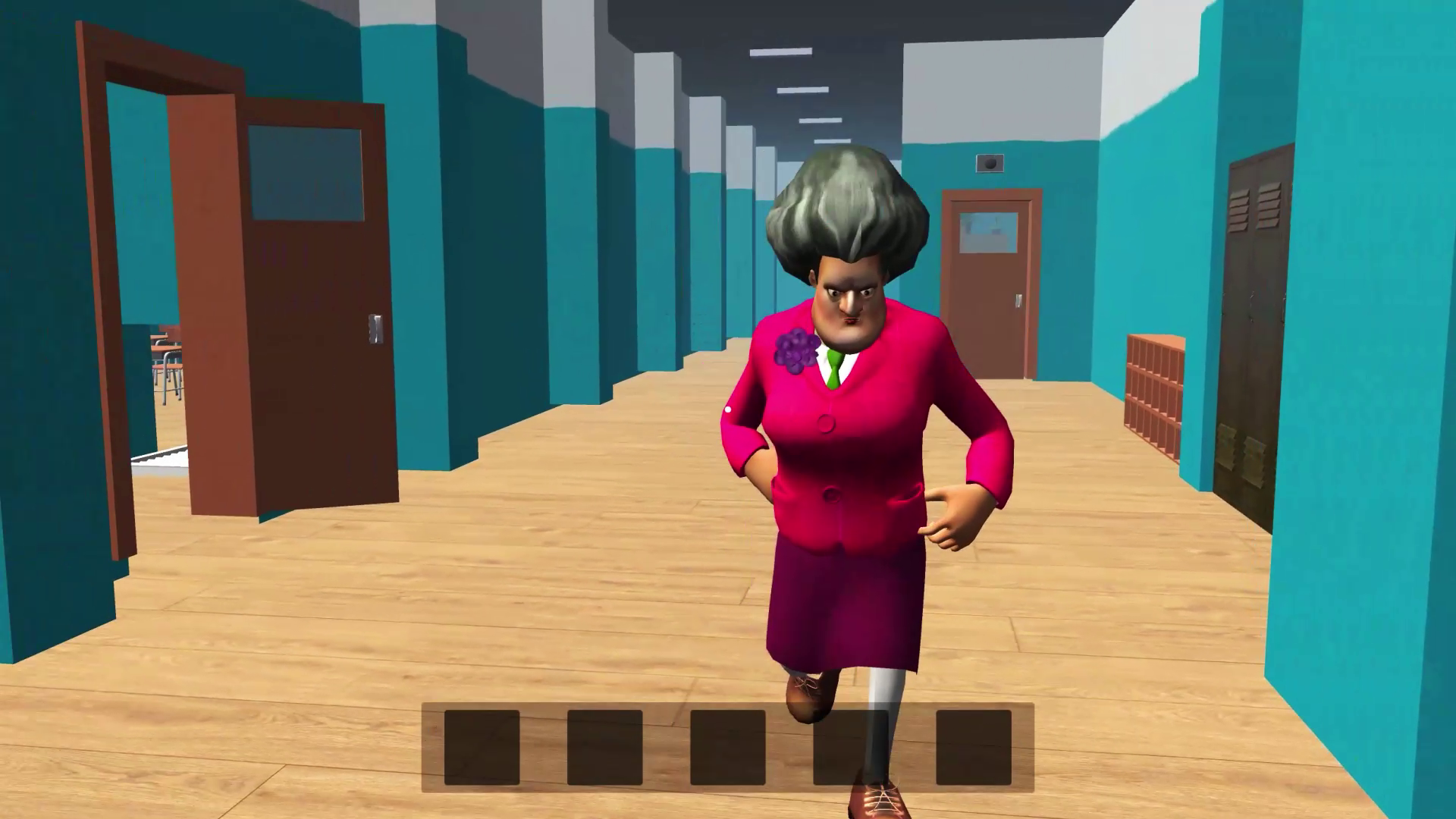
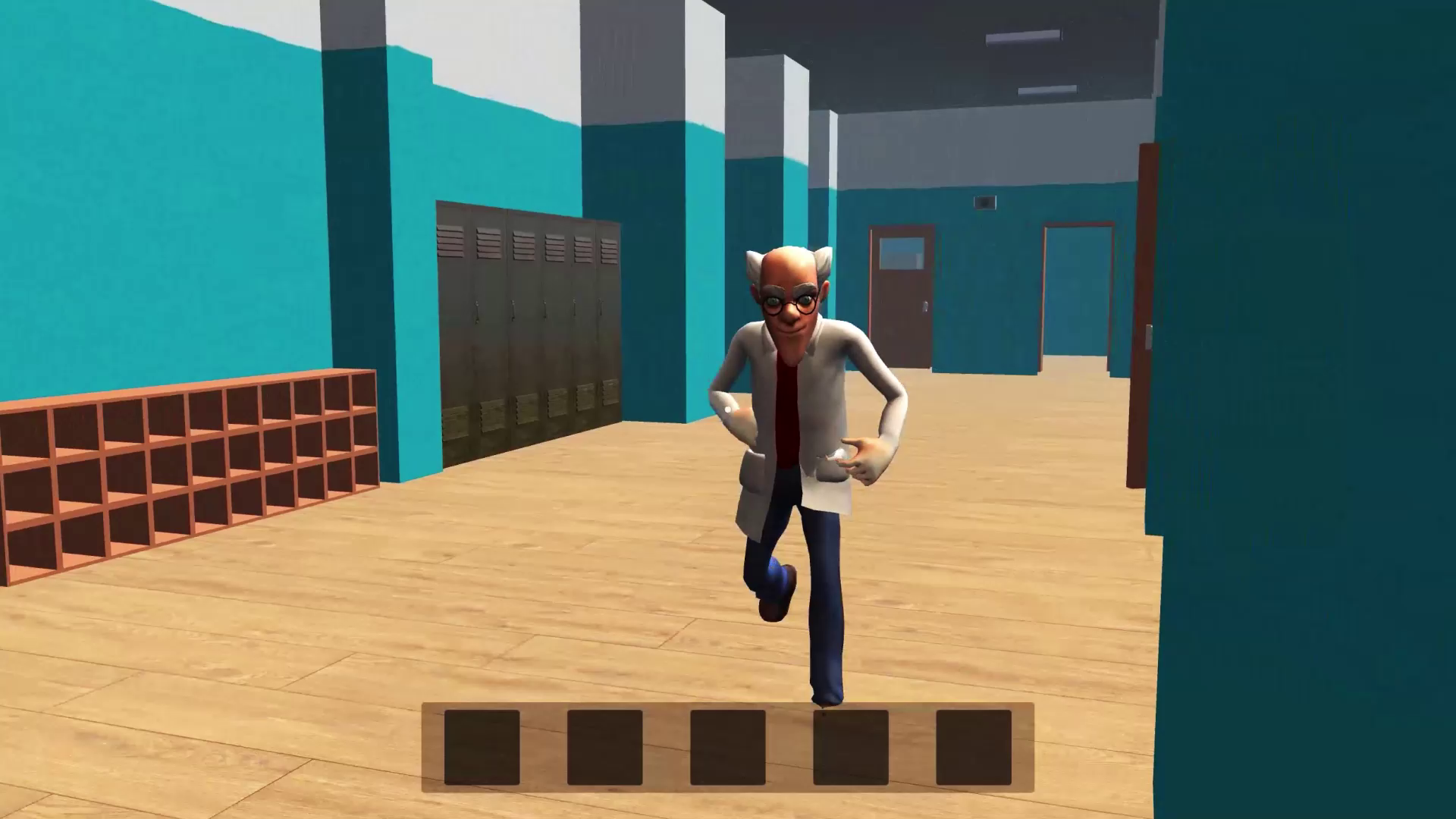
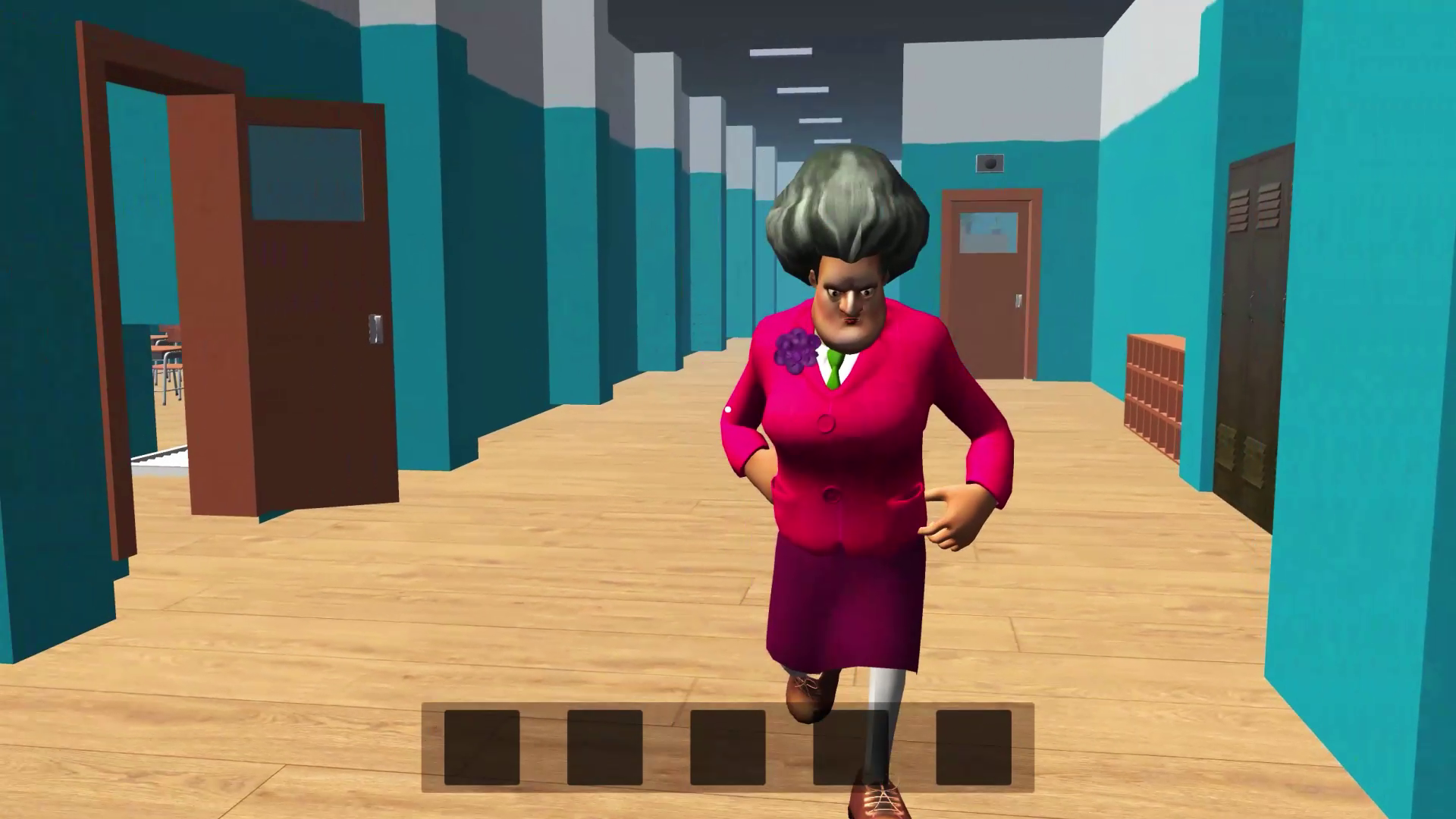
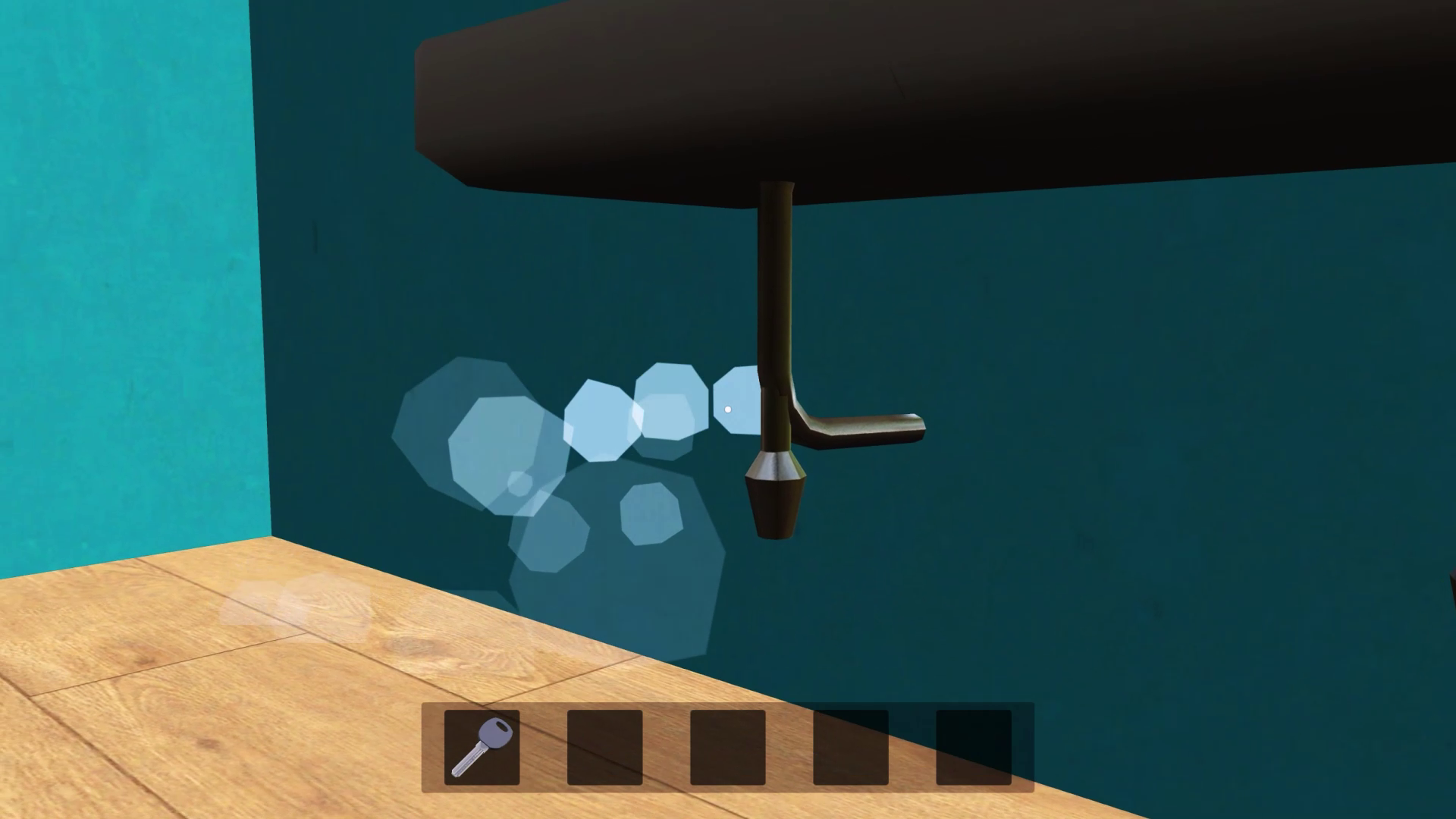
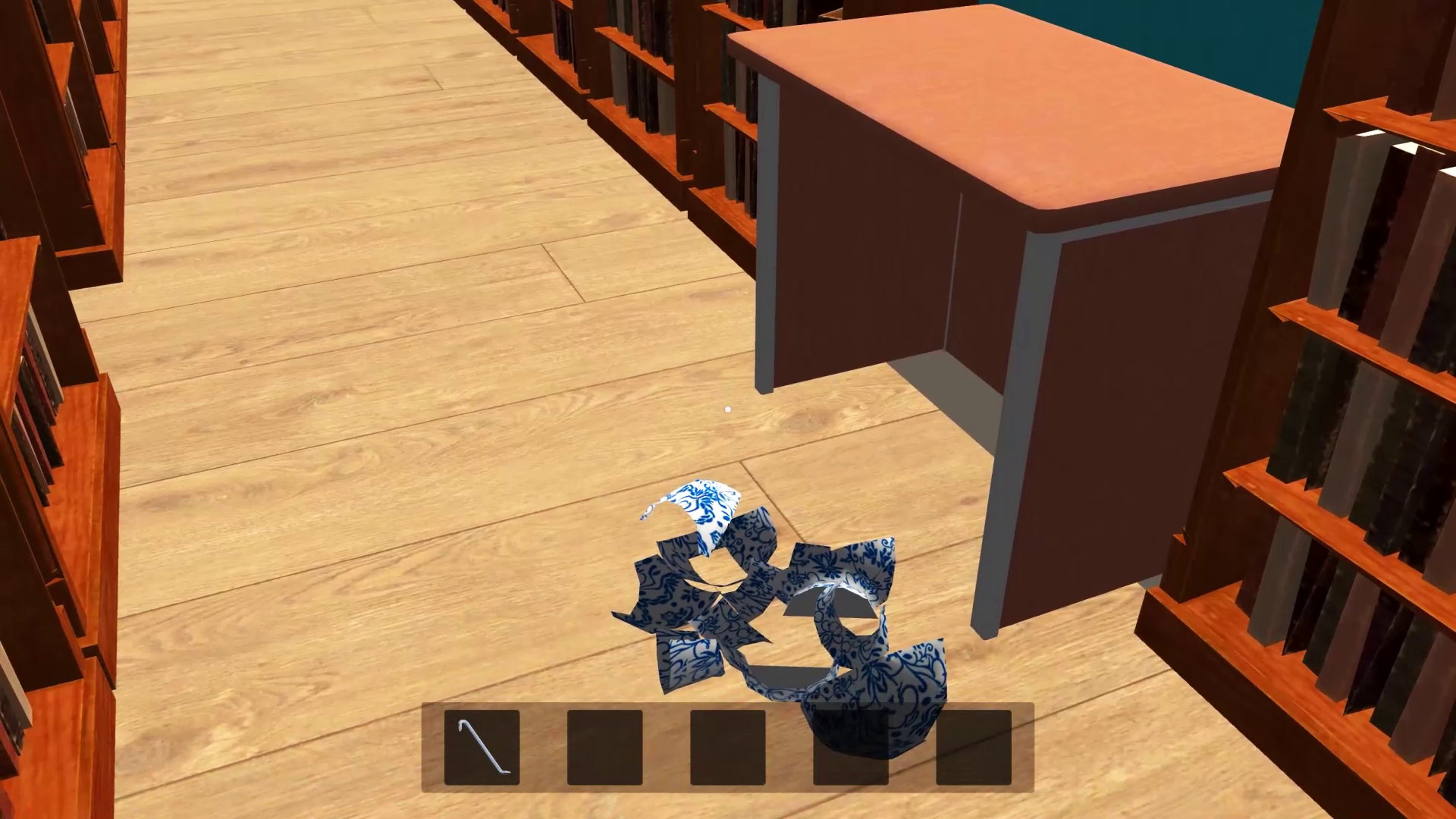
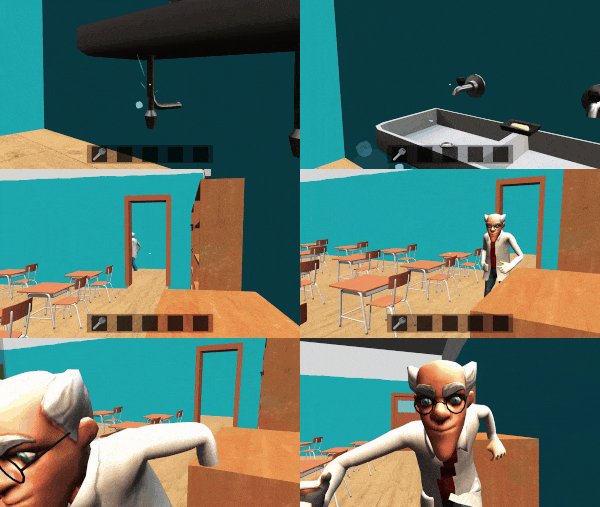
After the fascinating and exciting events of the first part, in which the main character ran away from home, "Schoolboy Runaway - Act 2" returns the player to the world of exciting escapes. Now the main character is a brave and resourceful schoolboy who is trapped in an educational institution. He will have to cope with all the riddles and outwit the teacher and the janitor.
Features of the game:
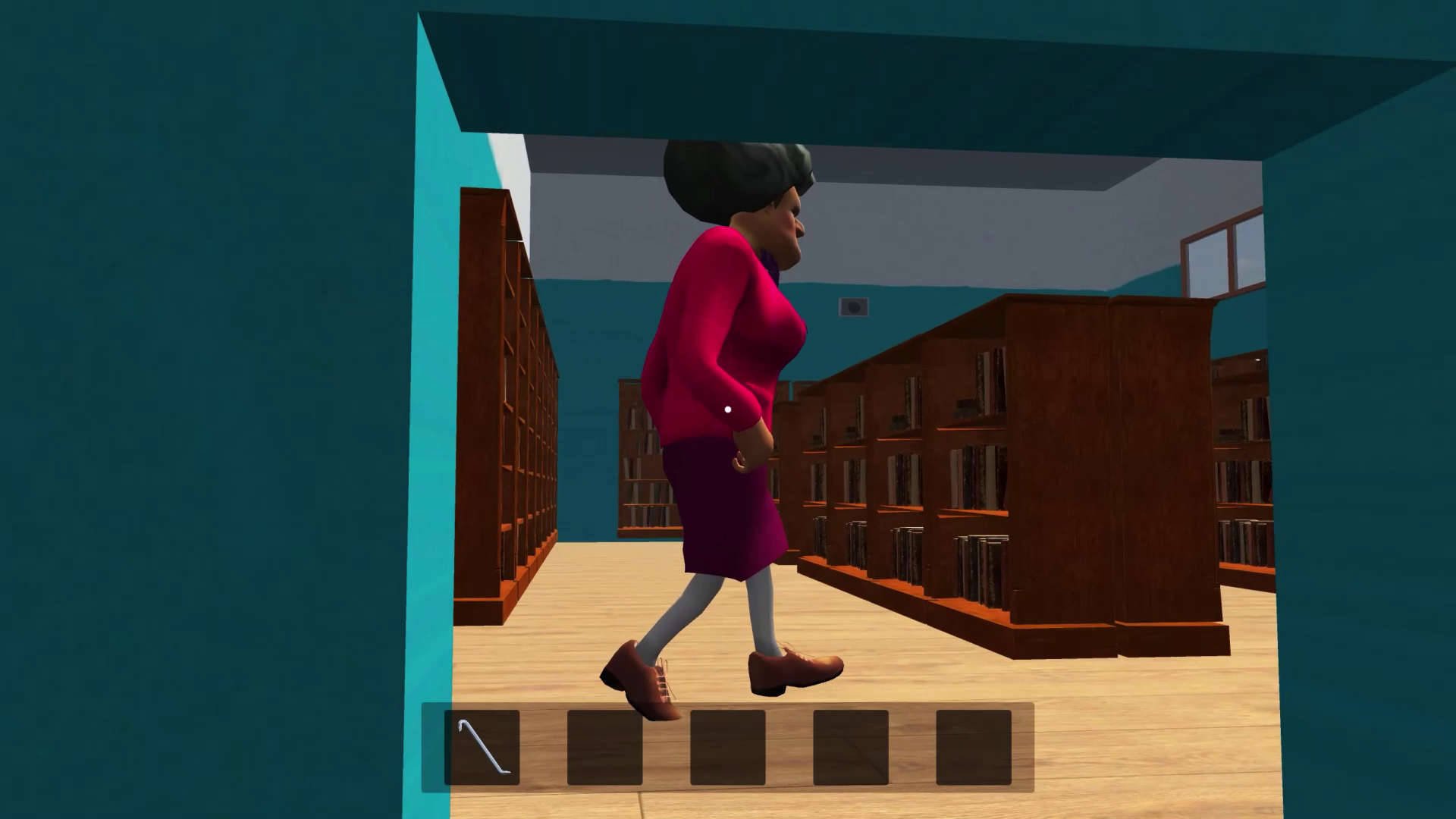
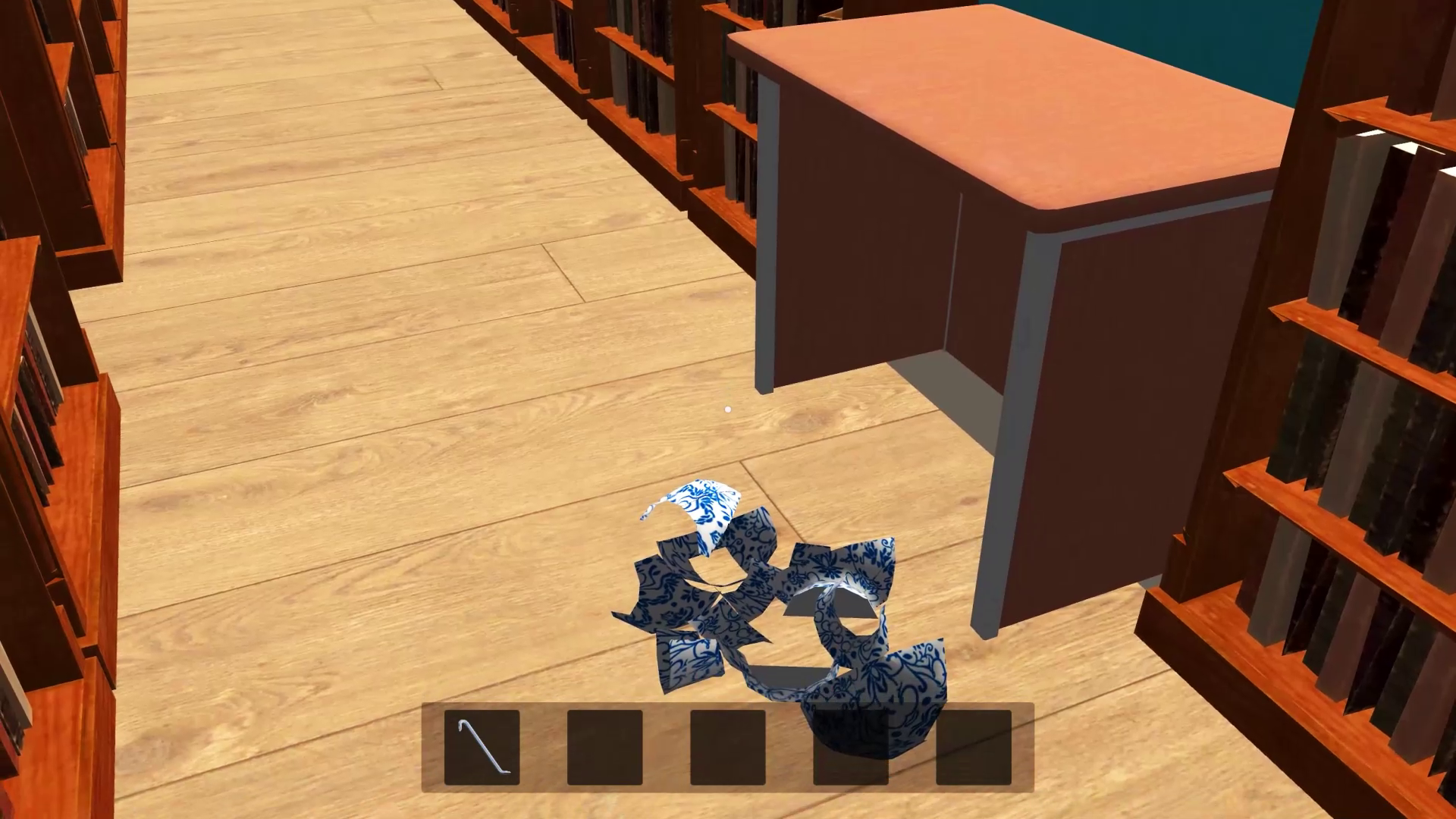
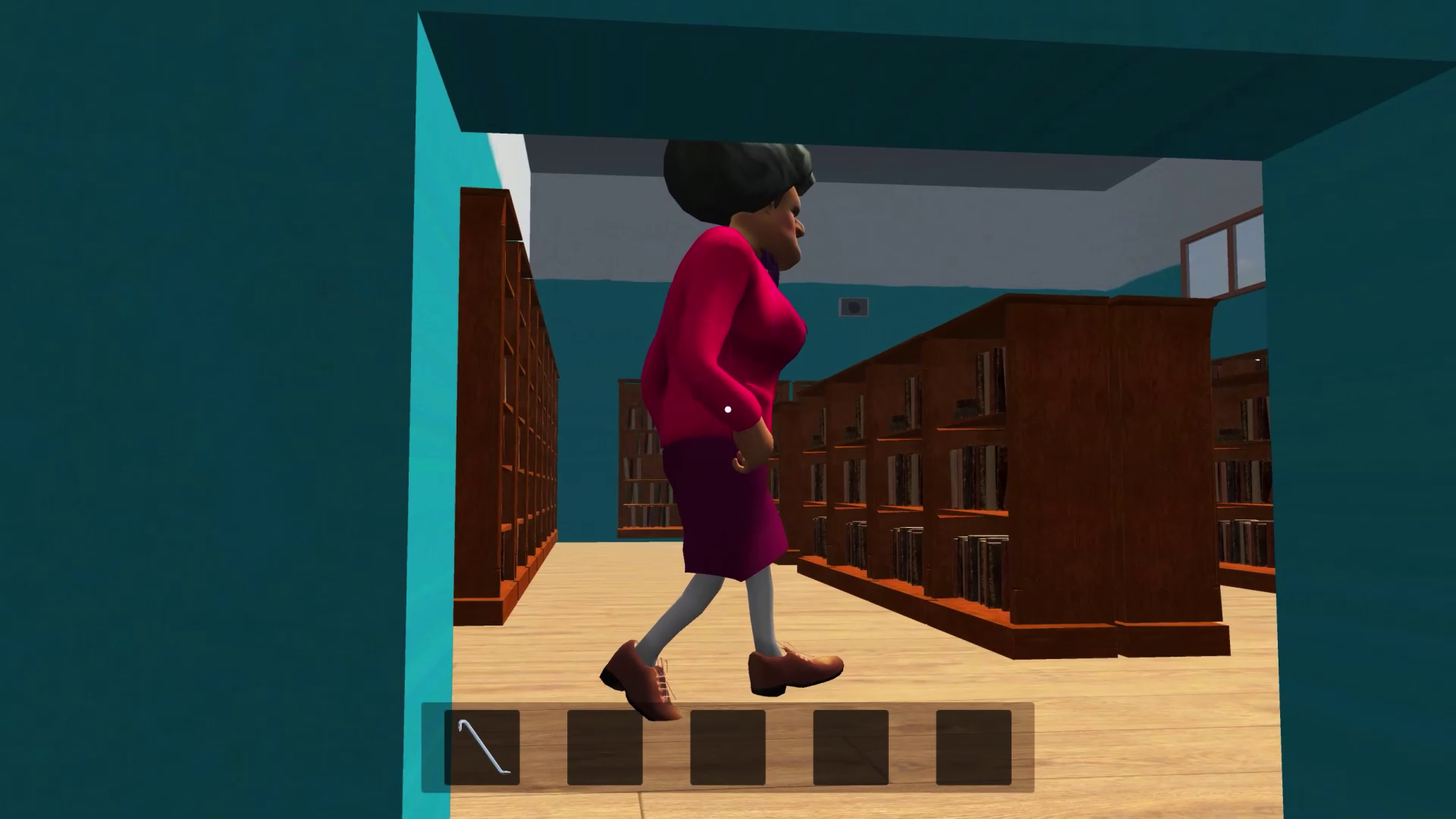
- Exploration: Immerse yourself in the exciting atmosphere of the school, full of secrets, hidden paths and interesting riddles.
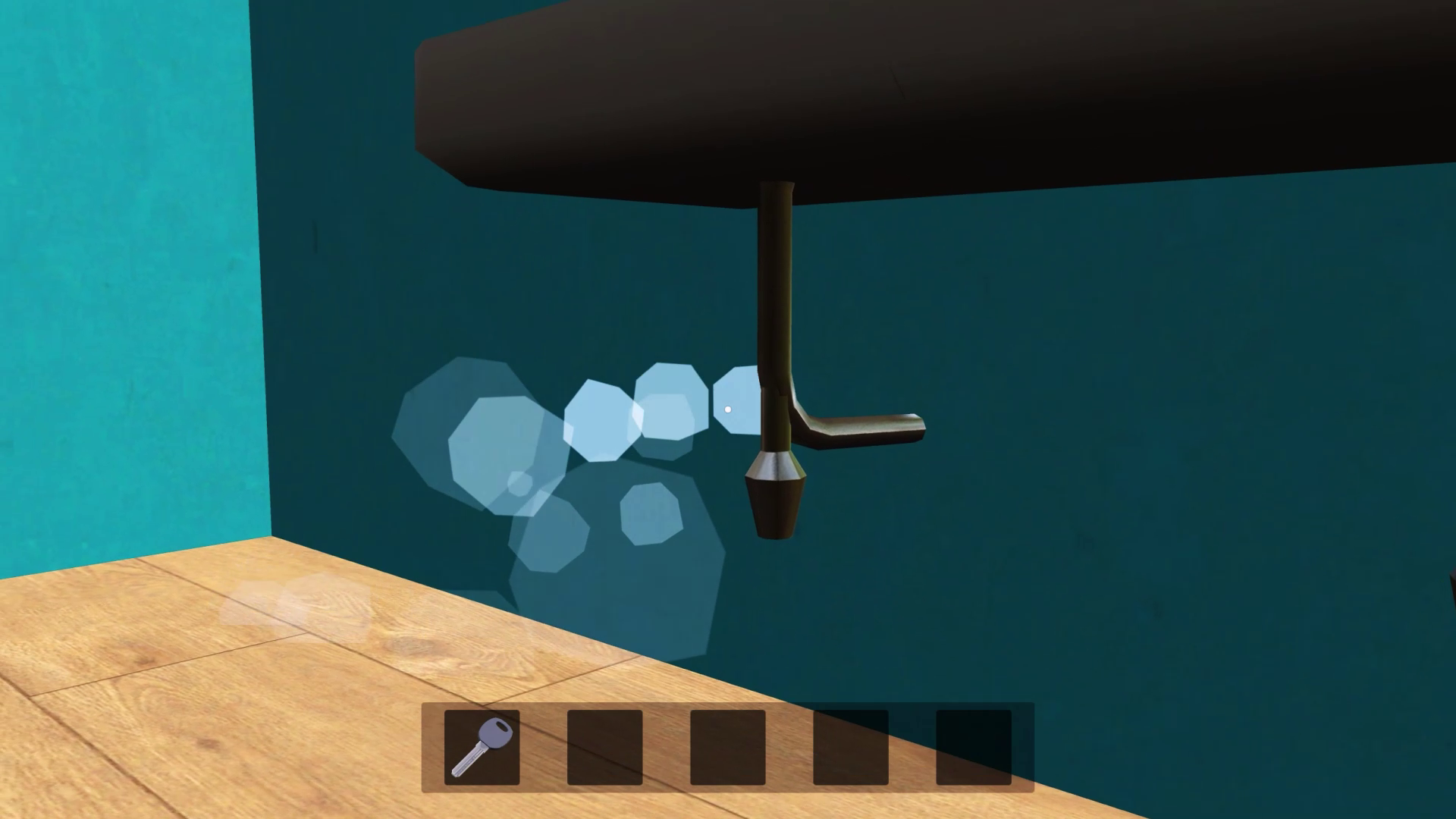
- Puzzles: Solve unique challenges and puzzles to find the key to the main door.
- Atmosphere: Listen to the actions of the teacher and the janitor to predict their movements.
Hurry up and help schoolboy escape from school!
-----
This game is a free interpretation of the continuation of the beloved story about the escape of a schoolboy.
Videos and screenshots
13,947 players online
How to play
-
Open the game
Press Play now and the game opens on its own screen.
-
Follow the in-game instructions
The controls and goals are shown inside the game as you play.
-
Use the game menu
The floating button over the game reloads it, saves it to your favourites, or takes you back out.